There are 3 ways to playtest games:
Play My Game
- Players can click the "Play" button at the top, then select "Play My Game" to test their OWN game.

Playtest Menu
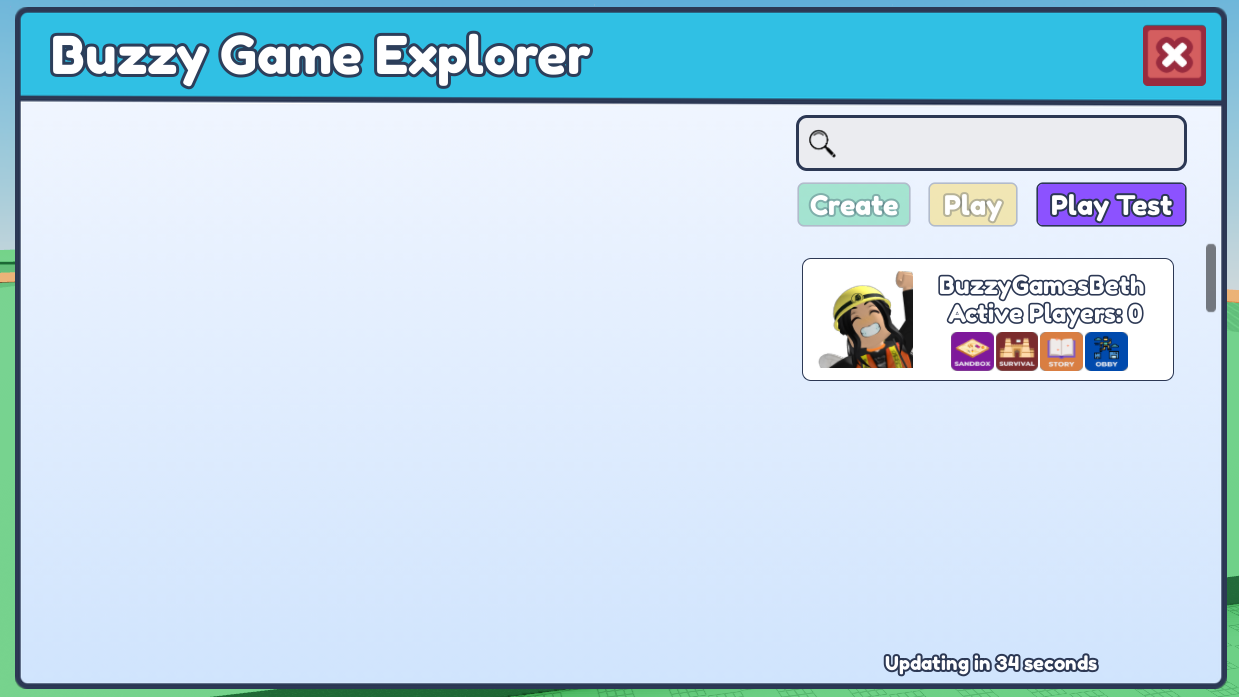
- Players can click the "Play" button at the top, then select "Playtest Menu". Students in the SAME server can use the playtest menu to collectively test a single student's game.
Play Team Games
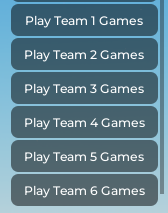
- Players can click the "Play" button at the top, then select "Play Team 1 Games - Play Team 6 Games" to playtest games from different teams.
- Before starting a class playtest, make sure each group has loaded their preferred game on their plot.