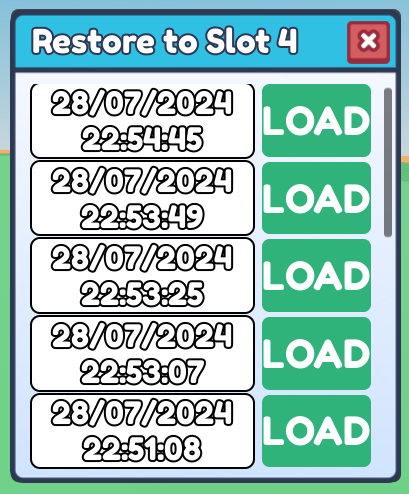
Make sure to load in the slot you want to restore first via the Game Menu
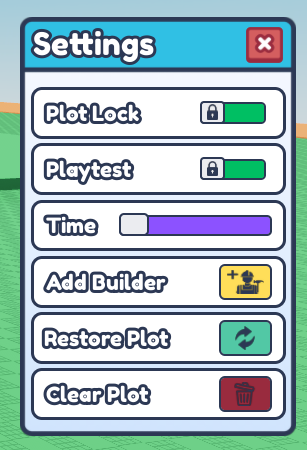
- Press the "Settings" Icon to open the Settings Menu
 2. Find "Restore Plot" and click on the green restore icon with two arrows.
- Press on any "Load" and find the autosave you want to restore.