- To publish a game, instruct the students to take a screenshot of their favourite game.
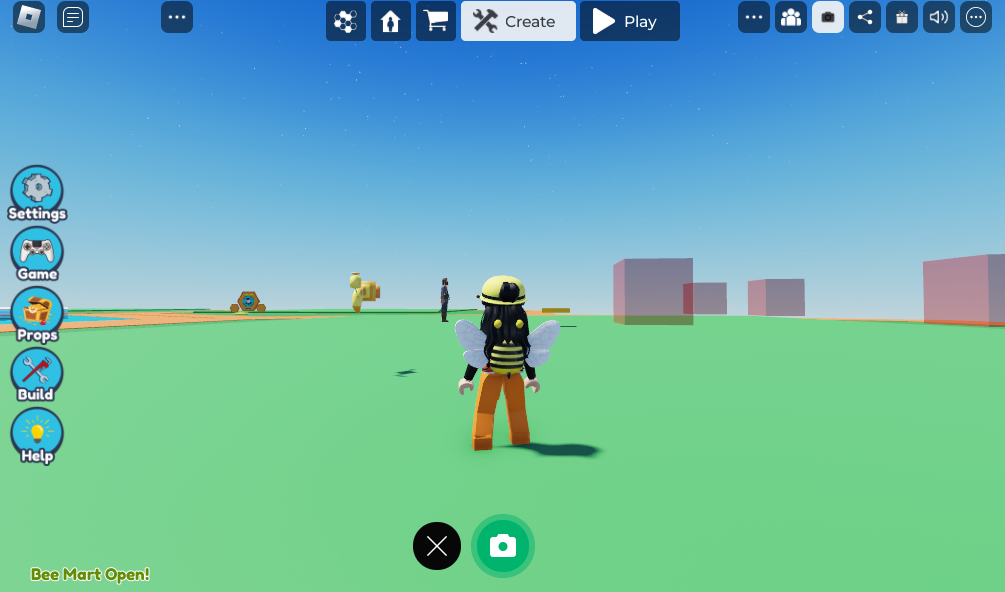
- Press on the camera icon on the top right of the screen

- On the middle bottom of the screen press the green camera button
 3. Then direct them to visit buzzy.gg/submit
4. Guide the student through filling out the form, including attaching the screenshot of their game.
3. Then direct them to visit buzzy.gg/submit
4. Guide the student through filling out the form, including attaching the screenshot of their game.