When trying to connect to the Buzzy Creators Hive on Roblox if you receive a disconnected error with the code 268 this is typically caused by:
- poor internet connection or
- some students are running additional software that might interfere or
- some students are other non Buzzy Roblox experiences
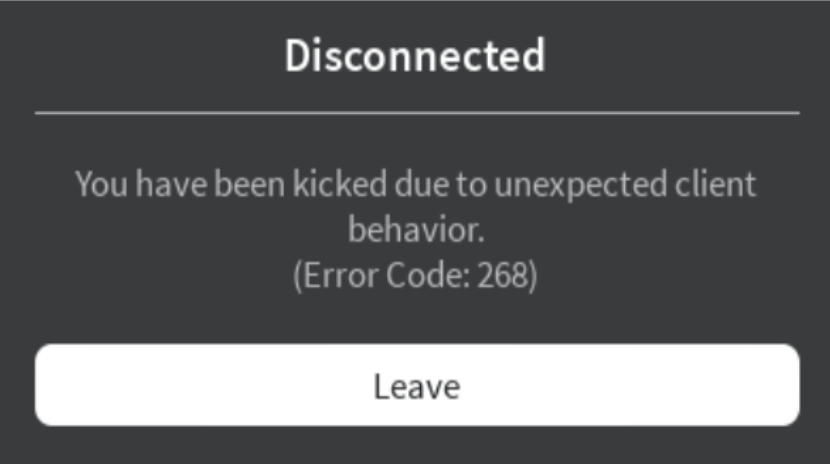
To troubleshoot this issue, follow these steps closely:
- Advise all students to power down their devices entirely for 15 minutes.
- Restart the router you are using for the connection.
- Close all other applications or programs running on the students' devices.
- Initially, have only one team join and allow them to build in isolation for approximately 10 to 15 minutes.
- While the first team is building, encourage the rest of the class to engage in card games, switch among teams, or design new cards.
- If the first team builds successfully without encountering any issues during that time, introduce the second team and repeat this process until all teams are online.