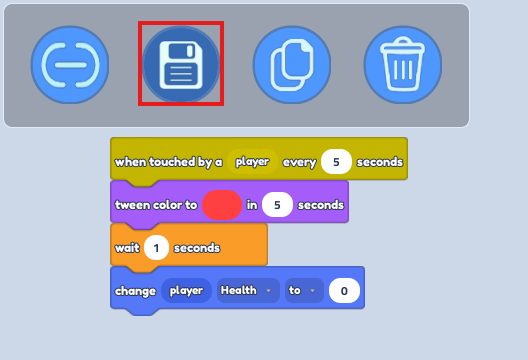
This tutorial will be perfect for building an Obby!
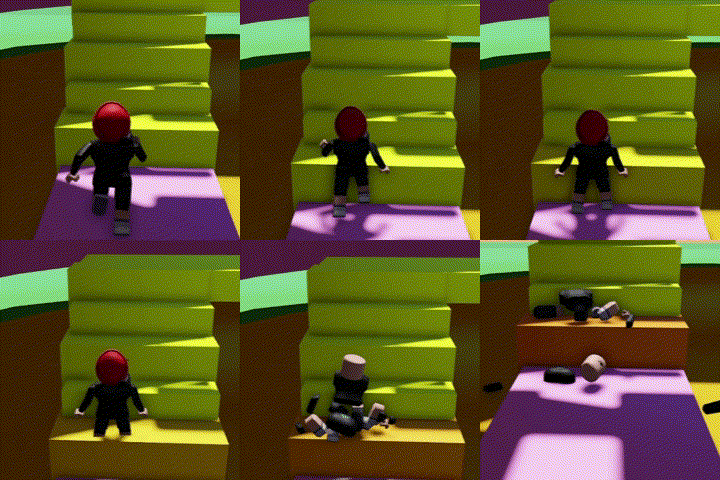
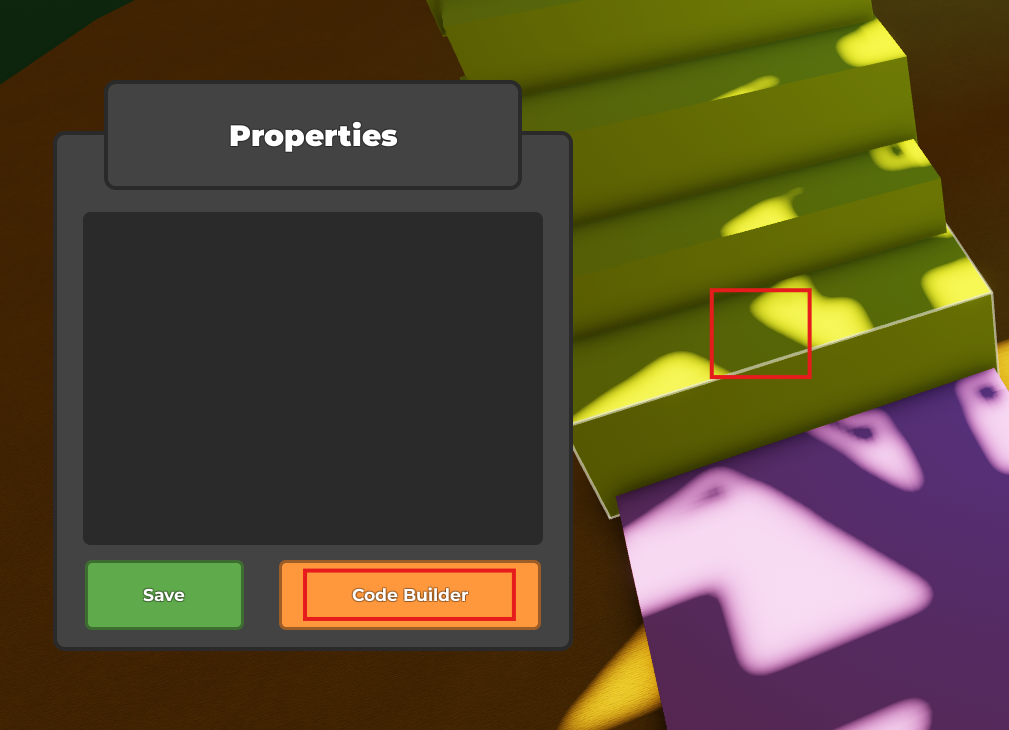
- Open a "code builder" on your selected part (Shape)
- Find "When touched by a player" in "Events" = (Yellow Button)

- Find "Tween color to..." in "Looks" = (Purple Button)
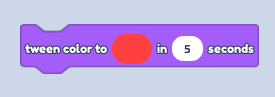
Select a Colour by clicking on the colored oval in the Code Block "Tween color to" then choose "Seconds" (This will affect the length of color swapping process"
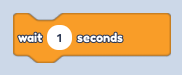
- Find "Wait ... Seconds" in "Control" = (Orange Button)
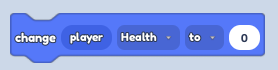
- Find "Change Player Health to..." in "Player" = (Navy Button)
- Save your Code and Play the Game!