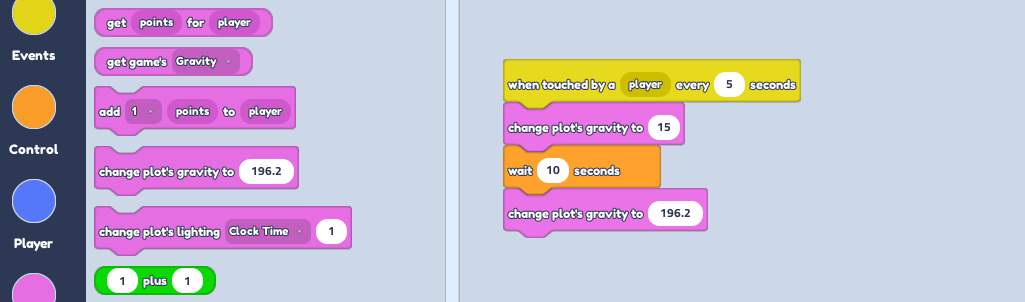
Place the part to act as your button. Select it and open up the code builder.
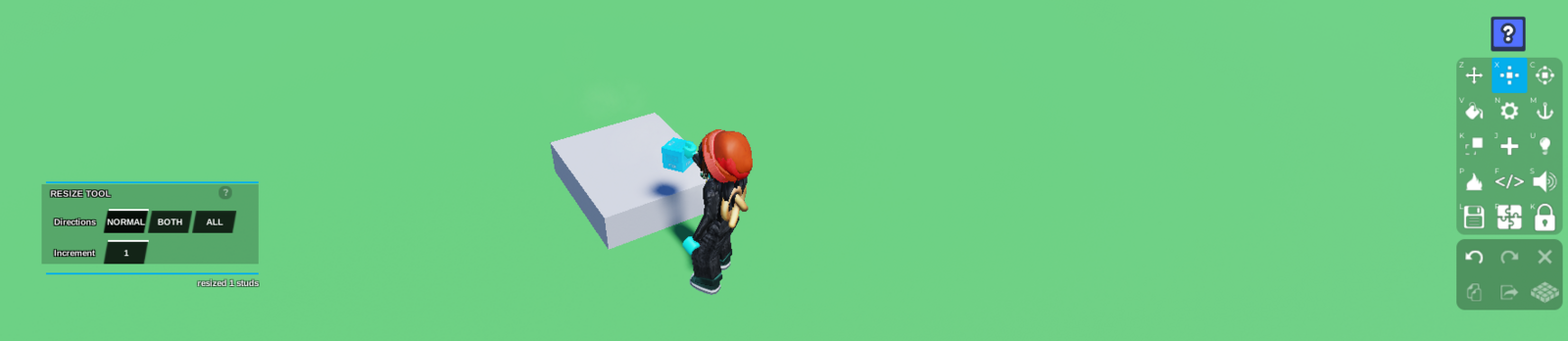
From the
Events, start with aWhen player touches object, followed by achange plot's gravity to --part from theGameSection. Change the number to 15 or whatever number you'd like. The lower the number, the less gravity.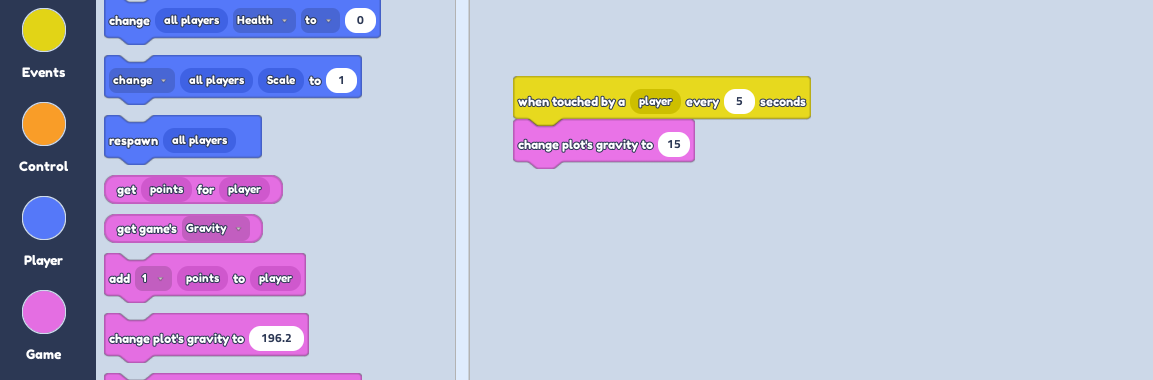
From the
Controlsection, place await for -- secondsand change the number to however many sections you want the low gravity to last.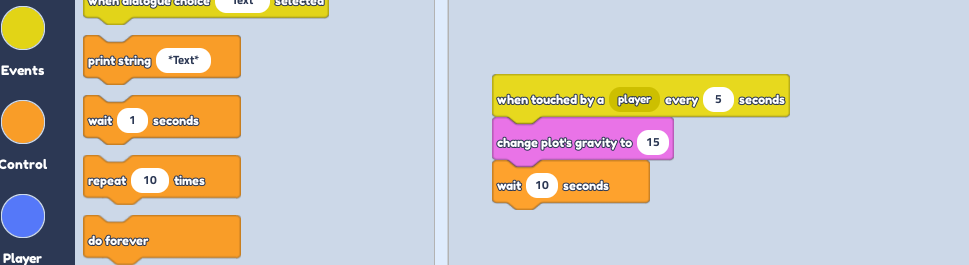
Lastly, place another
change plot's gravity to --part, to set the gravity back to normal.
Don't change the numbers on this last part, as it is the original gravity