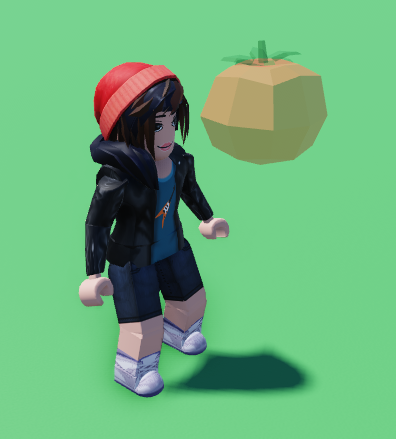
Perfect example for creating a food eaten effect!
- Add a name to your script!
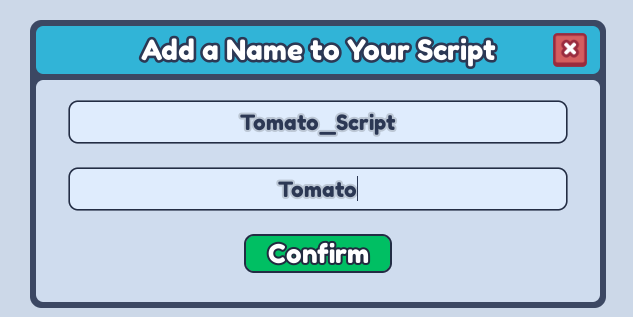
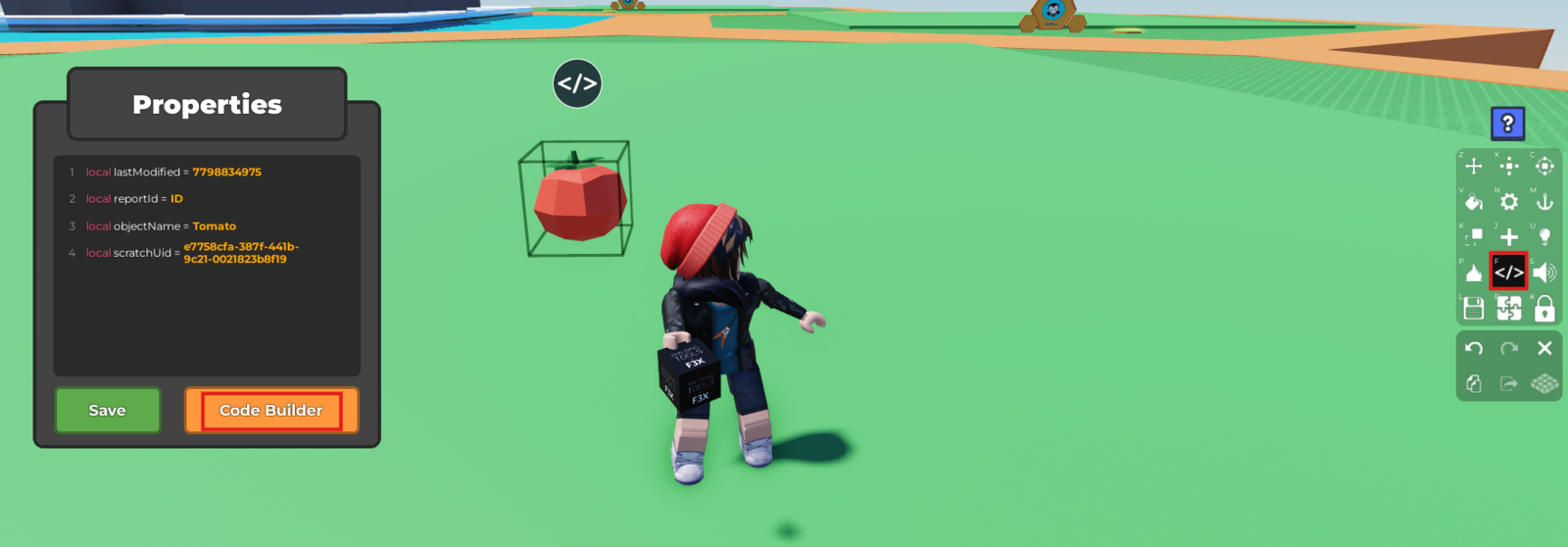
- Open the Code Builder by pressing
</>.
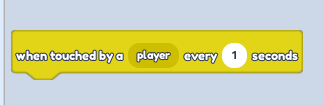
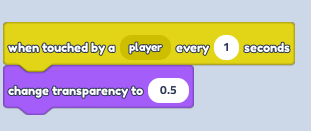
- Find the "Events" (Yellow circle) on the Menu on the left. Find the "When touched by a player every _ seconds" Change seconds to - 1.
- Find the "Looks" (Purple circle) on the Menu on the left. Find the "Change transparency to 0.5".
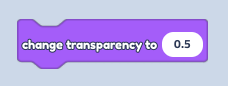
You can change Transparency to any amount you want, where 1 is fully transparent and 0.5 is partially!
- Connect them together.
- Save your script!

- Close the script and save again!
- Play your game and enjoy the result!