After loading a Plugin in the studio you will see a plot selection above. Press play button (Top left) to simulate builders' view
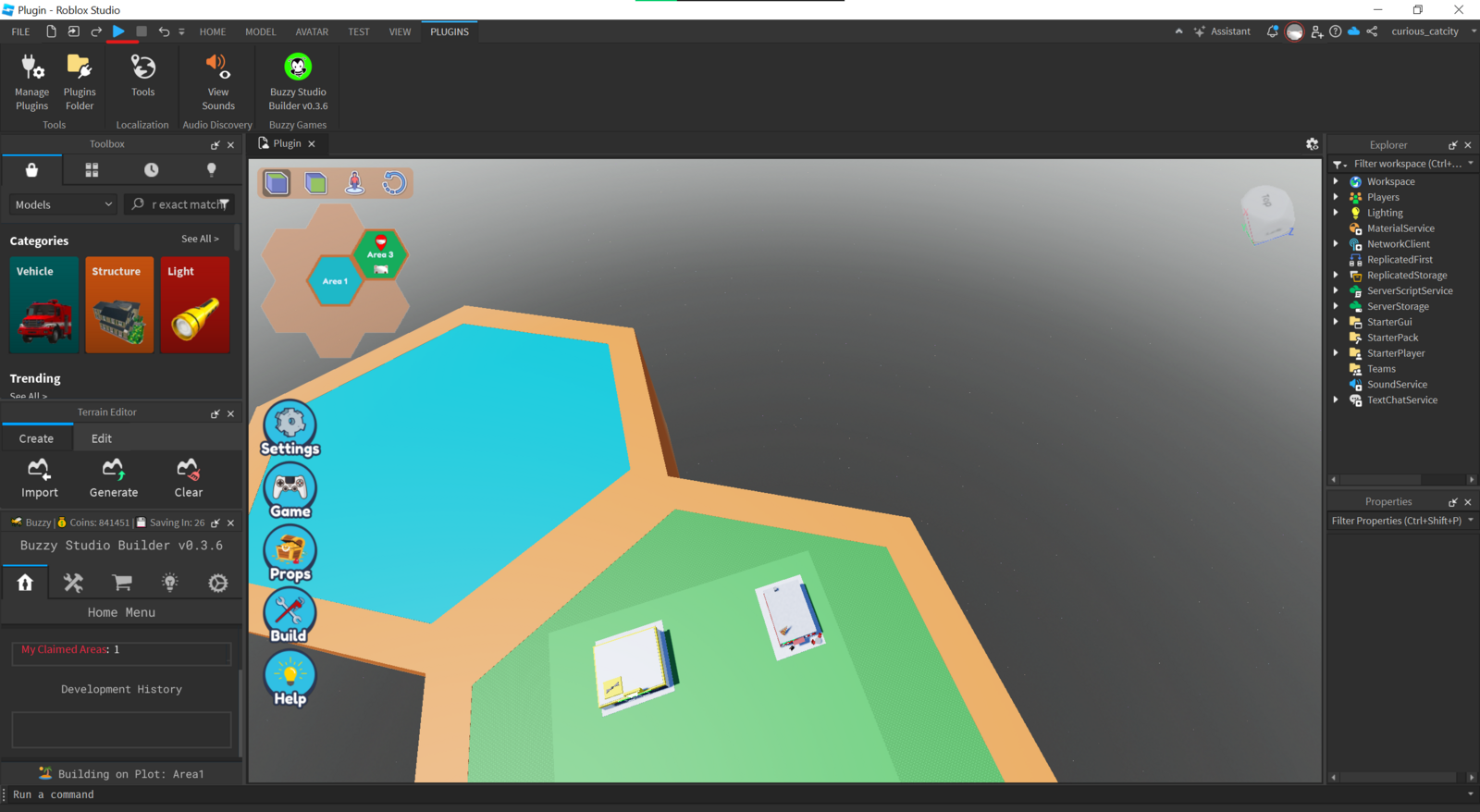
After pressing "Play" you can view plots and select the available one
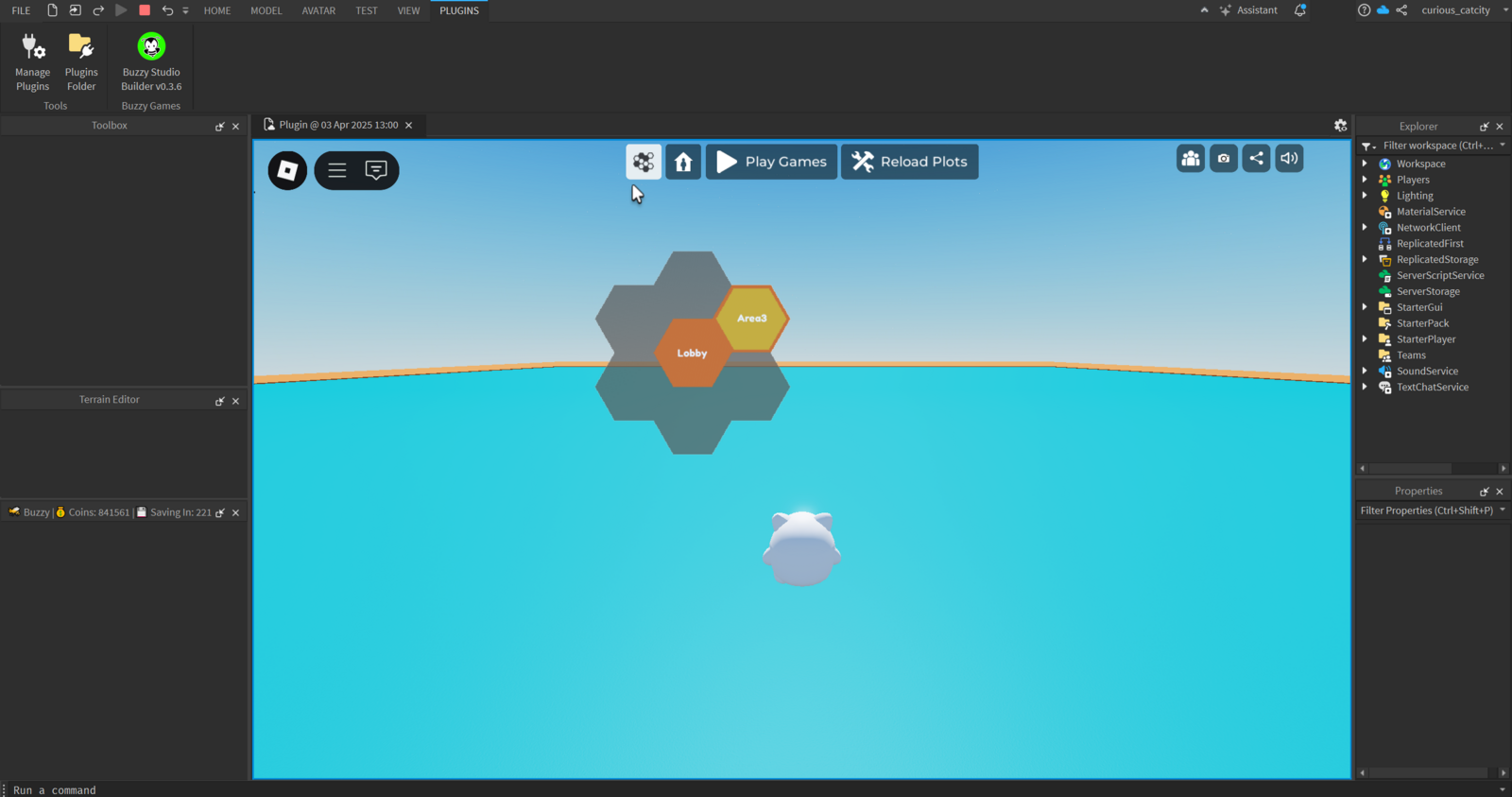
After clicking on the area "Claim a plot"
Enjoy the builder | Build menu should pop up on the left
Claim a plot to start Building in Roblox Studio (Buzzy PlugIn)
Last updated: March 12, 2026
Was this article helpful?
Thanks for your feedback!