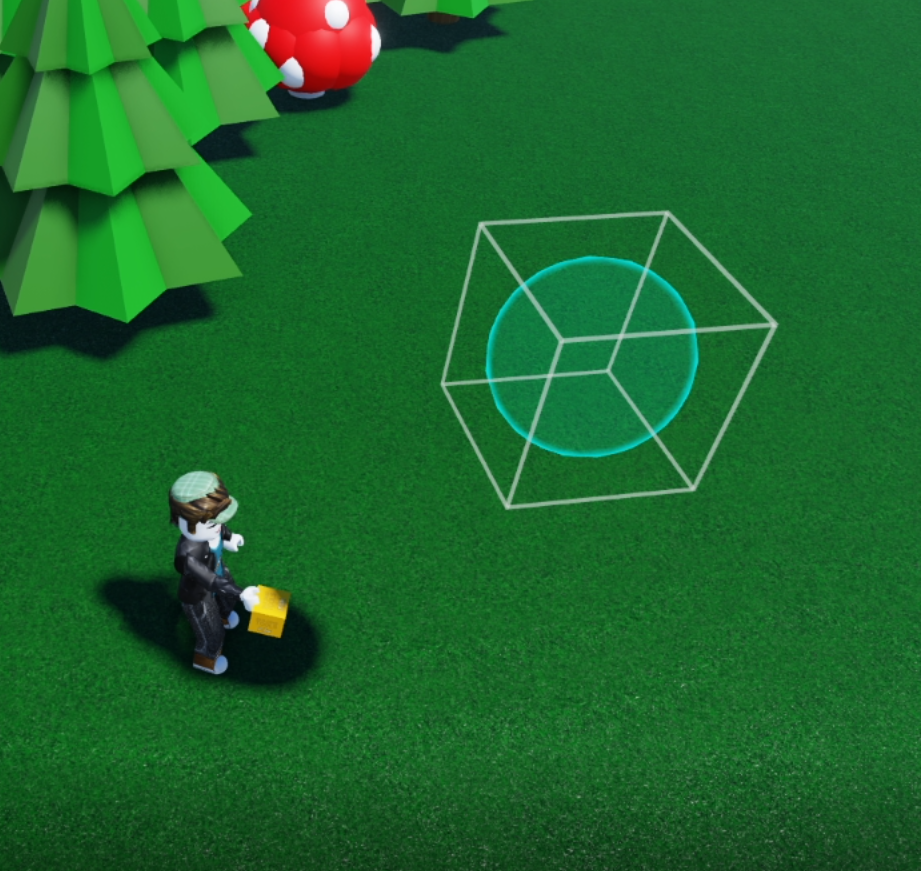
 This object that we will create, can made into an amazing popping bubbles game, or a great entourage!
- Let's create a ball under the plus (New part tool) menu - select a ball
- Under the cogwheel menu, change the material to Forcefield, then go into the bucket tool and colour it with your desired colour by selecting a colour and then the object.
- Open the code builder (Menu button <>) and then "code builder" on a pop-up
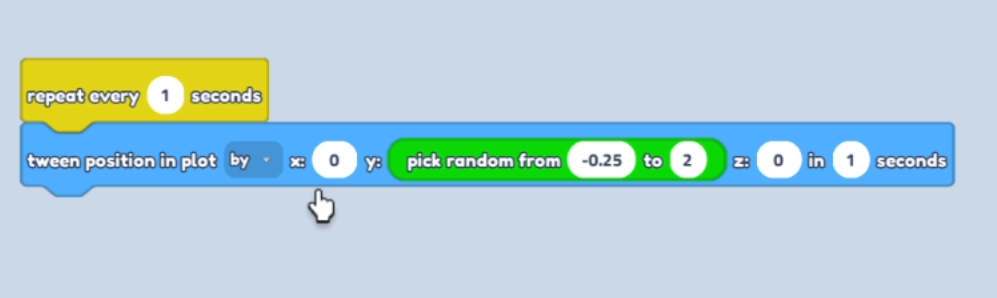
- Then create an Event - "Repeat every (Change number to 1) seconds"
- Then create a Motion - "Change position in plot *(By) *
- Then in Maths select "Pick random from (-0.25 to 2)
- Drag the "Pick random" icon into the Y: space
Your code should look like this!
 Click Save icon and then Play!
Enjoy your Bubbly world!