This tutorial may be especially useful if you reach your limit in prop count (100), here is how you can create a very similar shape to the purchasable prop.
Firstly navigate to the props
for this tutorial we will choose a volcano, but you can follow along with whatever works best for you.
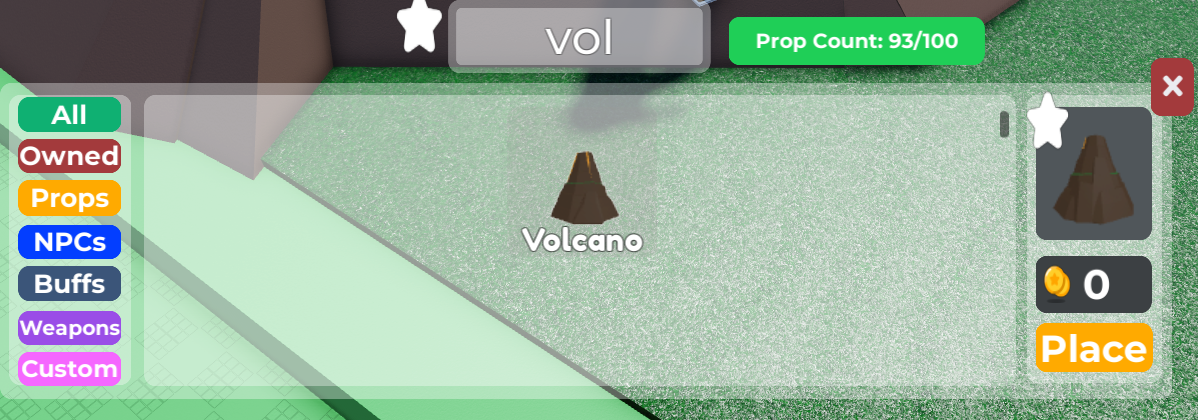
Let's place this volcano and start building on top of it. Following the exact shape of the model along the way
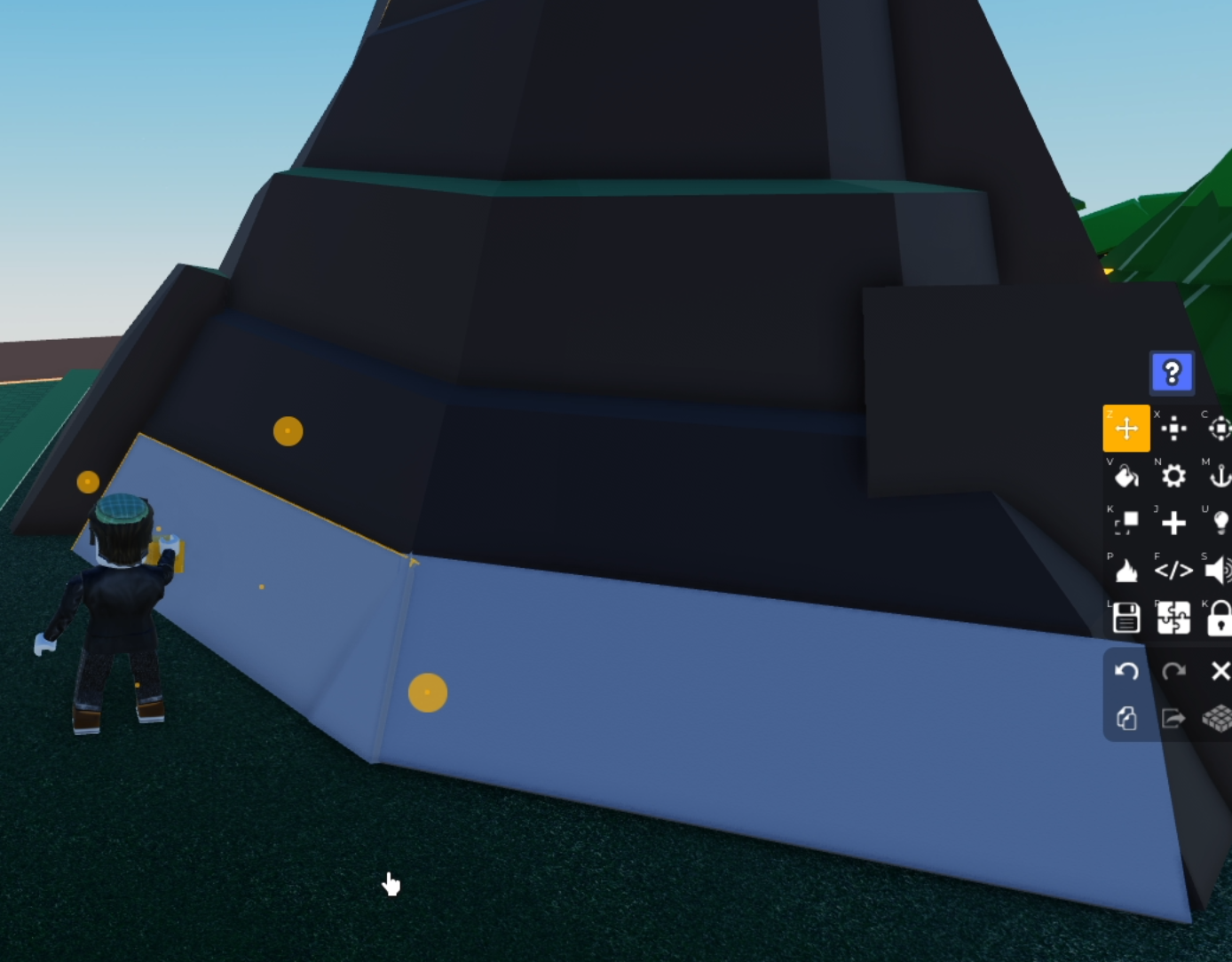
Try to focus on filling in the gaps in shapes
Then after you finish your model, make sure to look for any gaps or overlapping shapes, ideally you'd want to avoid those for a seamless model
Let's texture (color your model)! Select a bucket on the right hand side
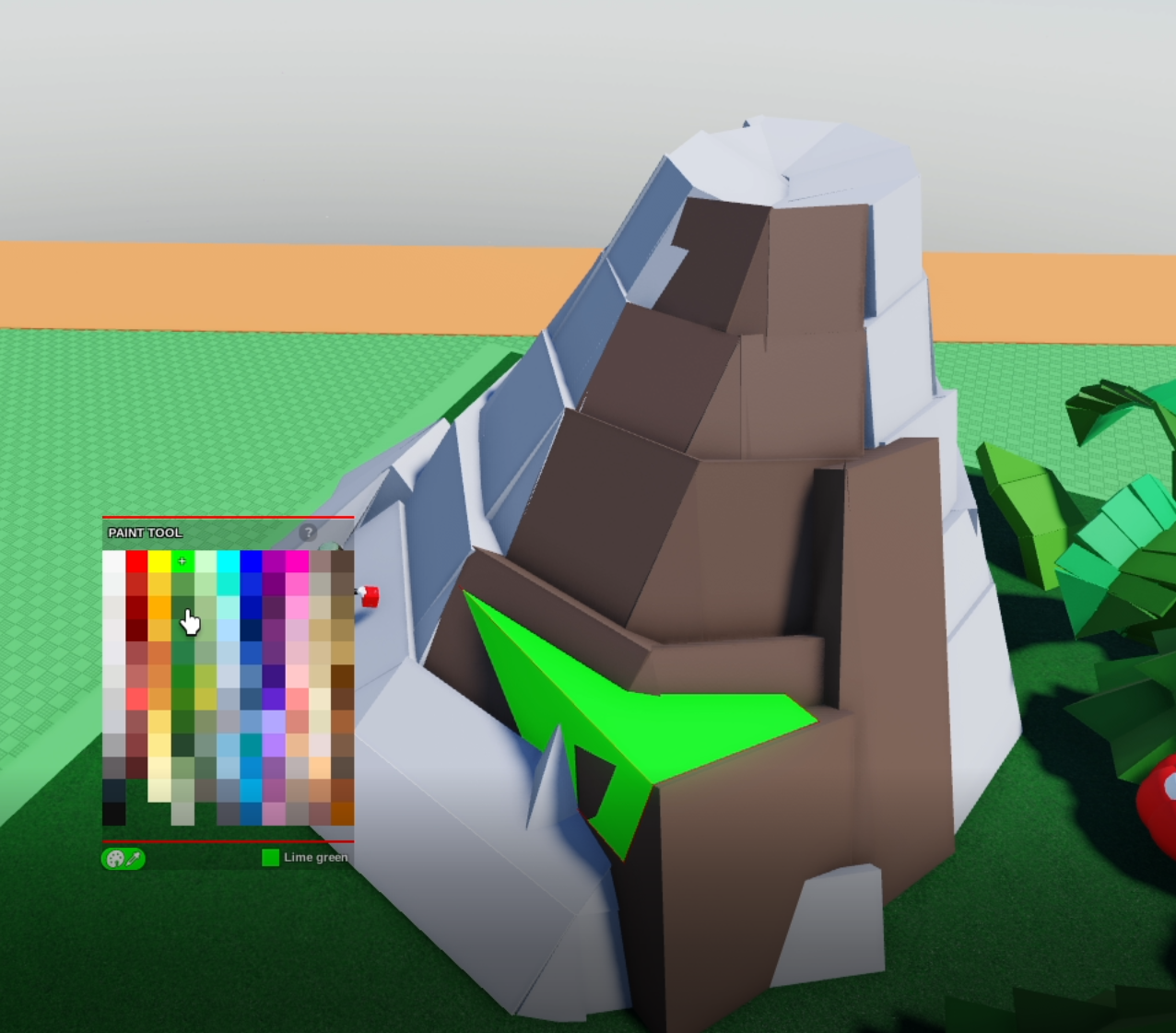
Coloring the model might reveal more gaps, be patient and move some of those around for ideal result
Let's finalize! Select all the shapes, group your model by pressing puzzle piece, and click group!
Now that we have our model together, select your model, press save button, Give it a nice name and publish.
Hooray, that's it!