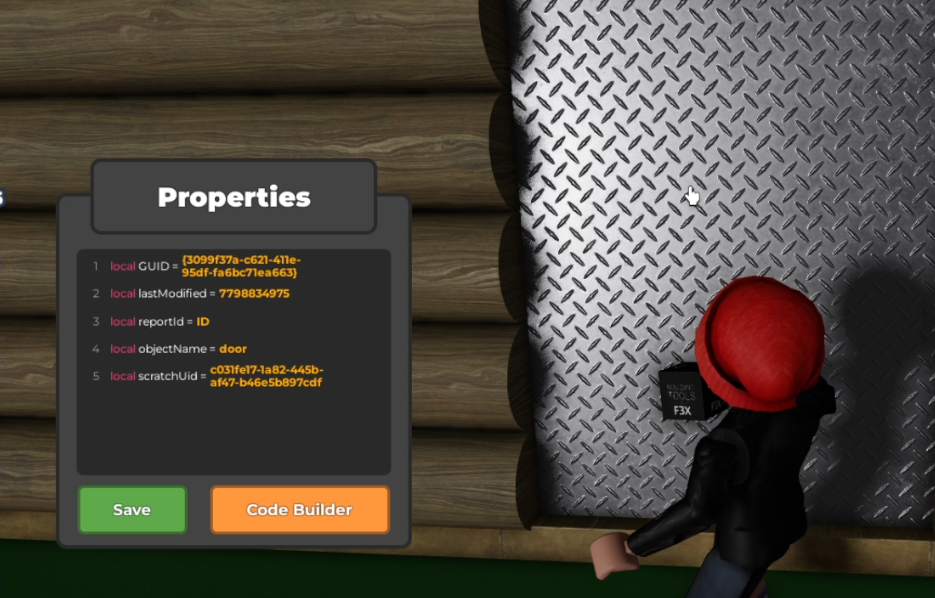
- Start by opening the code builder for your door object!
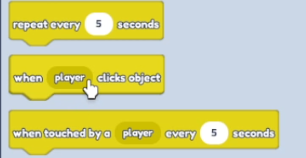
 2. Select "when player clicks object" block in "Events"
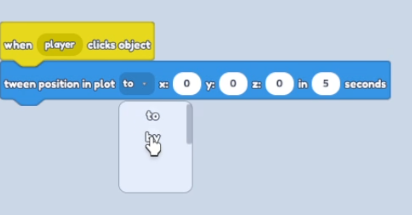
 3. Select "tween position" in "Motion" and change "to" to "by" on the "Tween position" code block. and change Y to: 10
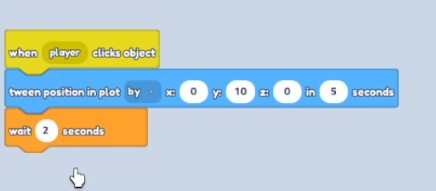
 4. Then select "Wait 1 seconds" in "Control" and change seconds to - 2
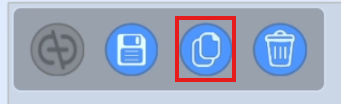
 5. Then copy "Tween position" by pressing button above
 6. Change "Tween position" on Y to: 0
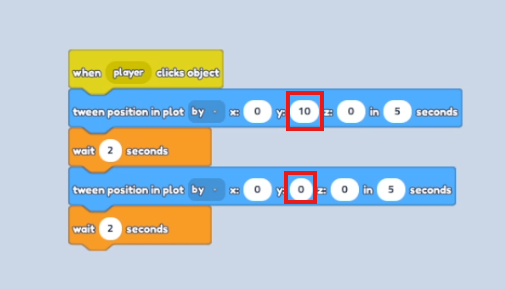 7. Save your code! Play the game and when you or your friends will touch the door, it will open!