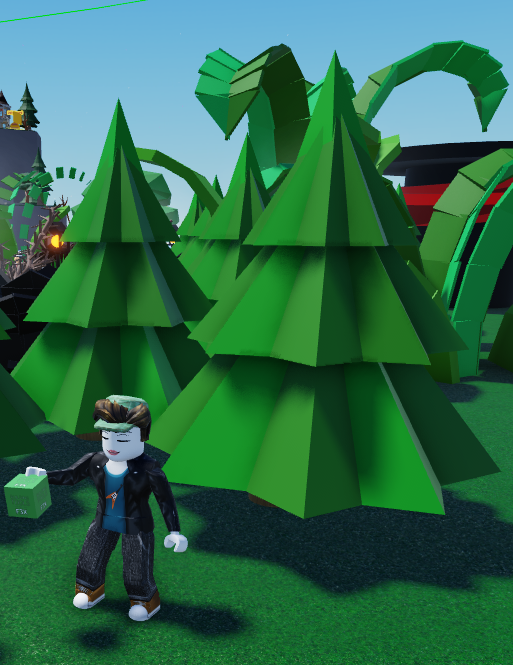
To build a beautiful forest and avoid using all your props limit (Which is 100 props per plot) follow these simple steps!
- Navigate to your build tools and select a Corner shape
- Duplicate it, rotate it and move it while being mindful of avoiding the gaps.
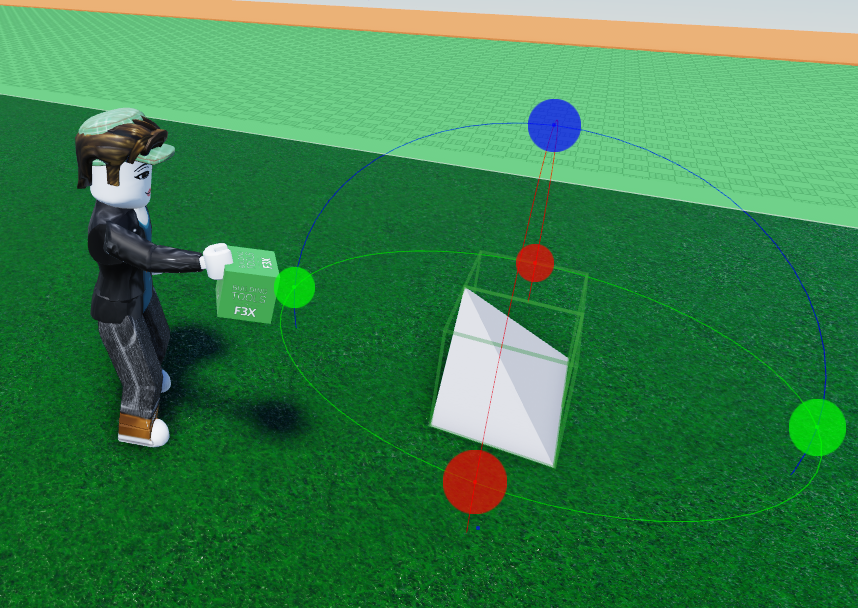
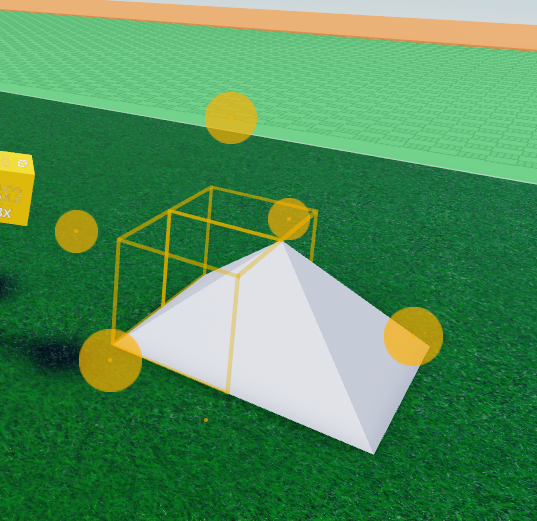
- When you see the cone, you're almost done!
- Now duplicate this cone and move it up
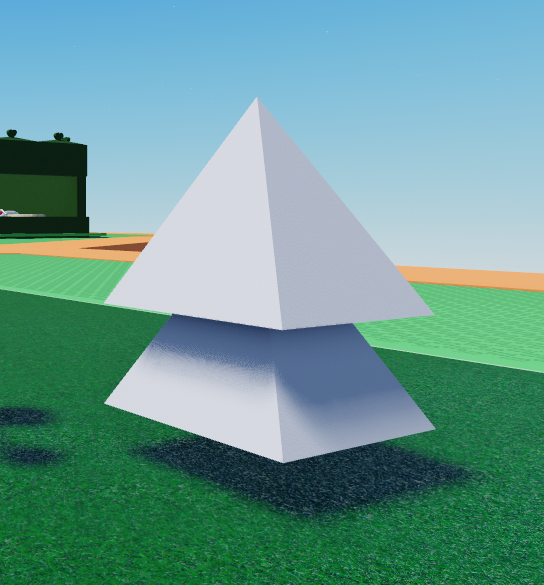
- Right after that, duplicate it again and rotate, that way our tree looks bushy!
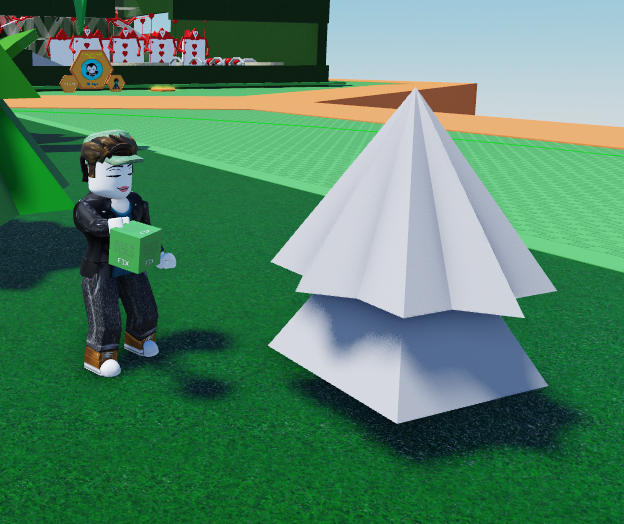
- Repeat the process in the same way with the triangle objects below
- Give Shapes color by pressing on the Bucket on the right-hand side. Pick your color and enjoy!