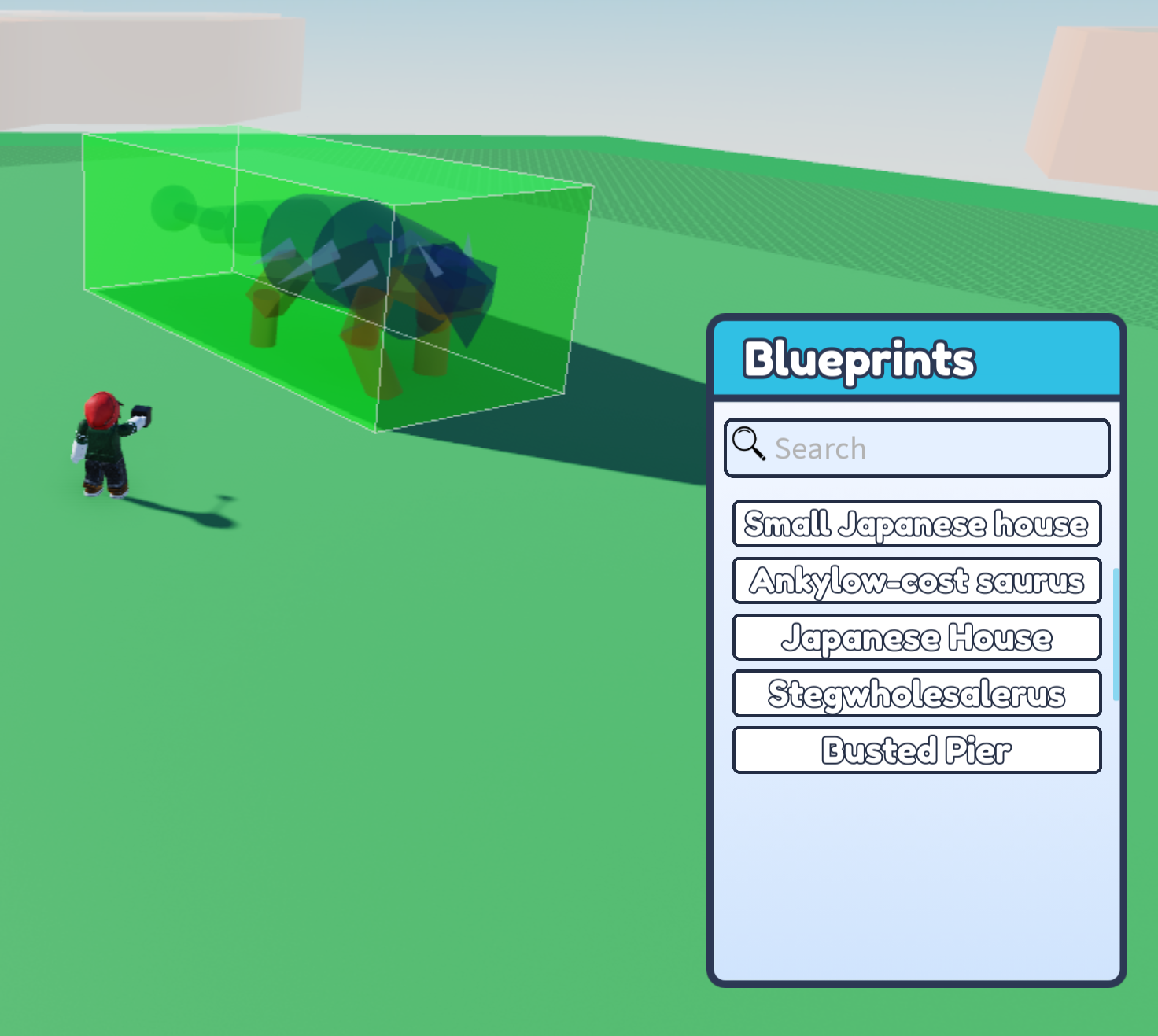
Choose a blueprint you like and place it in your plot.
Click on the Edit Blueprint button.
Once you have done this, open up the Help menu in the bottom left corner of the screen, then click I Need Helpers. This will prompt the Buzzy to come and help you out!
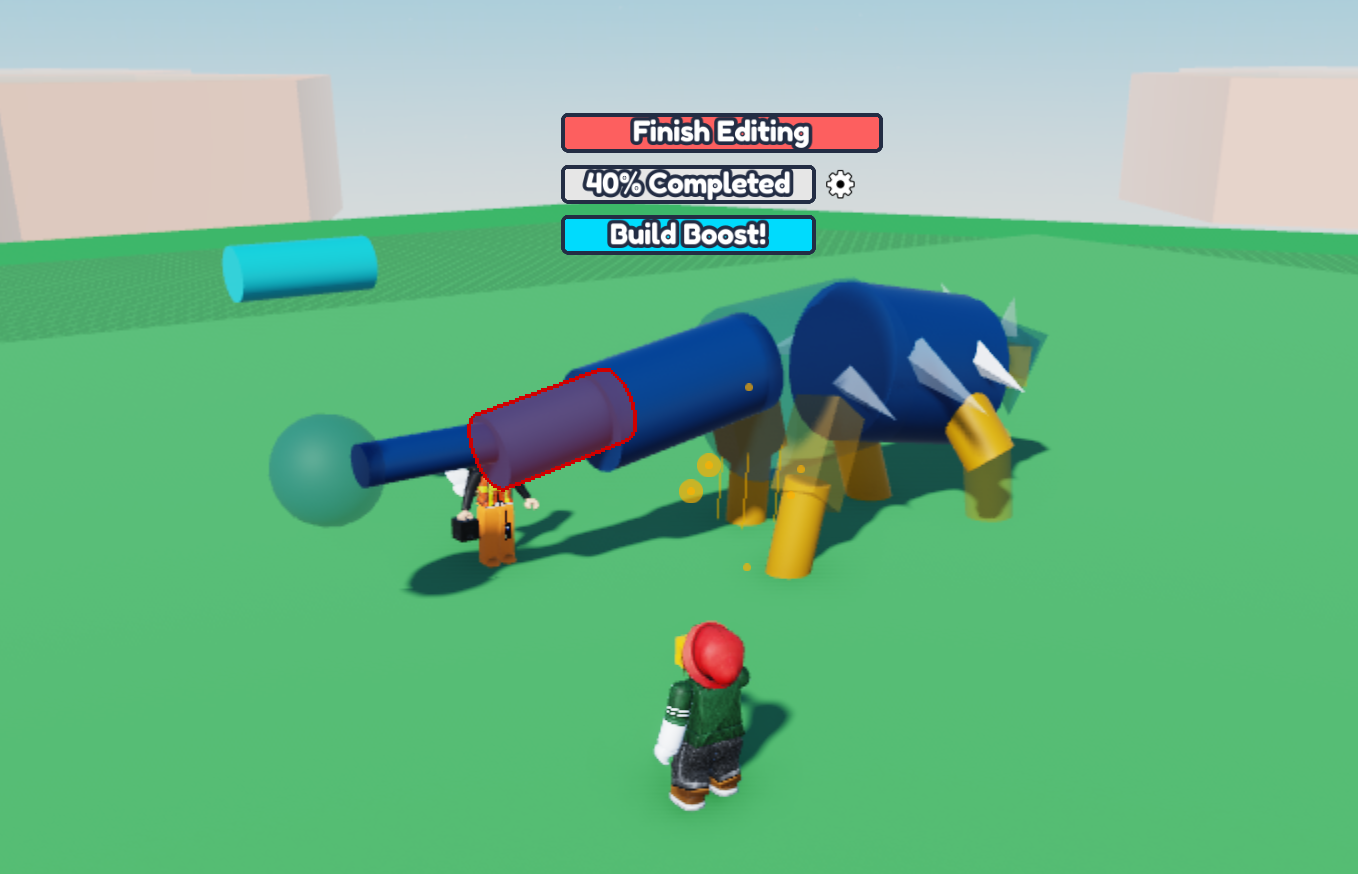
Now you can start building your blueprint, and the Buzzy will build alongside you!