On the left hand side, go to the widget ang click the Cog symbol at the end to get the
Settings Menu, and click onWorld Settings.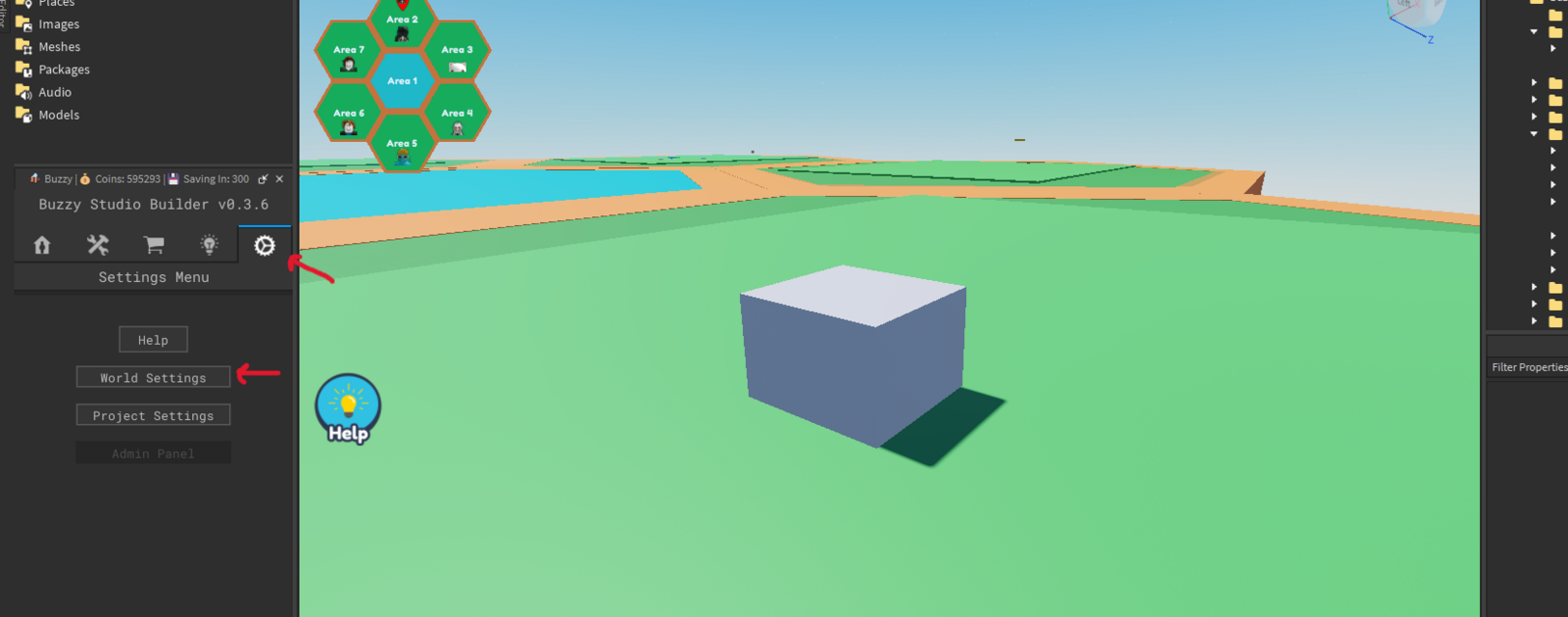
Once this is opened, there will be 2 options under Color Settings, to change the Lobby Hex Color, and the Hex Outer layer Color.
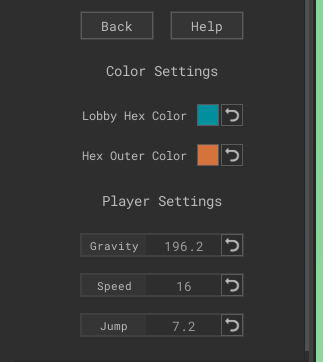
Click the colored boxes to change the color to whatever you desire, even ${color}#ff33f8
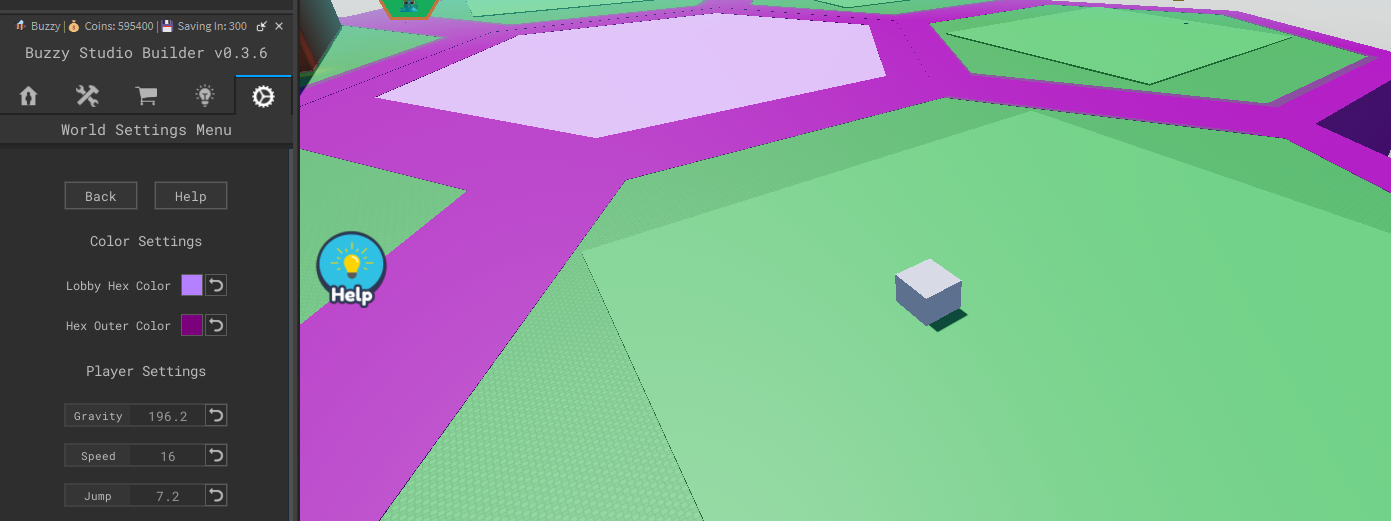
How to Change Hex Colours in Plugin
Last updated: March 11, 2026
Was this article helpful?
Thanks for your feedback!