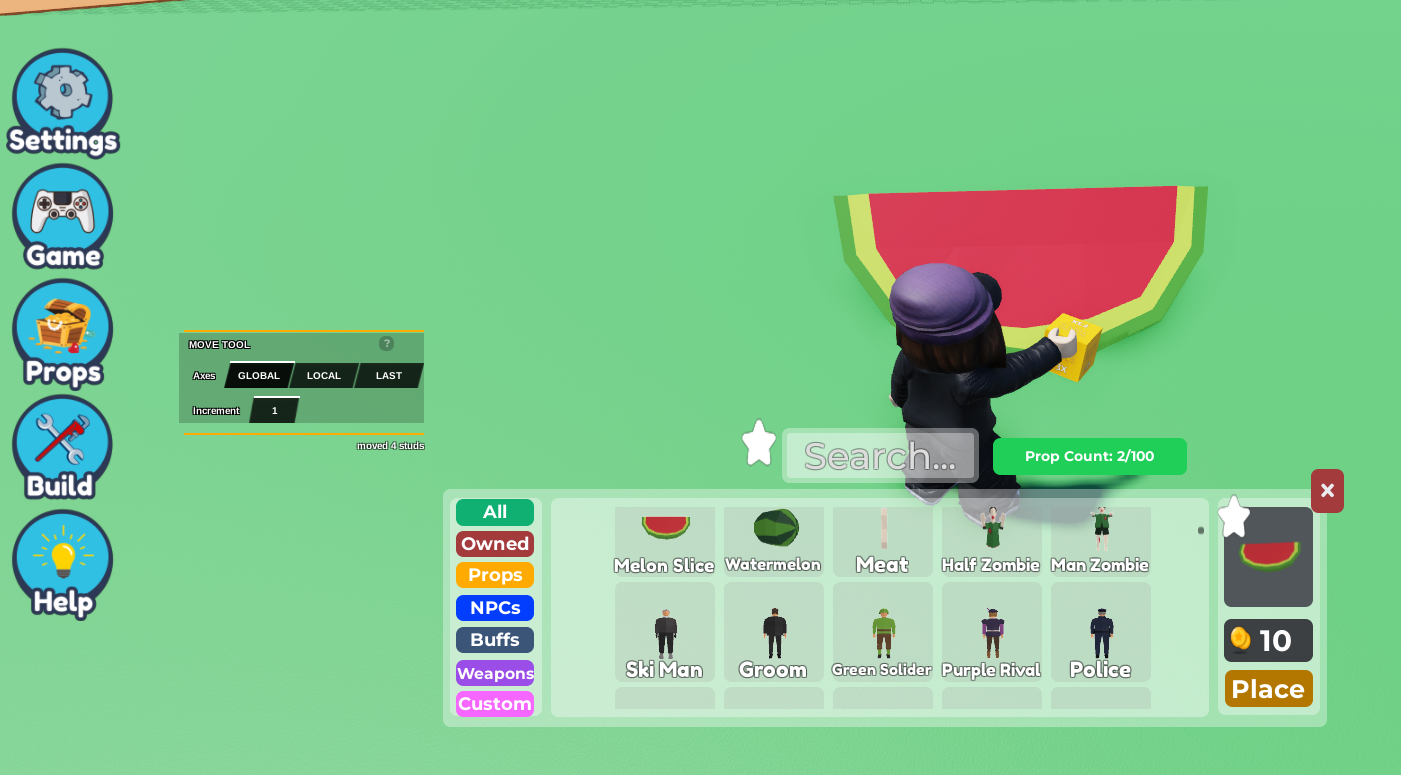
- Place a Part/Prop that you want the players to click on.
Note that you can't do this with grouped parts/props
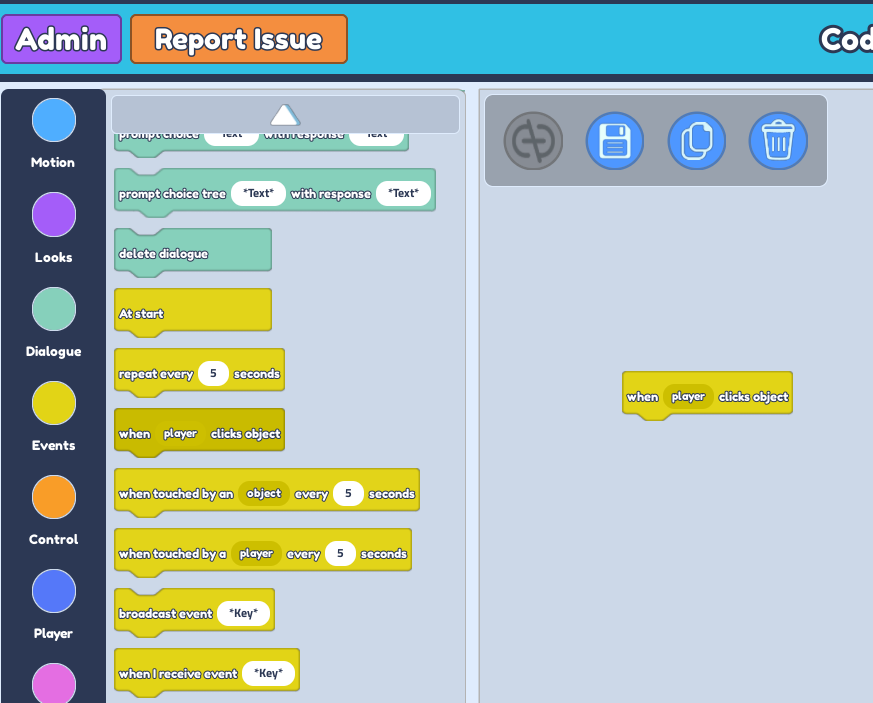
 2. Select on the Object/Props then click on the
 Code Builder button
3. Scroll down to the Event Section and drag the "When player clicks object" button.
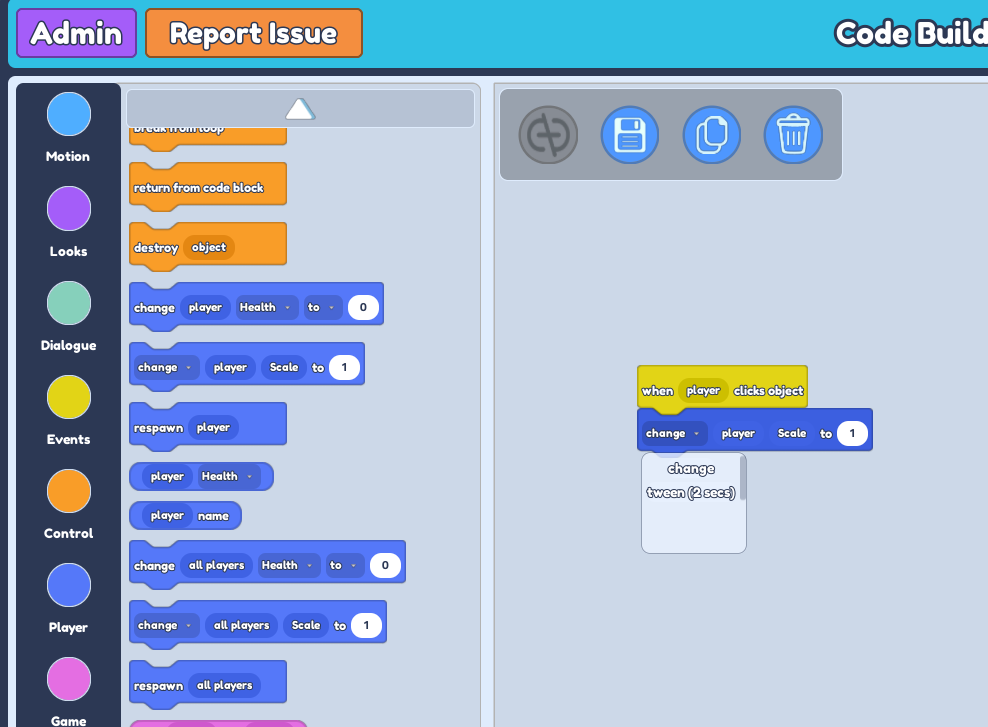
 4. Scroll down to the
 Player Section and drag the "change player Scale to 1" button.
5. The drop down will indicate ' Change' or ' **Tween (2 secs) **'. Feel free to choose between the two according to your needs.
     **Change** * : An immediate change in scale without animation.*
     **Tween (2 secs)** * : A change in scale with animation*
- Change the value of the 'Scale to ...'' to how big you want the player to become.