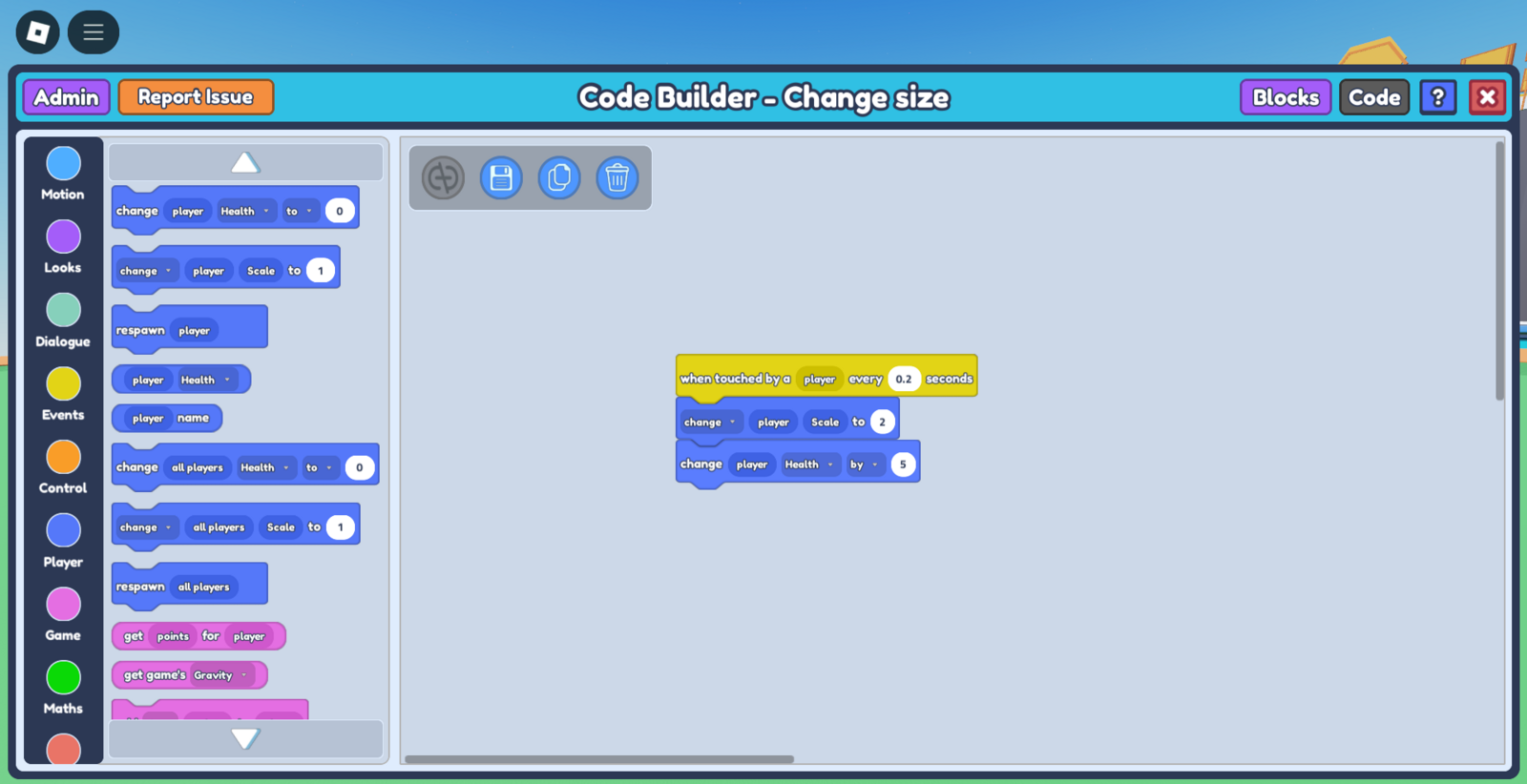
Want to make a custom power-up that turns your character giant? This simple code allows you to do just that :)
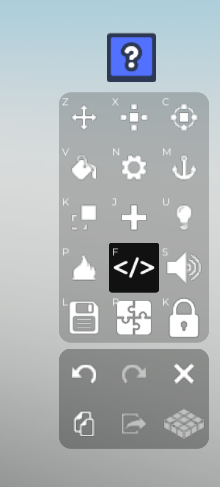
- Select the object you'd like to be the trigger for the player's change in size. After selecting the object, select the Code Builder button on the toolbar. This should open a 'Properties' tab with the options, 'Save' and 'Code Builder'. Press 'Code Builder'. This should lead you to the Code Builder tab.
Name your script and object. After that, you'll see the Code Builder tab open. Go to 'Events' on the left side and grab the
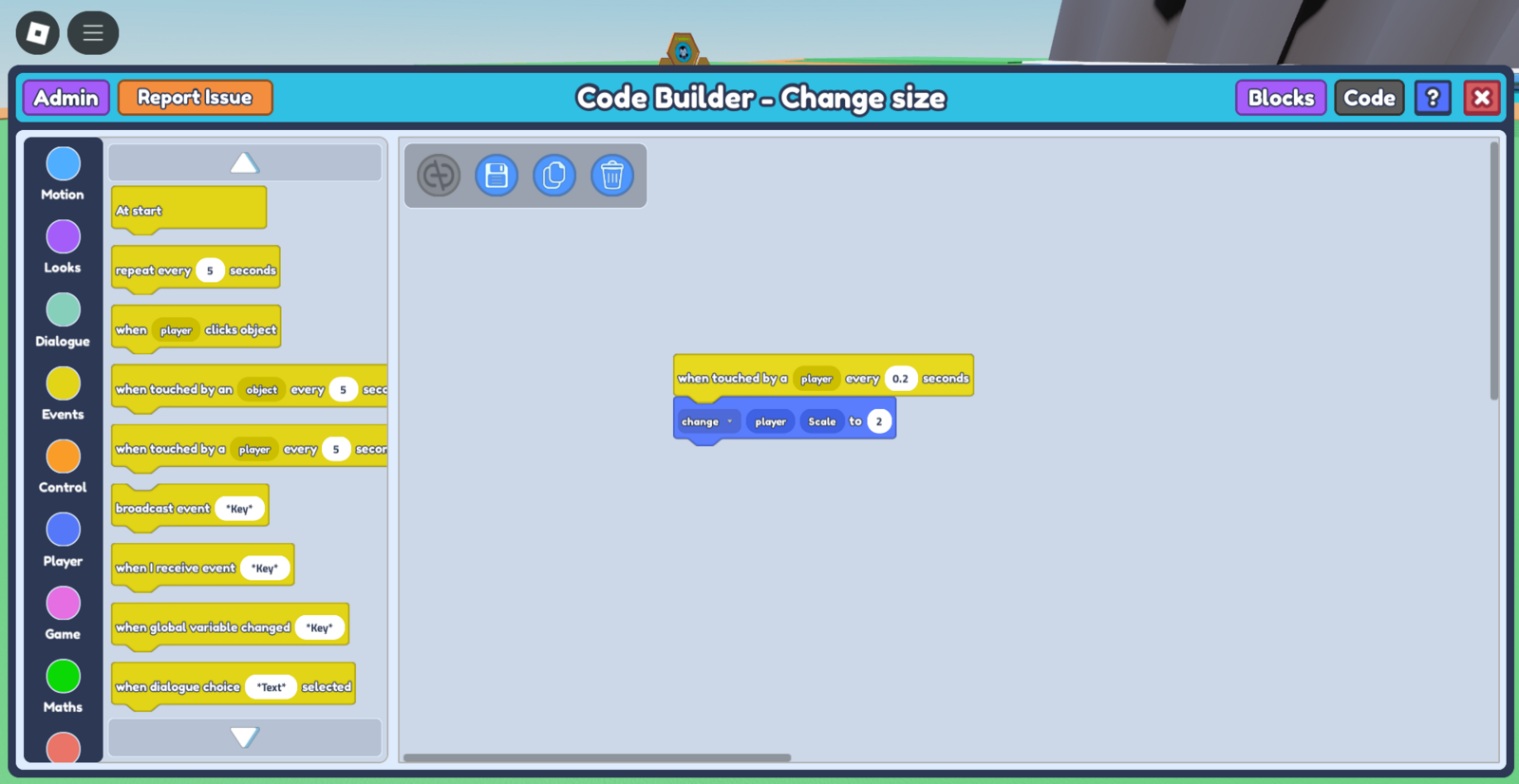
when touched by a player every - secondsblock. Input a value in -- seconds that indicates the time 'delay' before the code is able to run again. I'd like this code to run immediately every time the player touches it, so I'll input a small amount, 0.2 seconds.Go to 'Player' on the left side and grab the
change player Scale to 1block, and place it below your previous block. If you'd like for the player to get larger , input a number **larger than 1. ** However, if you'd like for the player to get smaller, input a number less than 1. The bigger your number, the larger your player gets, but try to keep it to less than 10 (2-5 would be ideal)!
- (Note - if you press the 'change' dropdown in the 'change player Scale to 1 block', you can select 'tween' instead, which smoothly transitions/animates your player's change in size.)*
- At this point, your code should look like this:
 5. Save your code, and watch your player grow in size upon touching the object! You can customize this code however you want, you can change the trigger to when the player clicks on the object or play with the scale value, or even change the sizes of all players in the game!