- Place a Part/Prop that you want the players to click on.
Note: You can't do this with grouped parts/props.
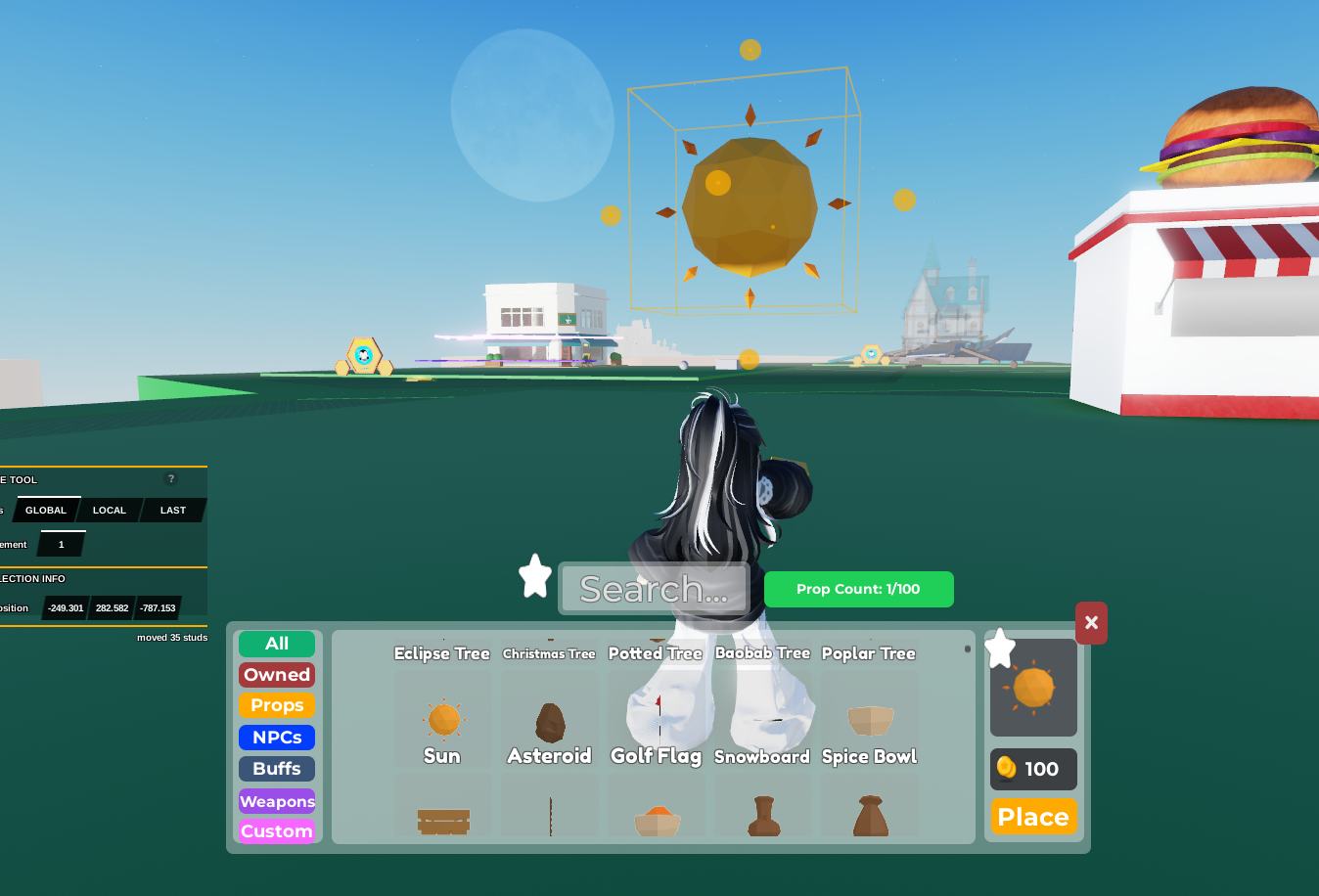
Click on the part that you want to make into a Kill Block. Then open the
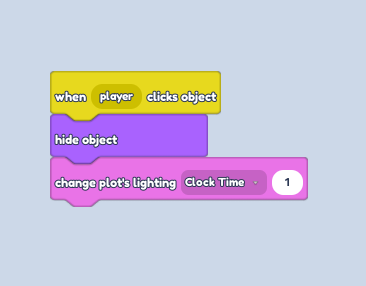
Code Builder.Go to the
EventsSection, then grab the "When player clicks " block.Go to the
LooksSection, then grab the "Hide Object " block.Go to the
GameSection, then grab the "Change Plot's Lighting Clock Time... " block.From the drop-down, make sure you choose **Clock Time **instead of brightness.
You can use Clock Time for the time of day (Day/Night) or Brightness (The Brightness of the Sun/Moonlight).
- Now, the value on the right determines what time the players will change the time and day of the plot to.
0 : Midnight
10 : Sunny Day
20 : Evening / Night Day