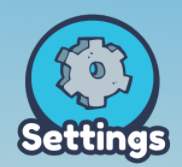
- Open up the settings tab on the left hand side.
Next, look for the Time Settings in your settings dock on the right-hand side.
The Game Length setting will determine how long your game lasts, and the Time slider adjusts the time of day for your plot!
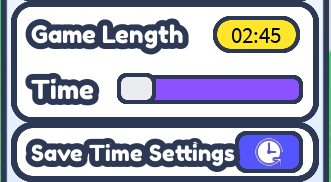
- After you've chosen your Game Length and Time, you have to make sure you click the Save Time Settings button!
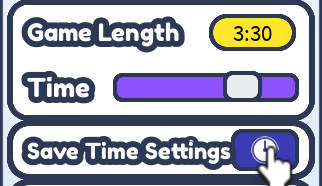
- Now, you can go ahead and click Play My Game and enjoy your new time settings.
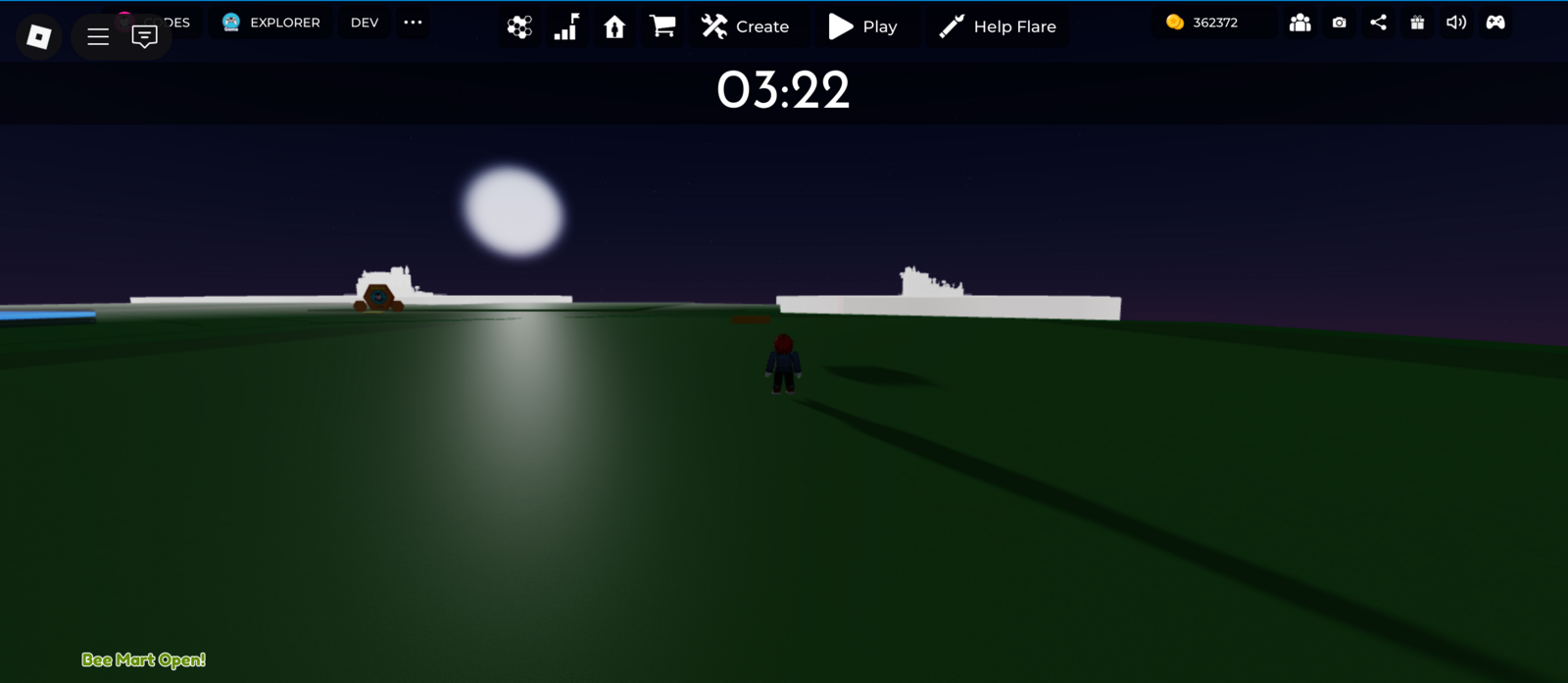
Note: The admin can set a minimum and maximum game length. If your selected length is outside of this range, your game length will default to the minimum or maximum value.
This can be a great way to change the game timer to match your change type. You might want a longer time for a bigger Obby or for sandbox game.