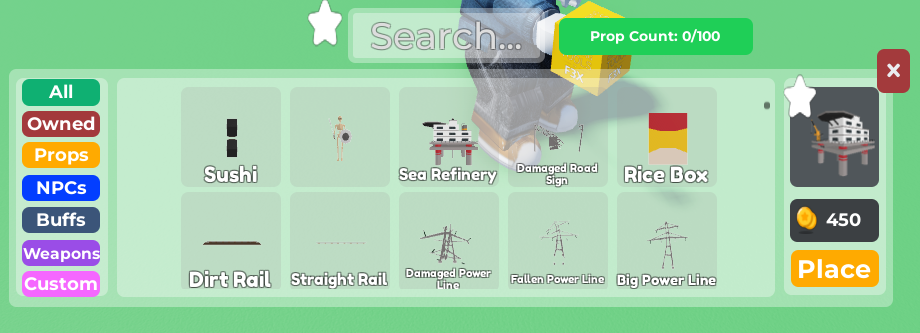
- Create an Object / Prop that you want to destroy when clicked
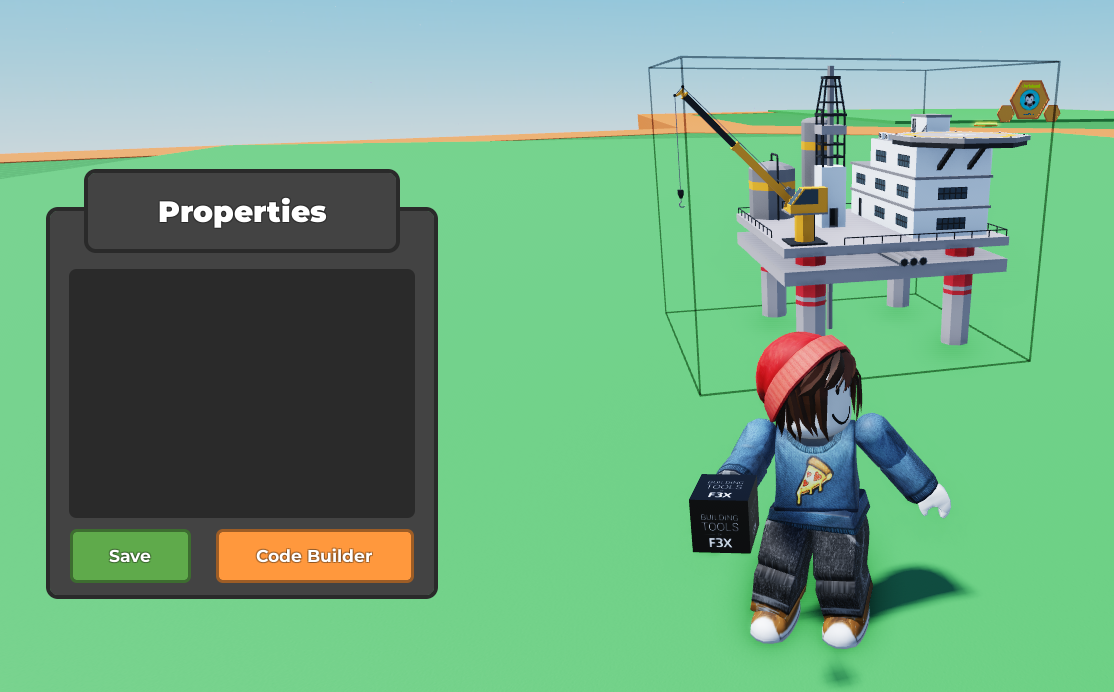
 2. Select the Object / Prop created and open the
 Code Builder
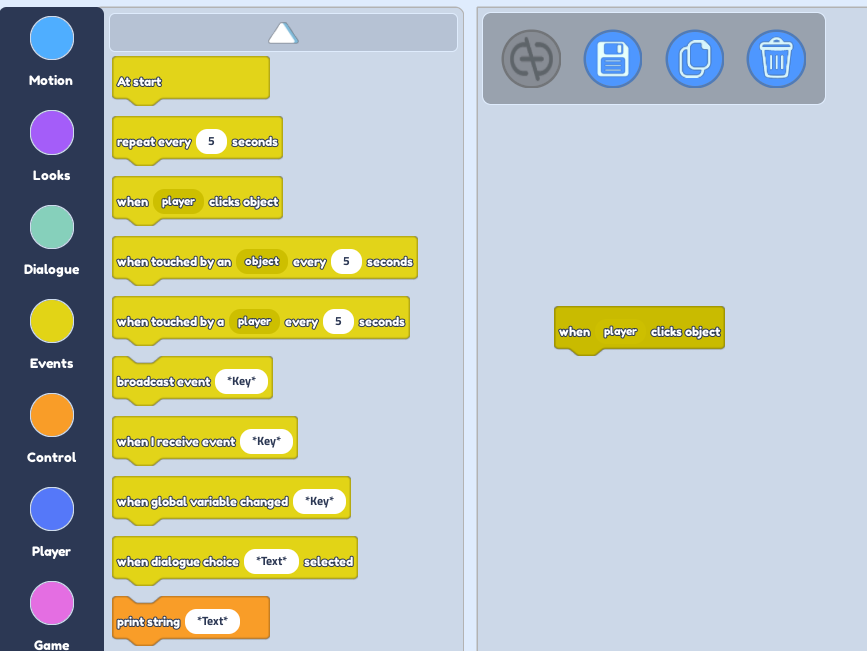
 3. Click on the Event Block section. Drag the
 When Player clicks Object block.
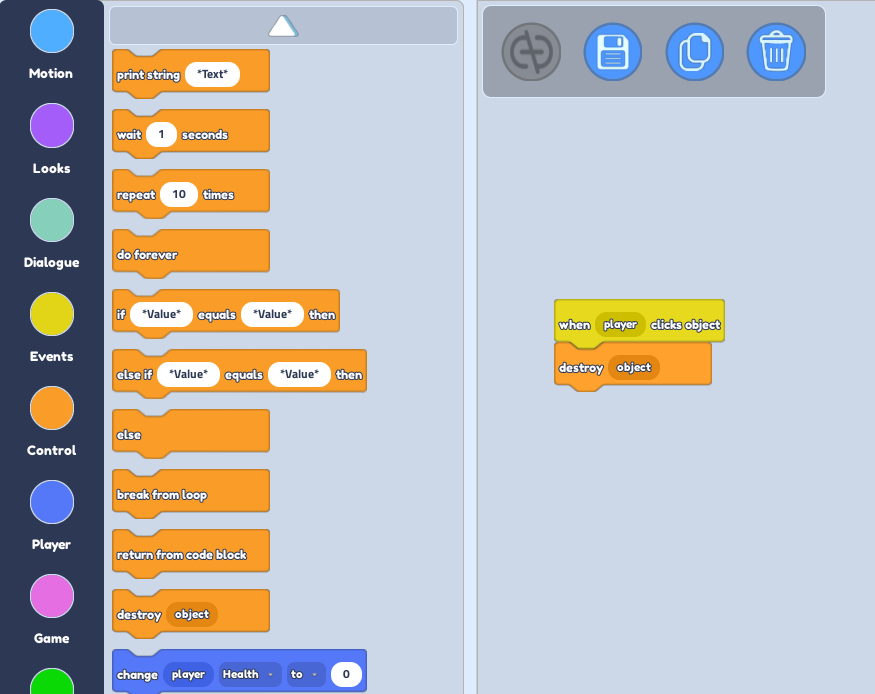
- Click on the Control Block section. Drag the
Destroy Objectblock and place it /attach it under theWhen Player clicks Objectblock. Now, when you pressPlayand click on the object, it will get destroyed!