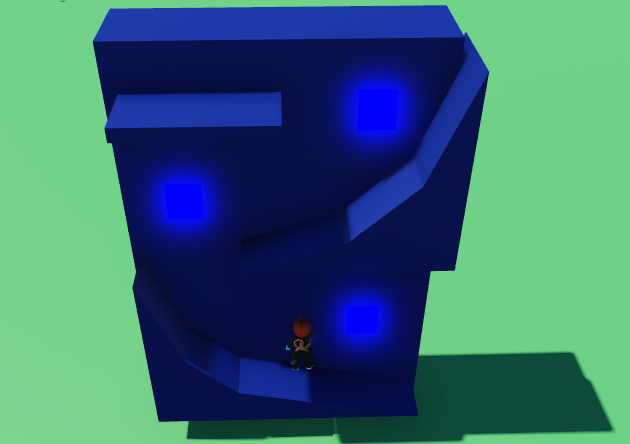
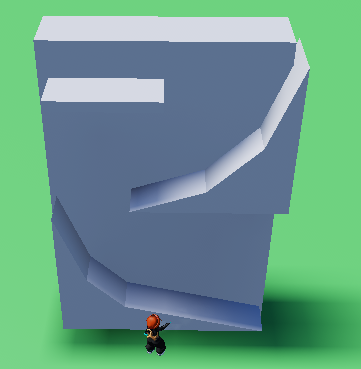
Start with your wall and add whatever stepping blocks you want. In this example, they are round ramps made from wedges
Place a small normal block in the wall, having alittle but poke out the front. Make this neon to let the player know it will be a kill brick.
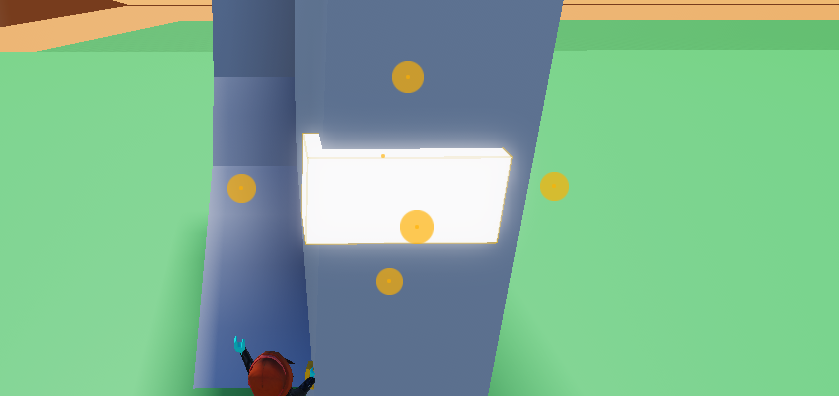
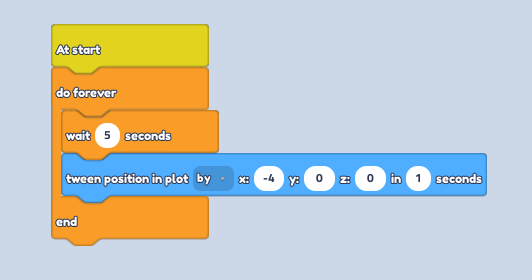
Selecting our punching kill brick, open up the code builder. From Event add an
at startblock, followed by ado foreverblock Control.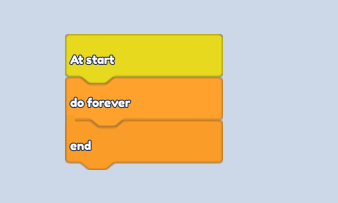
Inside, put a
wait -- secondsblock from Control. Set the seconds to however long you want it to delay. follow it by atween position in plotblock from Motion. Change the seconds to 1 for a fast punch, and enter "-4" into the X input
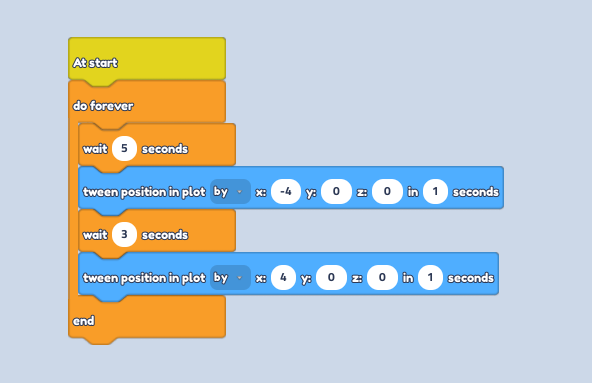
Repeat step 4, however change the seconds to how long you want it to stay out and change the negative input to a positive input to bring the block back.
To the side, turn it into a kill brick by placing a
when touched by a playerblock from Events followed by achange player healthblock from Player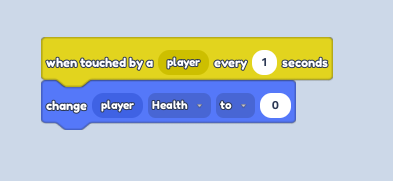
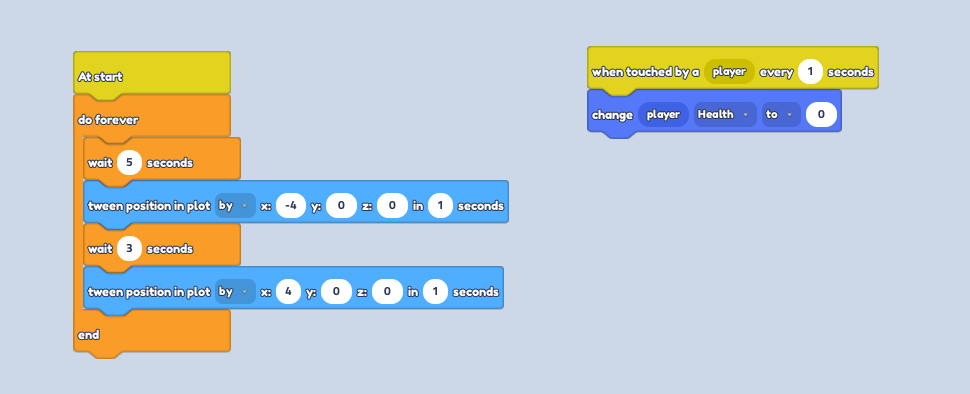
- Don't forget to colour your obby part and you're ready to play!