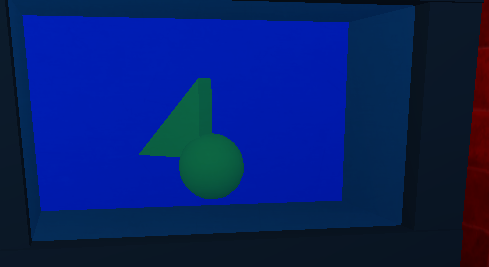
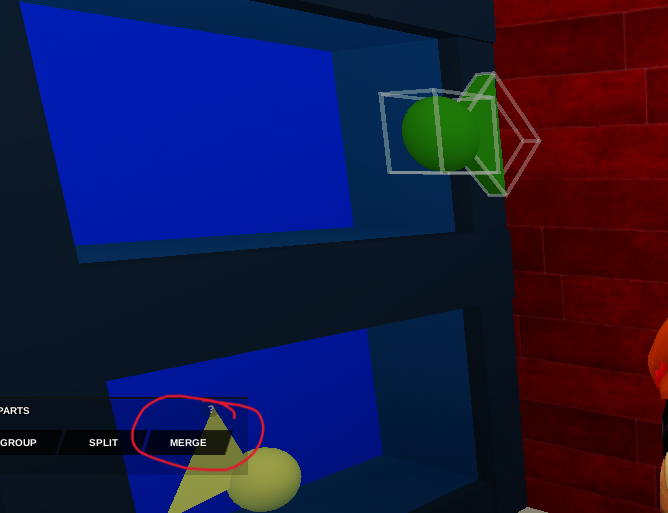
- Start with your fish in the tank. If it's made up of multiple parts, make sure to hit Merge with the
Group Partstool.
Open the code builder for the fish and name it. From the Events section, place a
At Startblock, followed by aDo Foreverblock from Control.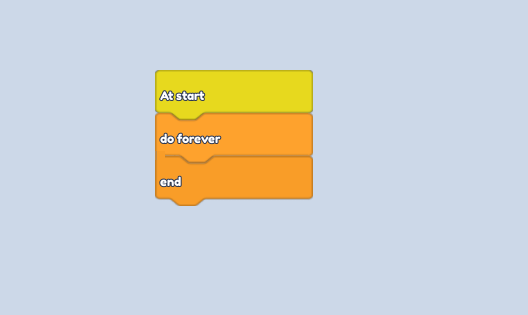
Inside, place a
make object look at ---and then atween object position to ---from the Motion Section. In the object name, name both "SwimTo".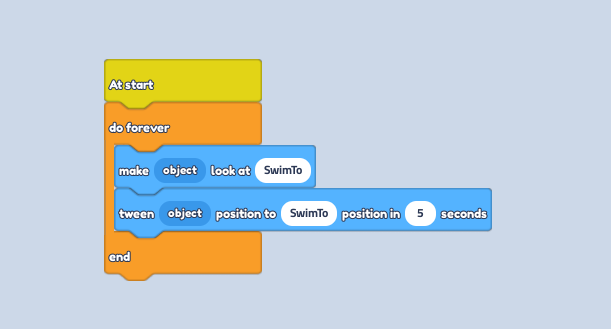
Follow up with a
wait -- secondsblock from control and change the seconds if you'd like.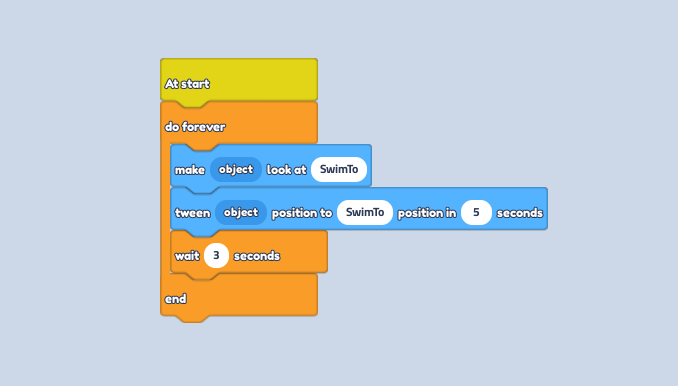
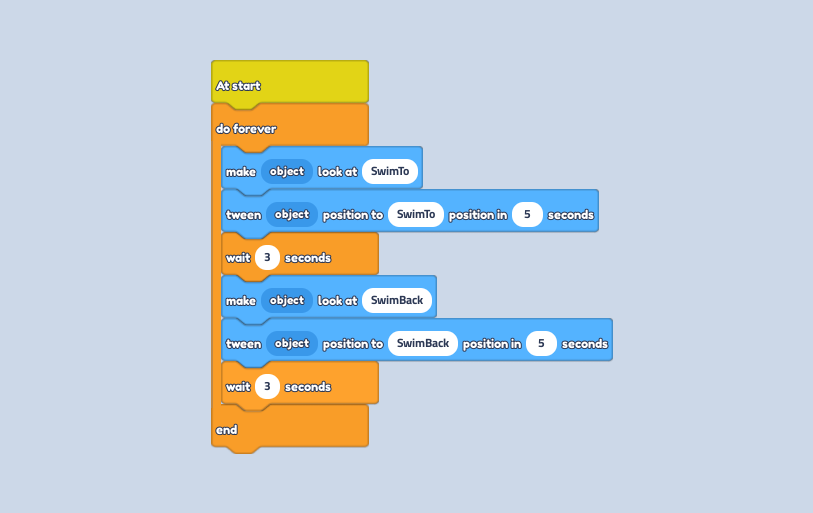
Repeat these 3 blocks, however, change the name to "SwimBack" on the other 2 motion blocks.
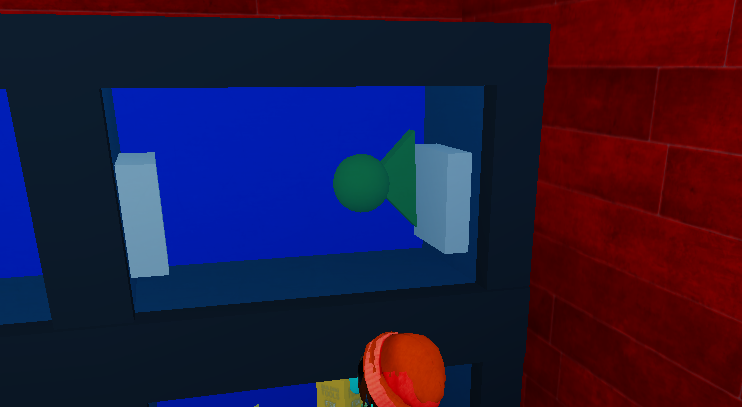
Place one block at either end of the tank walls.
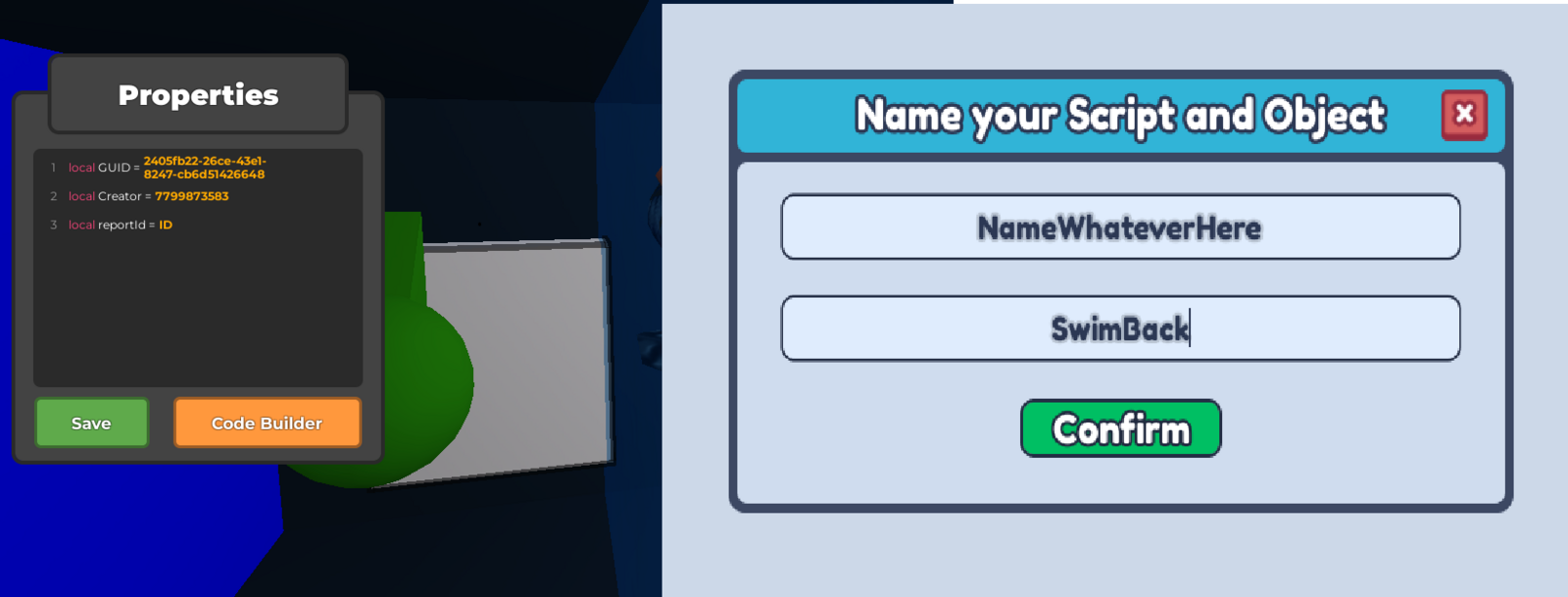
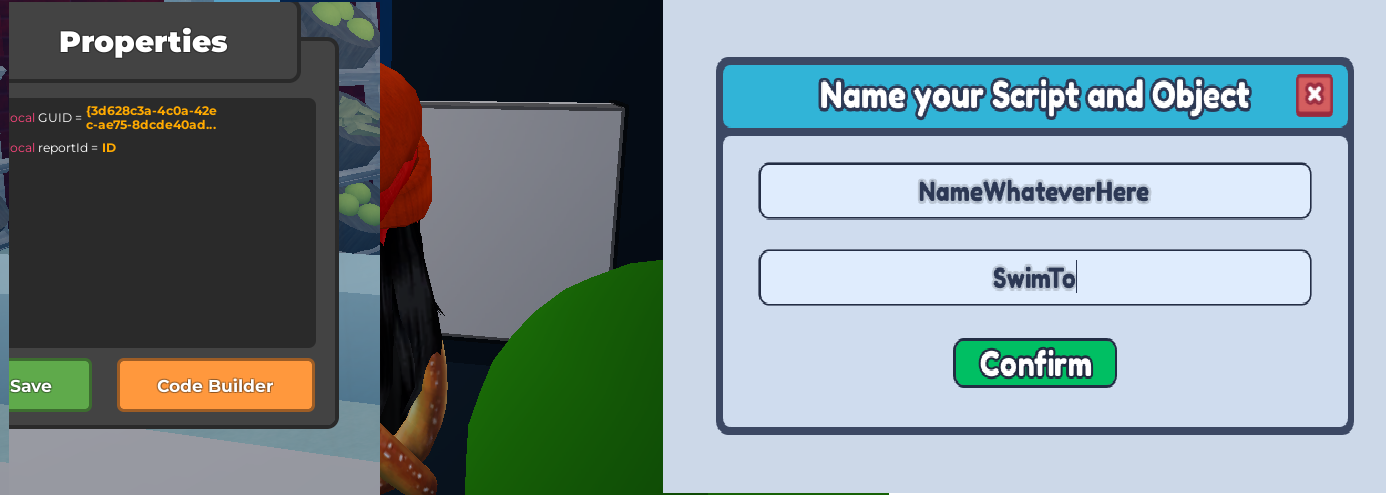
Select one of them and name it "SwimTo" using the code builder. Do the same for the other block, naming it "SwimBack".
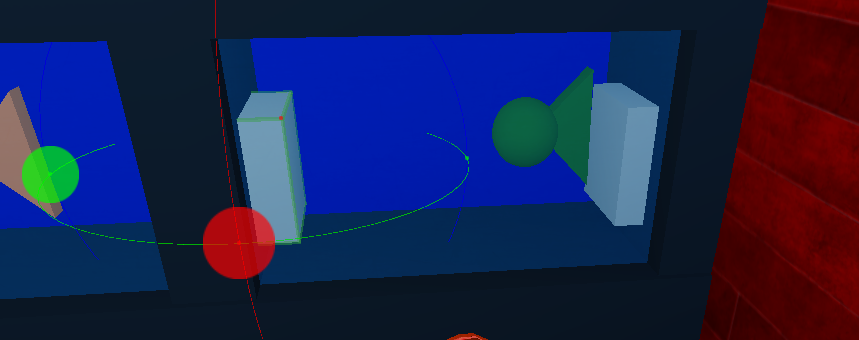
Rotate both blocks 180 degrees so that they are facing away from each other.
Select both blocks and change the Transparency to "1" with the Material tool to hide the blocks.
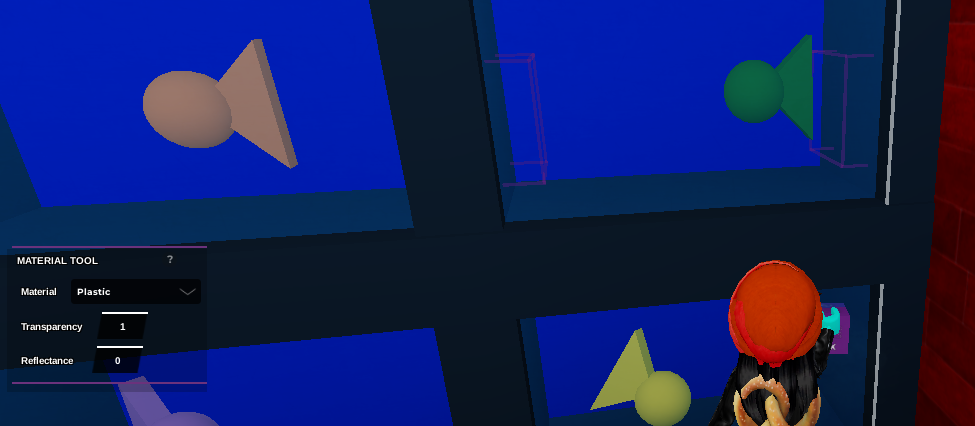
Press play to watch your fishy swim back and forth in its tank!