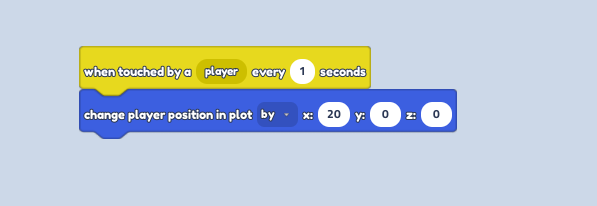
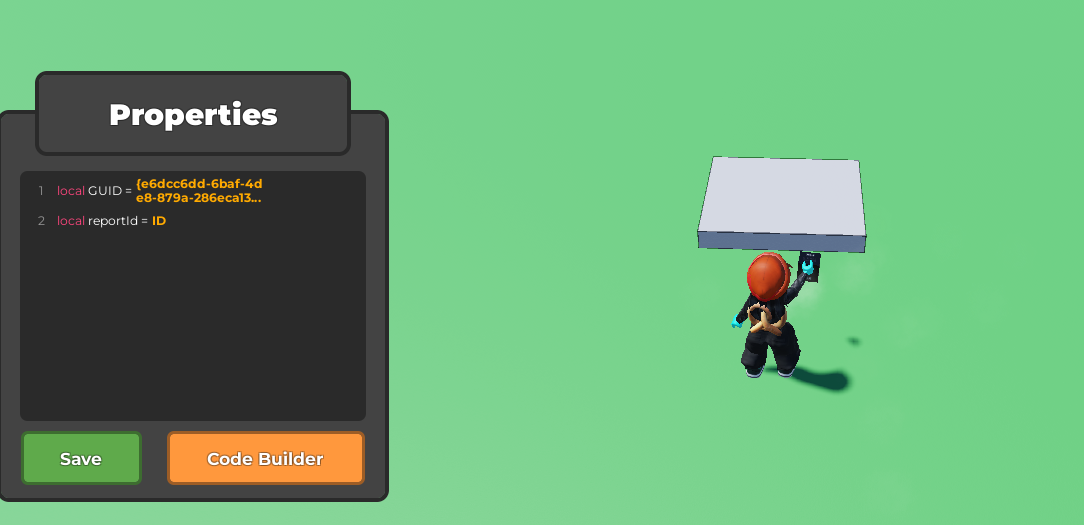
Select the part you want as your button and open up the code builder.
From the Events section, place a
when touched by a playerblock.
If you want it to be a clickable button, use a
when player clicks object block. 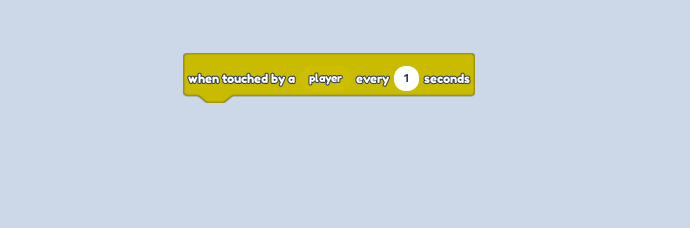
- Follow it with a
change player position in plotblock. Using the drop down menu, change it to "by" and input whatever distance you want to teleport the player to.