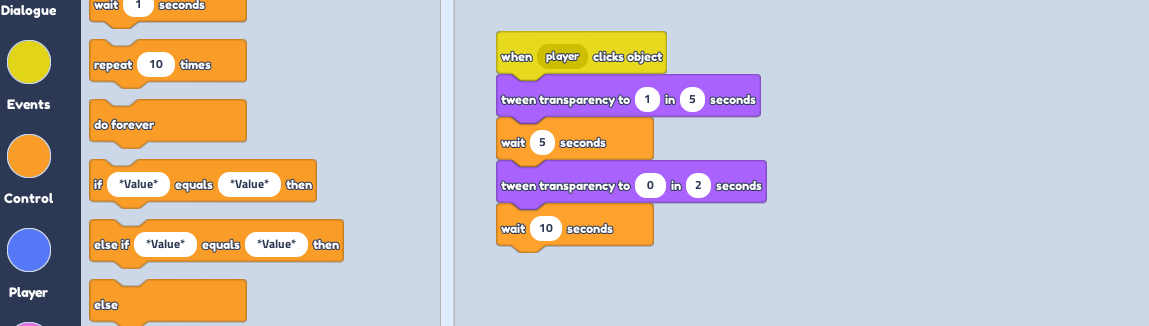
If you want this to reveal a secret doorway, turn the collision off with the Collision tool!
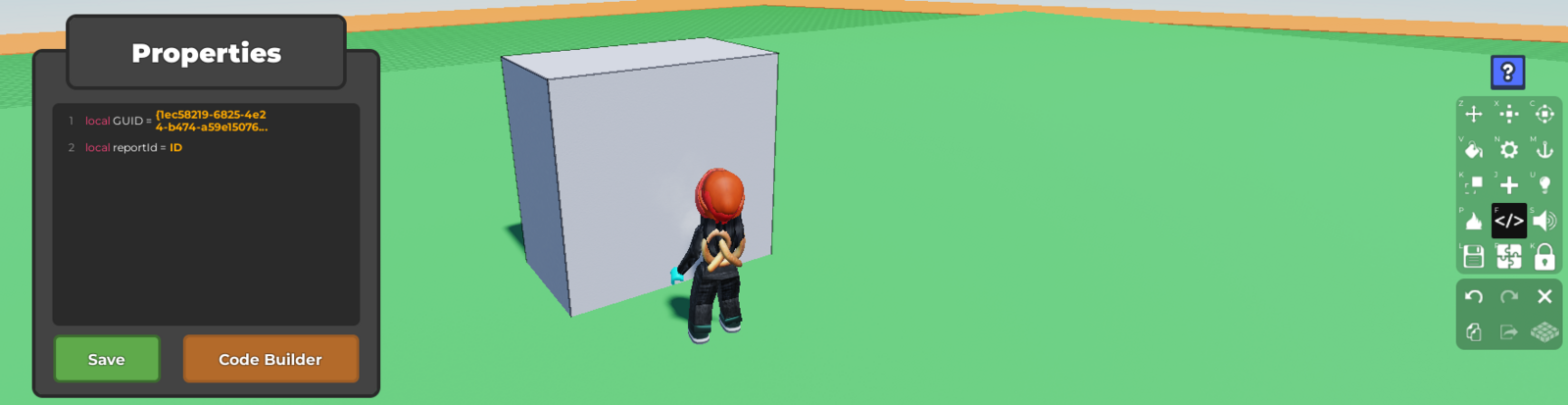
Select the part you want to code and open up the code builder.
From the
eventssection, place awhen player clicks object, followed by atween transparency topart. Change the 0 to 1 to make it clear, and change the seconds to how long you want it to take to change.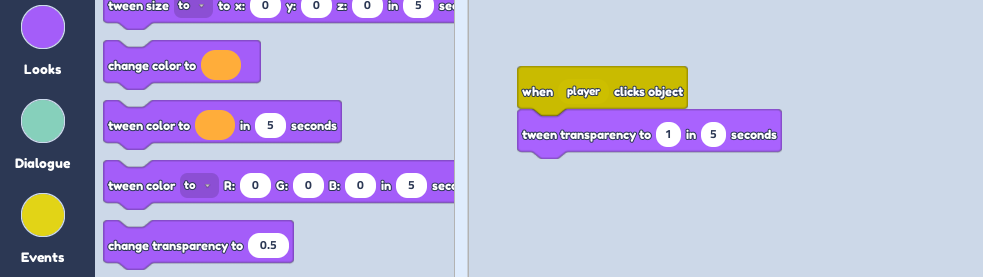
From the
Controlsection, place await --- secondsand change the number to how long you want it to stay transparent.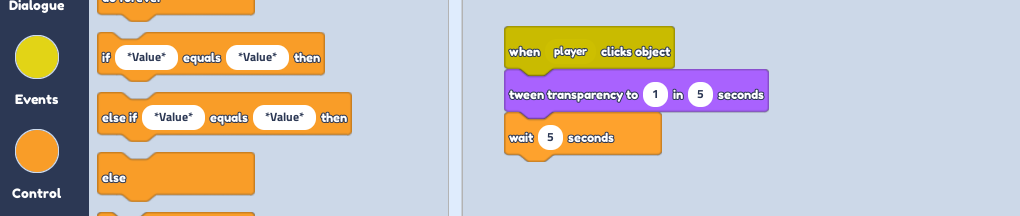
To turn it back, place another
tween transparency topart, but this time, leave the number at 0. Again, change the seconds to your liking.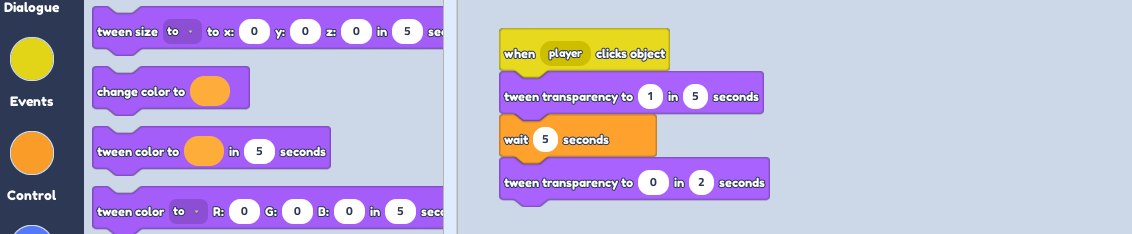
Lastly place another
wait --- secondsto end it until it is clicked again.