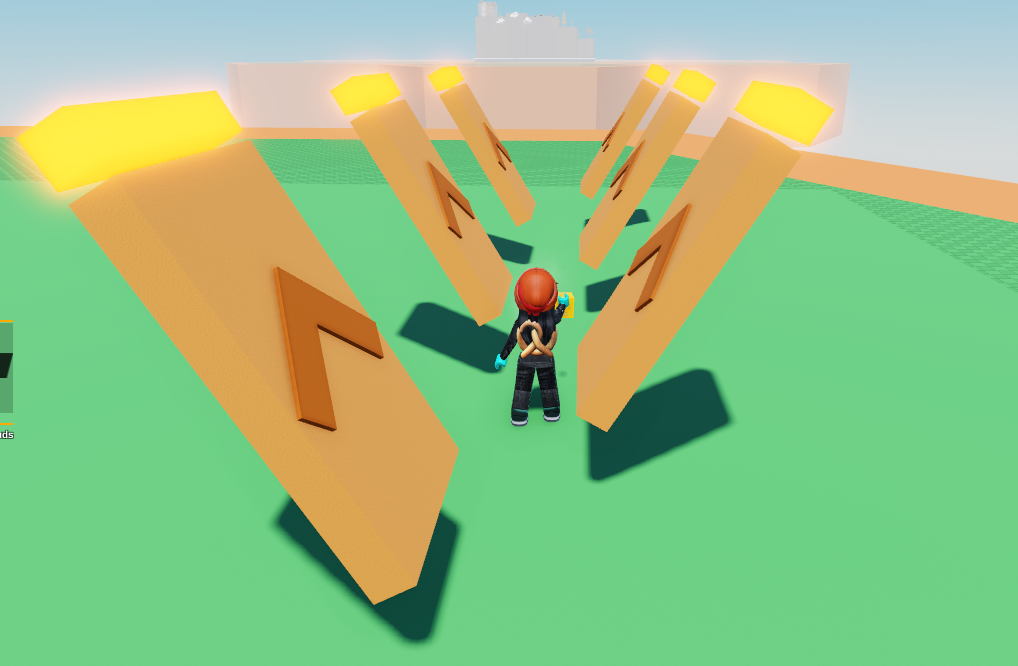
Start with a rectangle on the ground and open up the code builder.
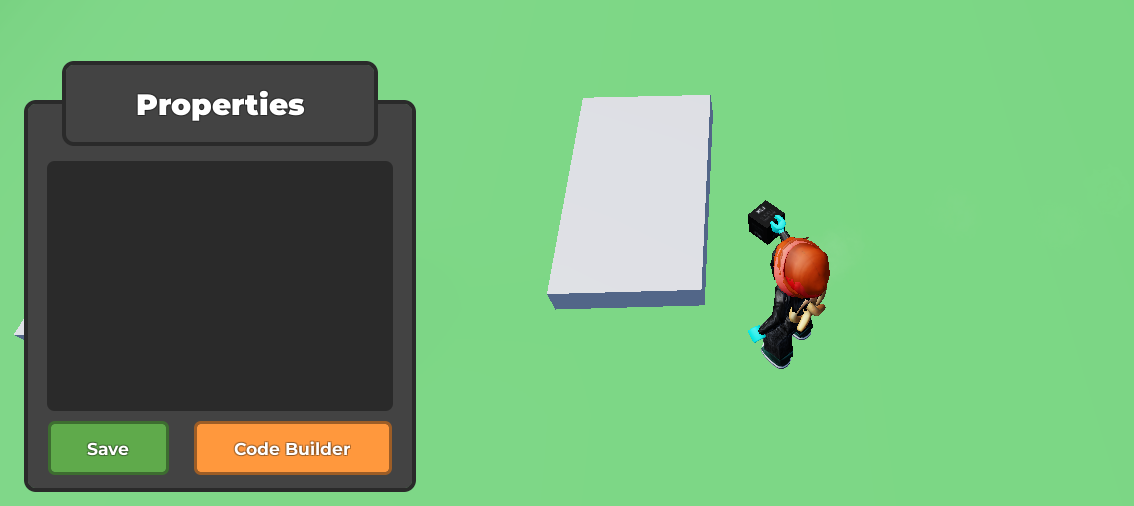
Place an
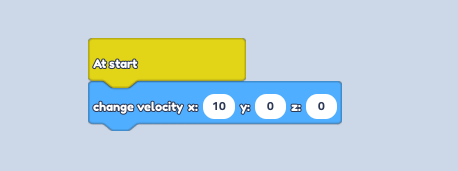
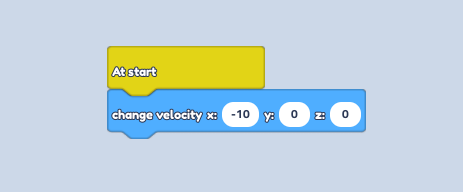
At Startfrom Events, followed by achange velocityblock from Motion. Change the Input in the X to 10.
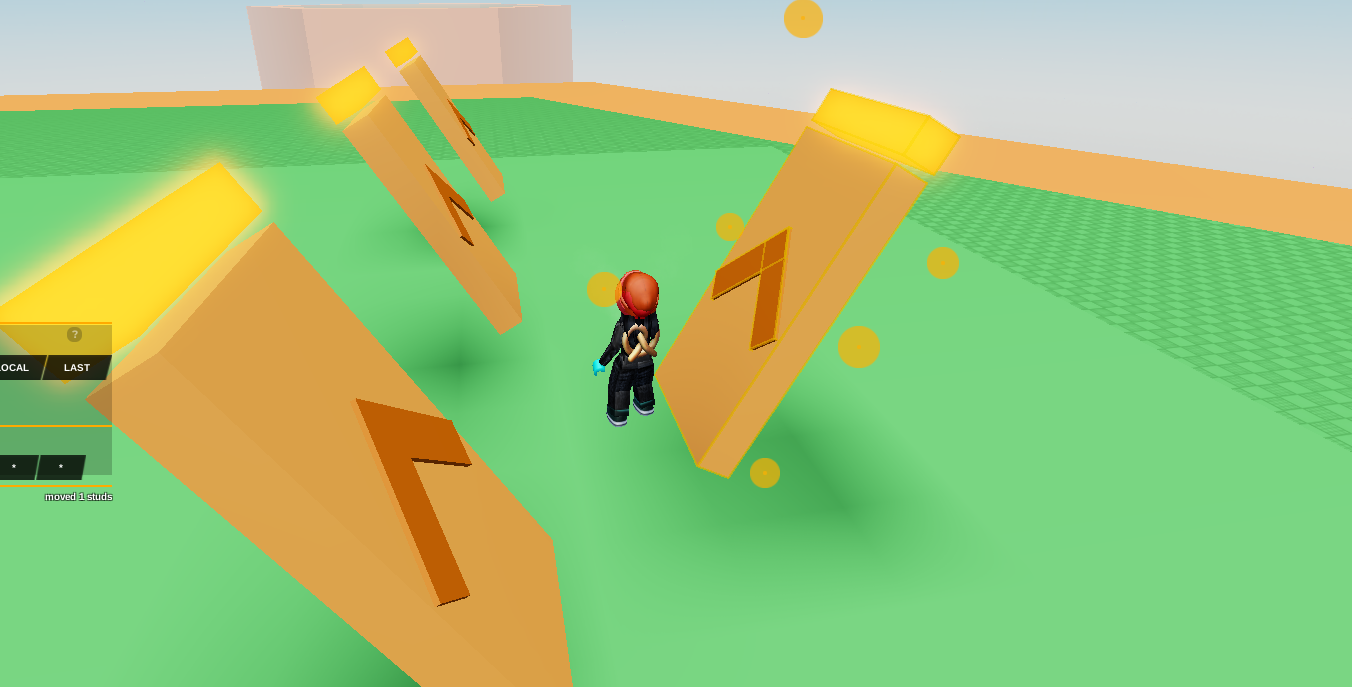
Place 2 rectangles together to create an arrow and place it flat on the block to show what direction the ramp pushes you in. Don't forget to colour it!
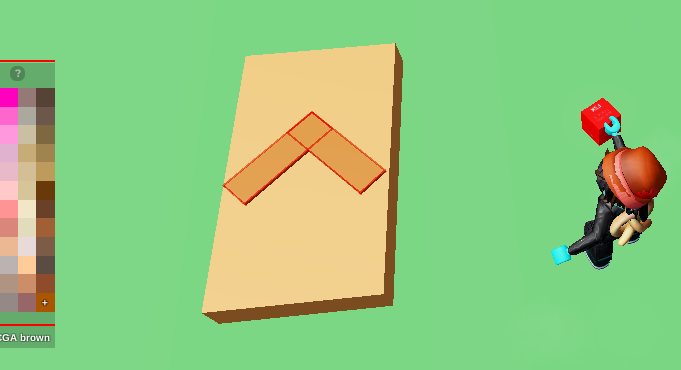
Group them, and rotate it so it's at an angle.
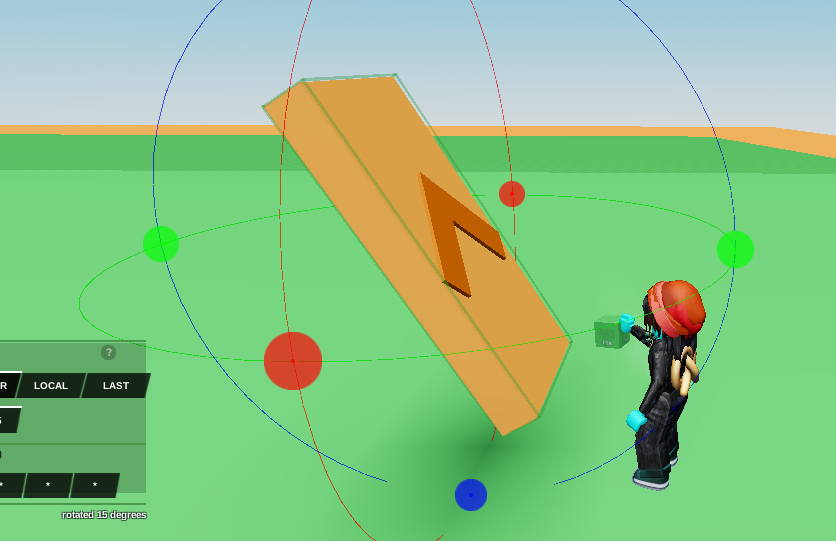
Place a small rectangle at the top of the ramp to make a kill brick. Make it neon with the Material Tool to make it clear. Select it and open up the code builder.
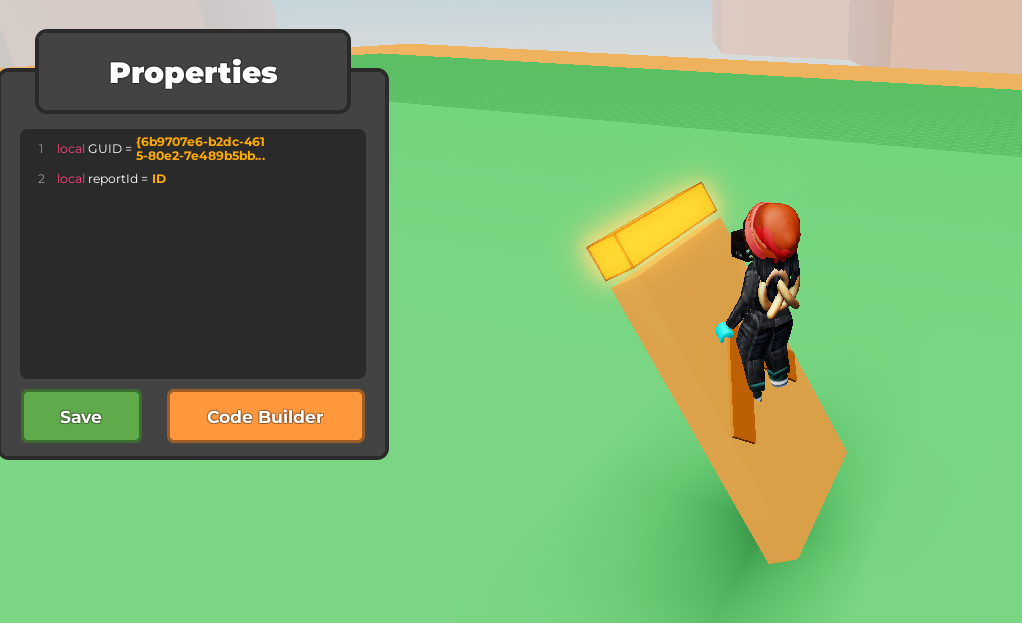
Start with a
when touched by a player every -- secondsblock from Events, followed by aRespawn playerblock from Player. Change the seconds to "1". That's all for the kill brick!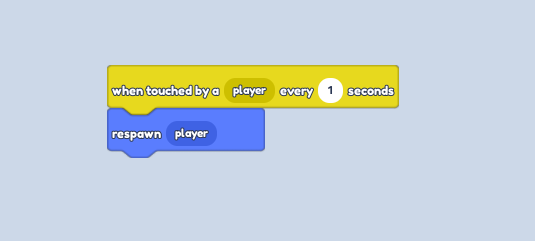
Duplicate the ramp and kill brick in a row, leaving a gap.
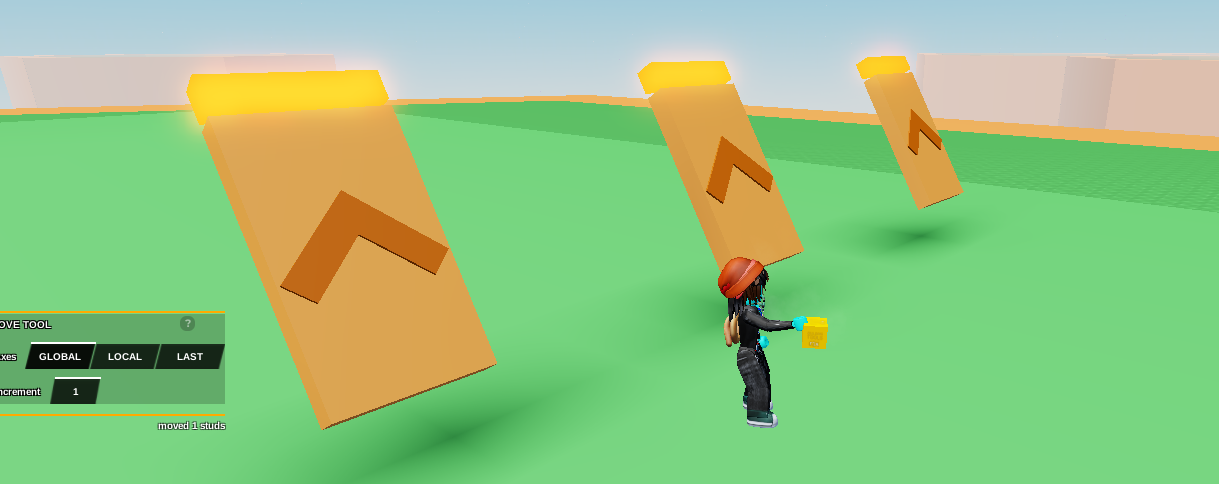
Duplicate one of the ramps and rotate it to face the other way.
Open up the code builder and click the little
Linkicon to unlink it from the others while keeping the code.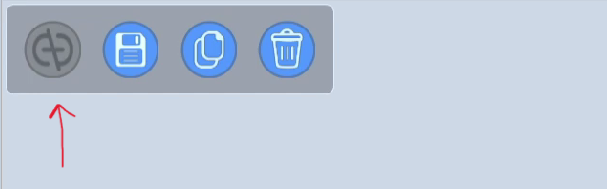
Change the Input to Negative by putting "-10" so it moves in the other direction.
Duplicate it in a row, placing them in the gaps so they are alternating for you to jump on, and you're done!