This works on moving objects too, to help keep the player on the block as it moves
Click on the part you want to stick to and open up the Code Builder
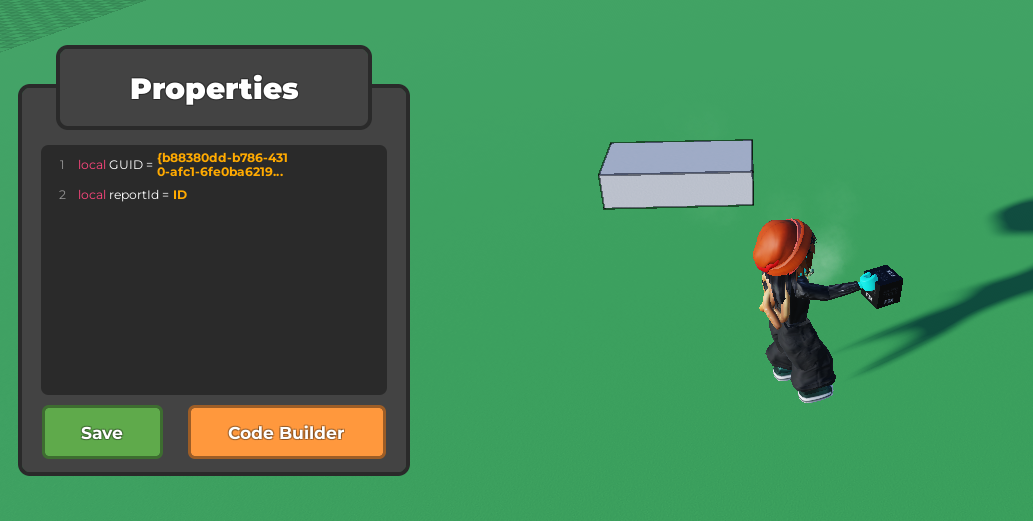
Place a
when touched by a playerblock from Events, then put astick player to objectblock from Players.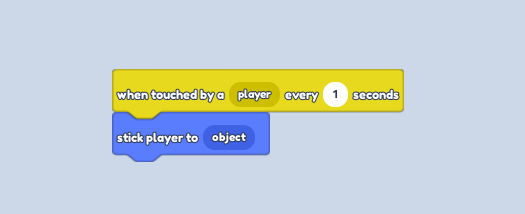
Press play and you will stick to the block. Jump to get off of it
It will place the player on the top, middle of the block