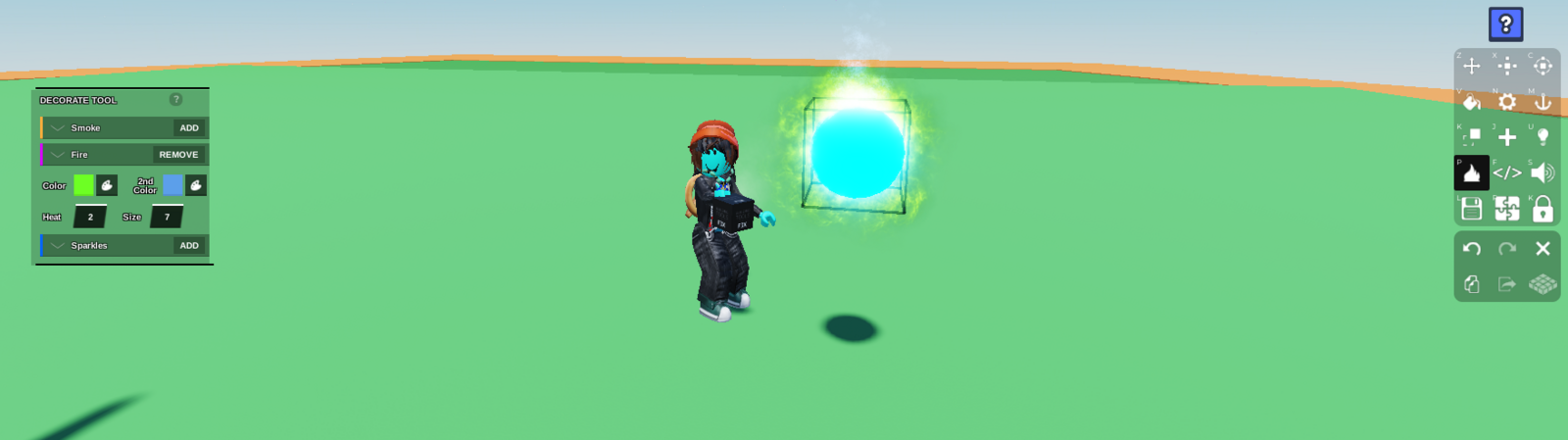
This is a great way to add a fantasy element to your game!
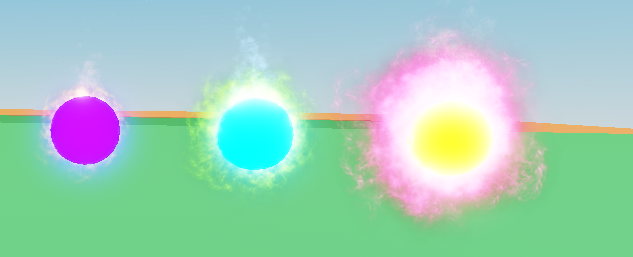
Select the part you want to cast a spell on and turn it
Neonusing theMaterial Toolto make it glow.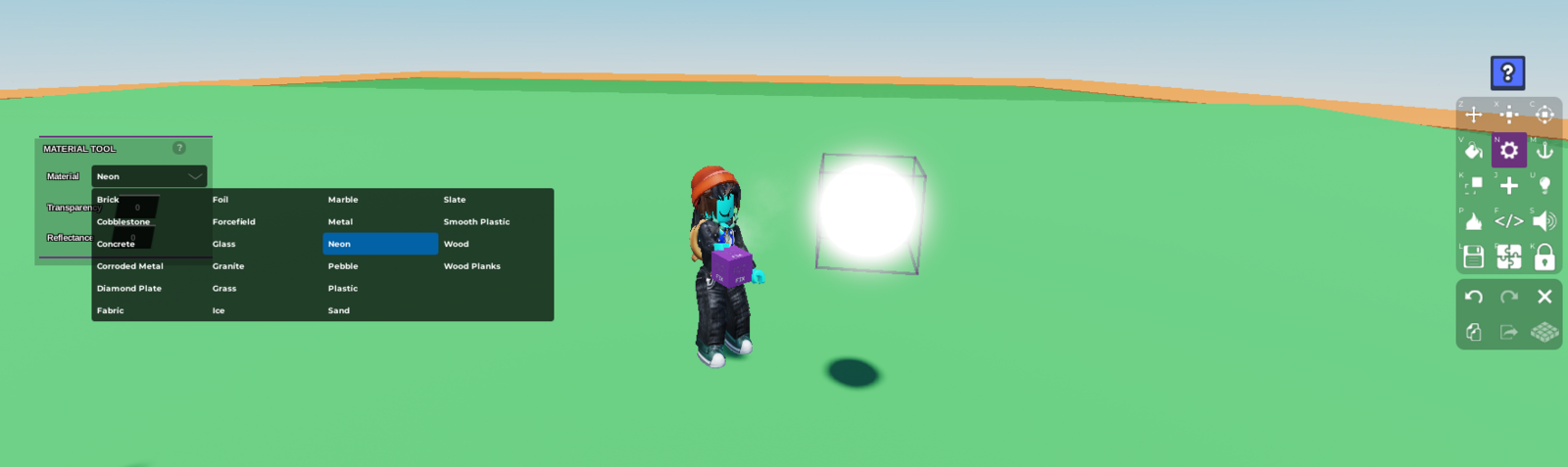
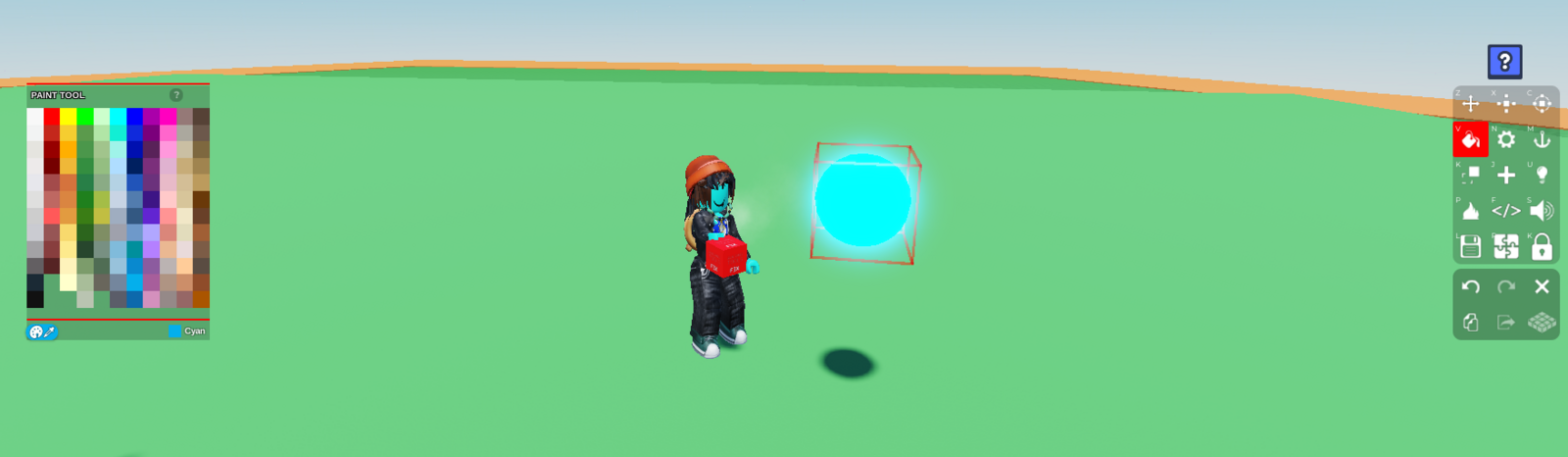
Change the colour if you wish, using the
Paint tool
Remember if the colour is too dark, the neon wont show up
- Add the fire effect to it using the
Decorate tool - Adjust the
Heatoption to 1 or 2, and theSizeto however big you want the magic, and change the colours to whatever you like
For the Purple ball in the example, put the size to 5, for the yellow ball, turn it up to 10