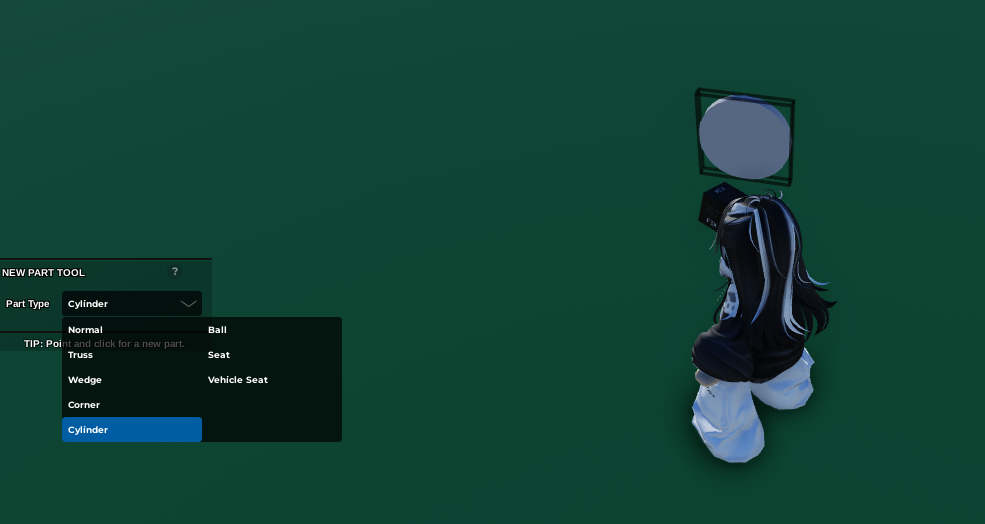
- Go to Props or create a part, and place a Prop/Part you want Players to interact.
Note that you can't do this with grouped parts/props
 2. Select on the Part/Prop and open
 Code Builder
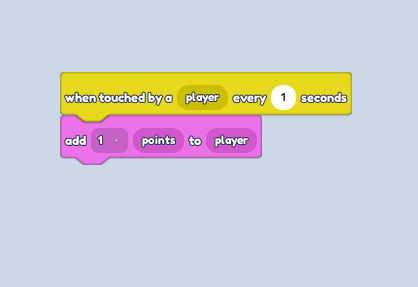
3. Go to the Events section and grab the " When touched by a player ... " Block
4. Change the number of seconds to 1
5. Go to the Game section and grab the " Add 1 points to player" Block.
6. Feel free to customize the amount of points you want to give to the players here by interacting on the prop/part.
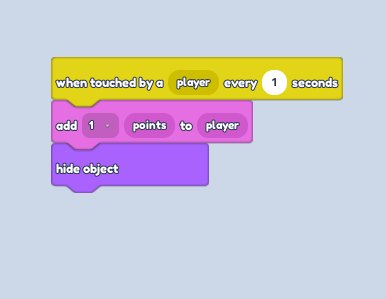
7. Go to the Looks section and grab the " Hide object" Block. | Doing the "Hide Object" Block makes the prop/part disappear after a player has interacted with it. So you can disregard this step if you don't need this function.