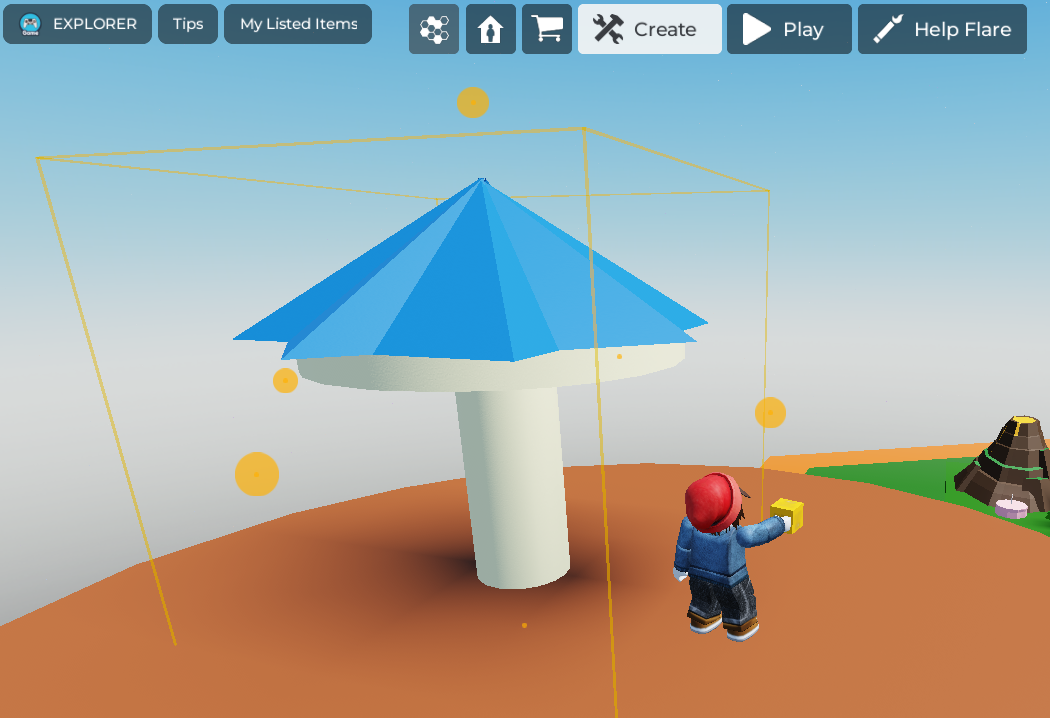
Ensure that you have claimed a plot, are in 'Create' mode, and have clicked on the 'Build' button on the left side of the screen. Make sure you have a toolbar appear on the right side of the screen.
Select all the parts you wish to group together.
On the toolbar on the right, select the 'Group parts' button. You should then see a small tab open with the options, 'Group' and 'Split'. Click on 'Group'.
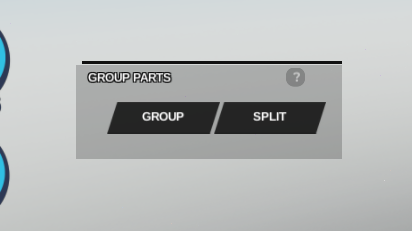
- Upon pressing Group, your parts should be selectable as one large object, which you can move and rotate as a single object. Your object can now also be easily duplicated or saved as a custom prop for later use!