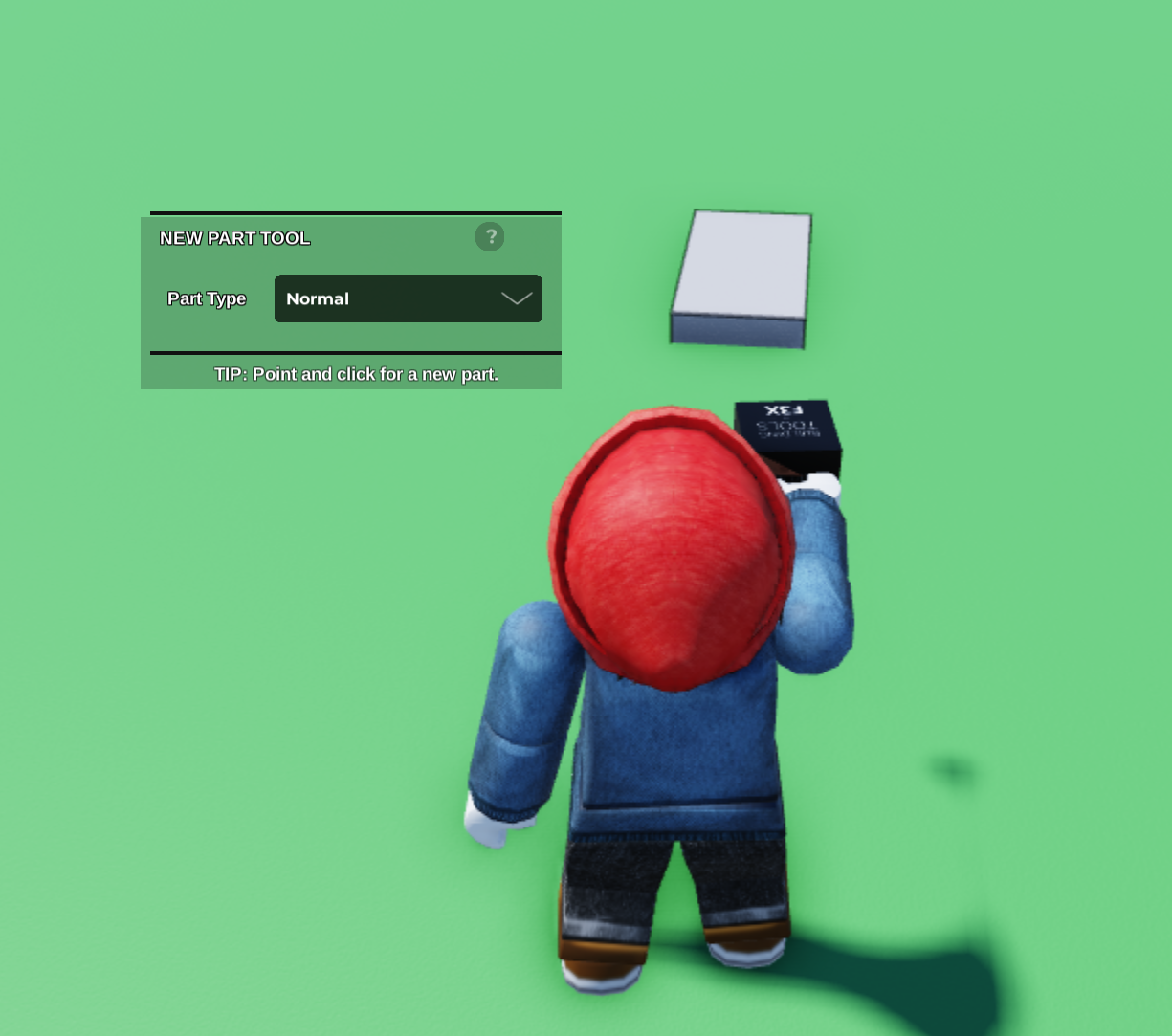
Start by using the New Part Tool to place a part in your plot.
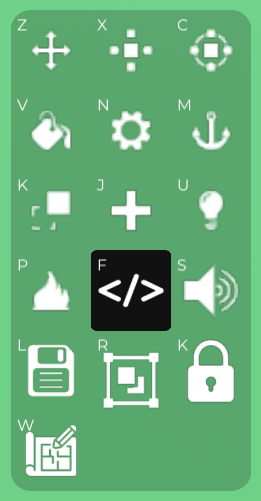
Select your part and press this button to open up the Properties tab.
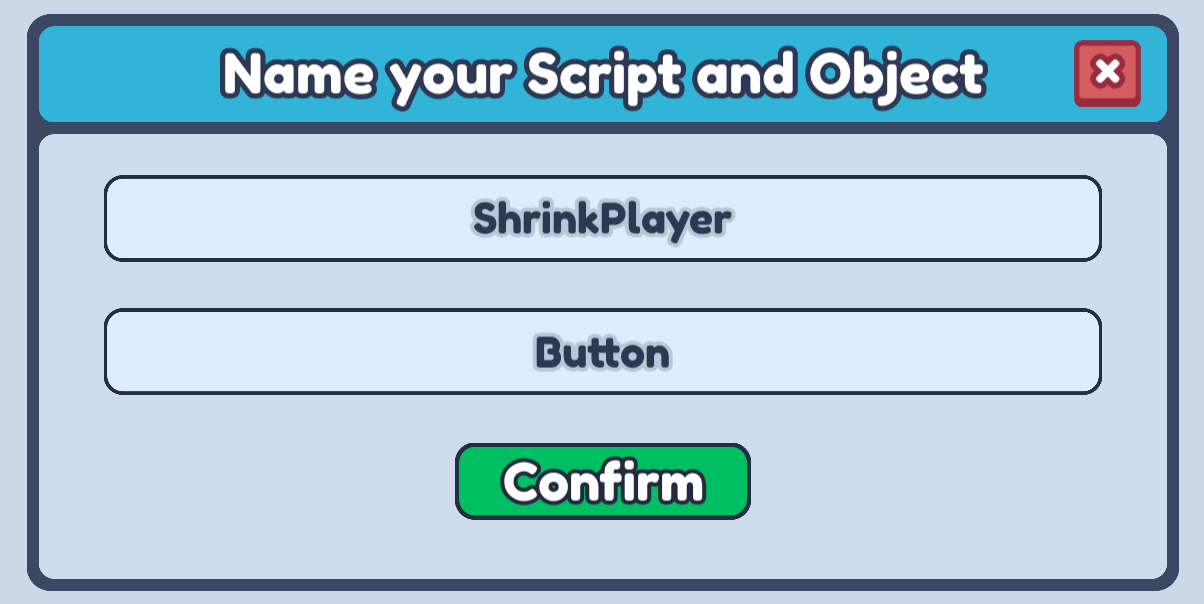
Open up the Code Builder and name your script anything that describes what it is going to do!
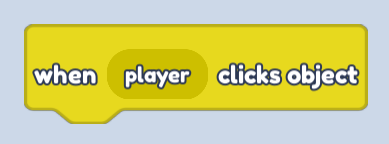
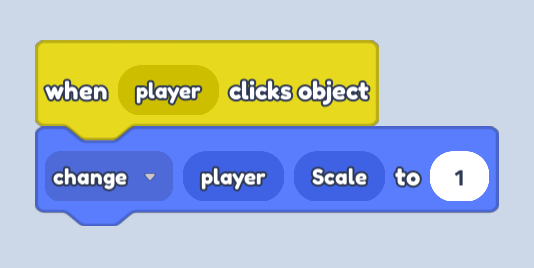
Click on the Events blocks and drag a when player clicks object block into the scripting area. This will activate every time the player clicks the object!
Next, open up the Player blocks and drag in a change player Scale to block.
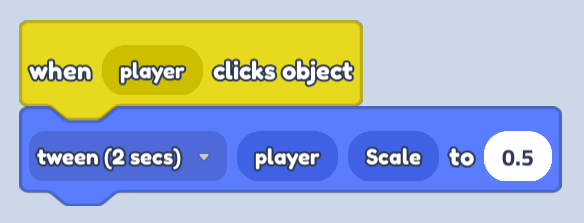
Now, all we need to do is switch the change option to tween and change the Scale size to 0.5.
Finally, go ahead and click Play, click on your button and watch your player shrink!