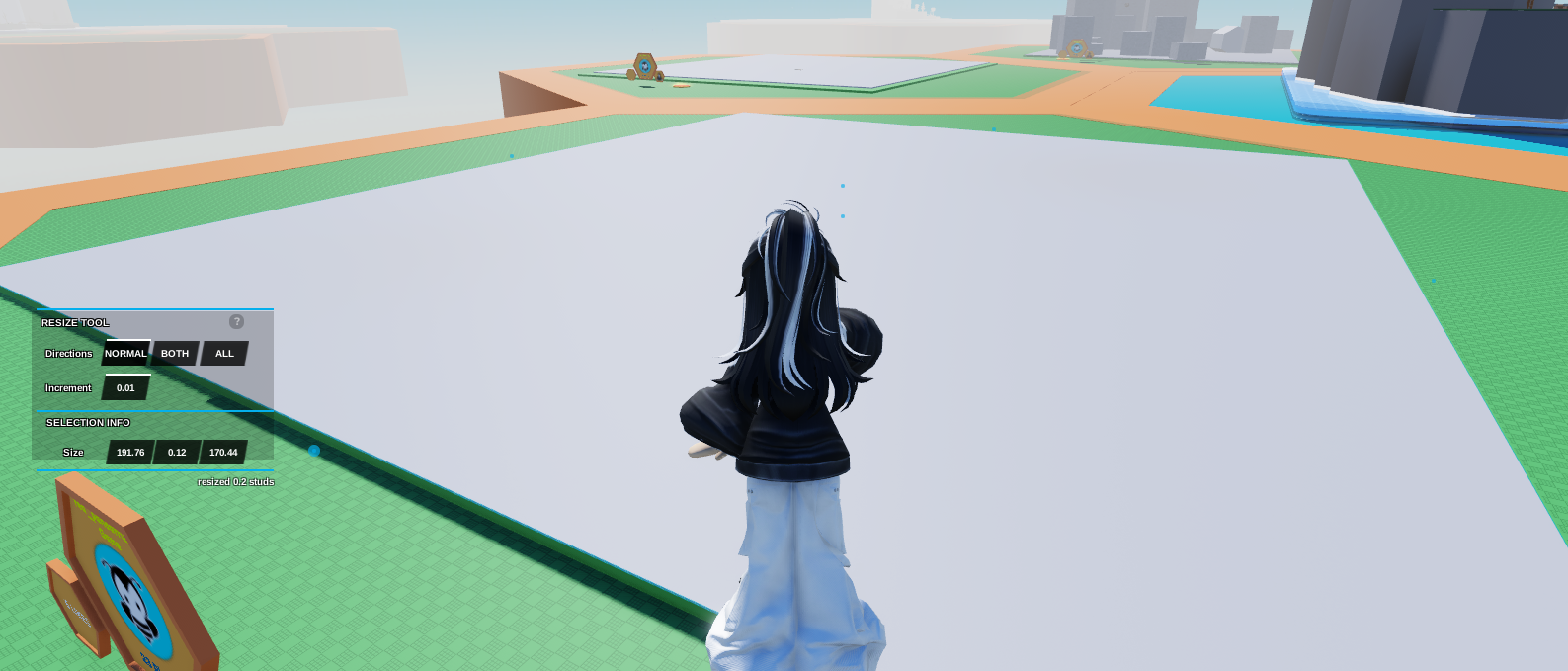
- Create a Normal Part and resize it so it covers the whole plot.
Tip: Adjust the Increment on the resize tool to 0.01 to accurately cover the whole plot.
 2. Click on the Normal Part, then open
 Code Builder
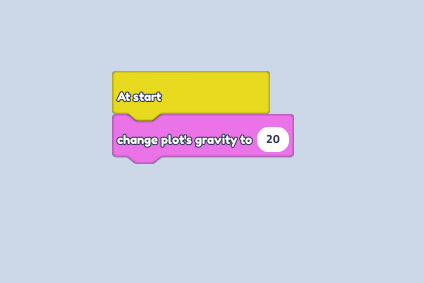
3. Go to the Events Section, then drag the "At Start" block.
4. Go to the Game Section then drag the "Change plot's gravity to ... " block.
5. Change the amount of gravity to 20.