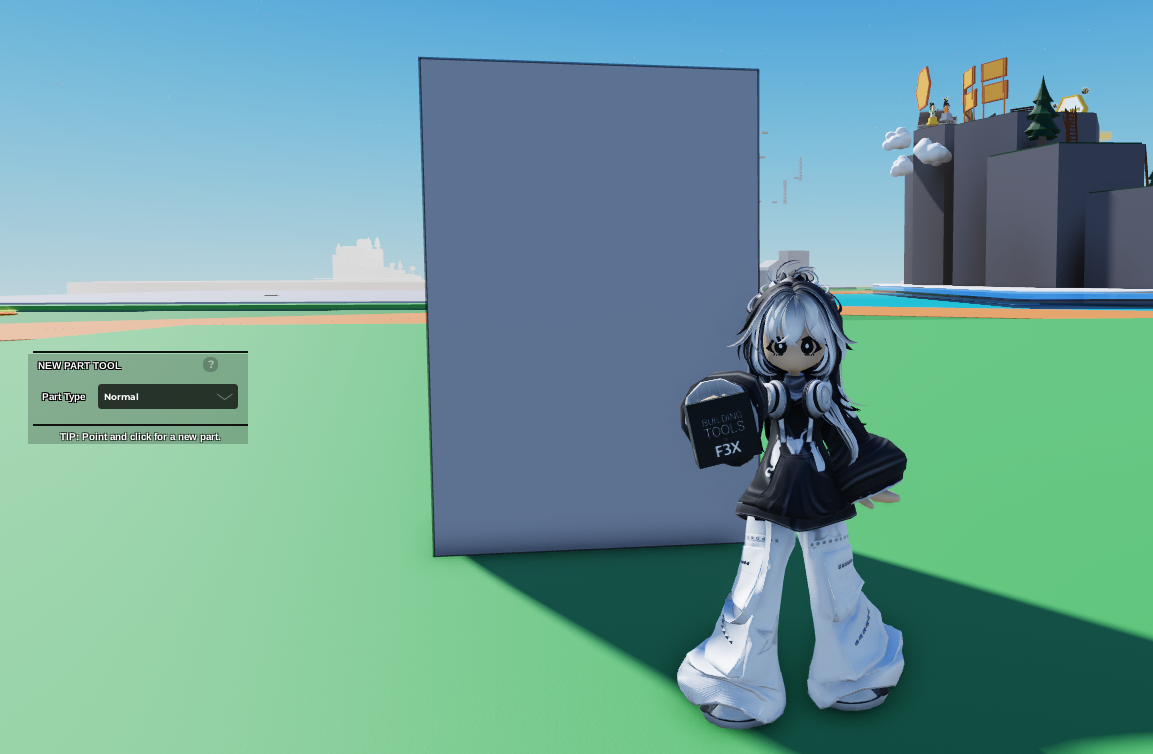
- Create a Part or Prop that you would like to make as a non-collidable object.
Note that you can't do this with grouped parts/props
 2. Click on the Part/Prop then open
 Code Builder
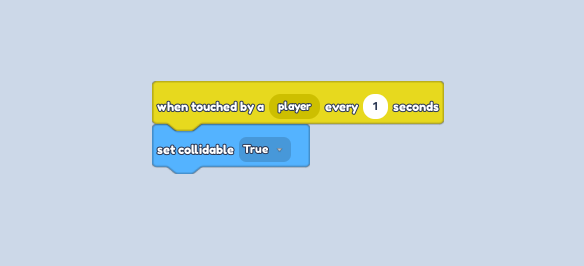
3. Go to the Events Section, then click and drag "When touched by a player ..." block
4. Change the amount of seconds to 1
5. Go to the Motion Section then click and drag "Set Collidable ..." block
6. Click on the dropdown, and select "True"