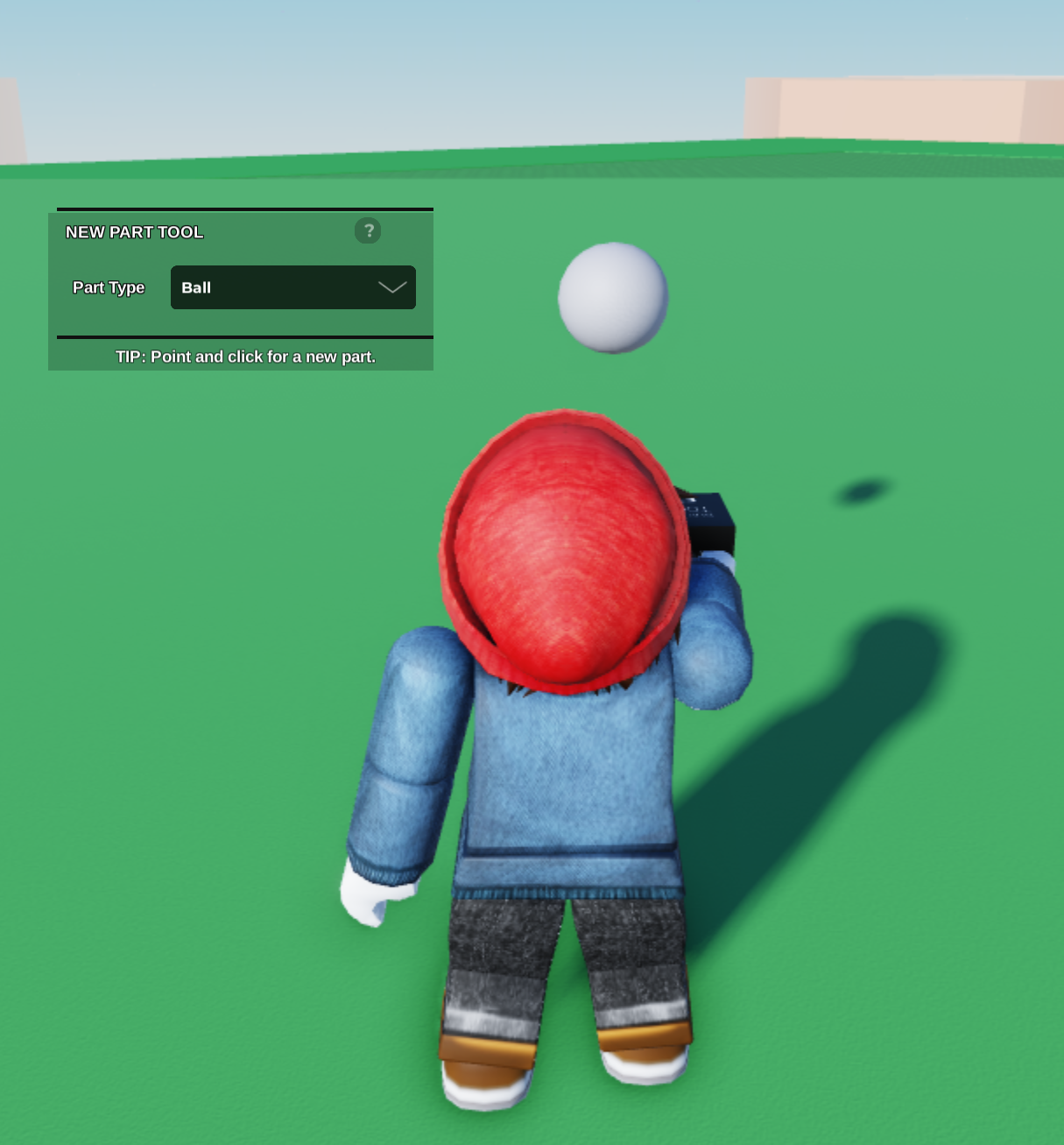
- Start by placing a part on your plot.
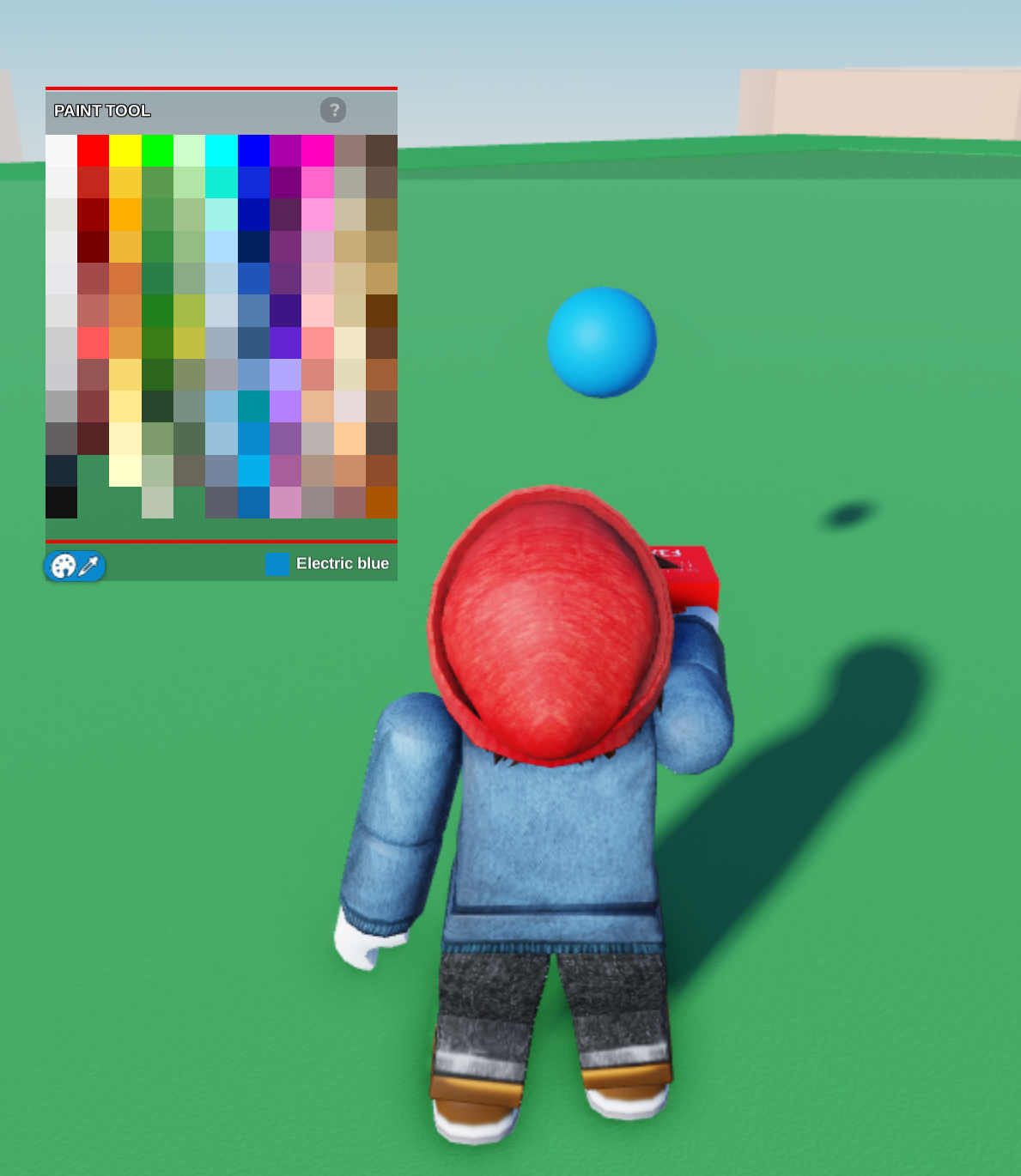
- Next, we can use our Paint Tool to make the part whatever colour we like!
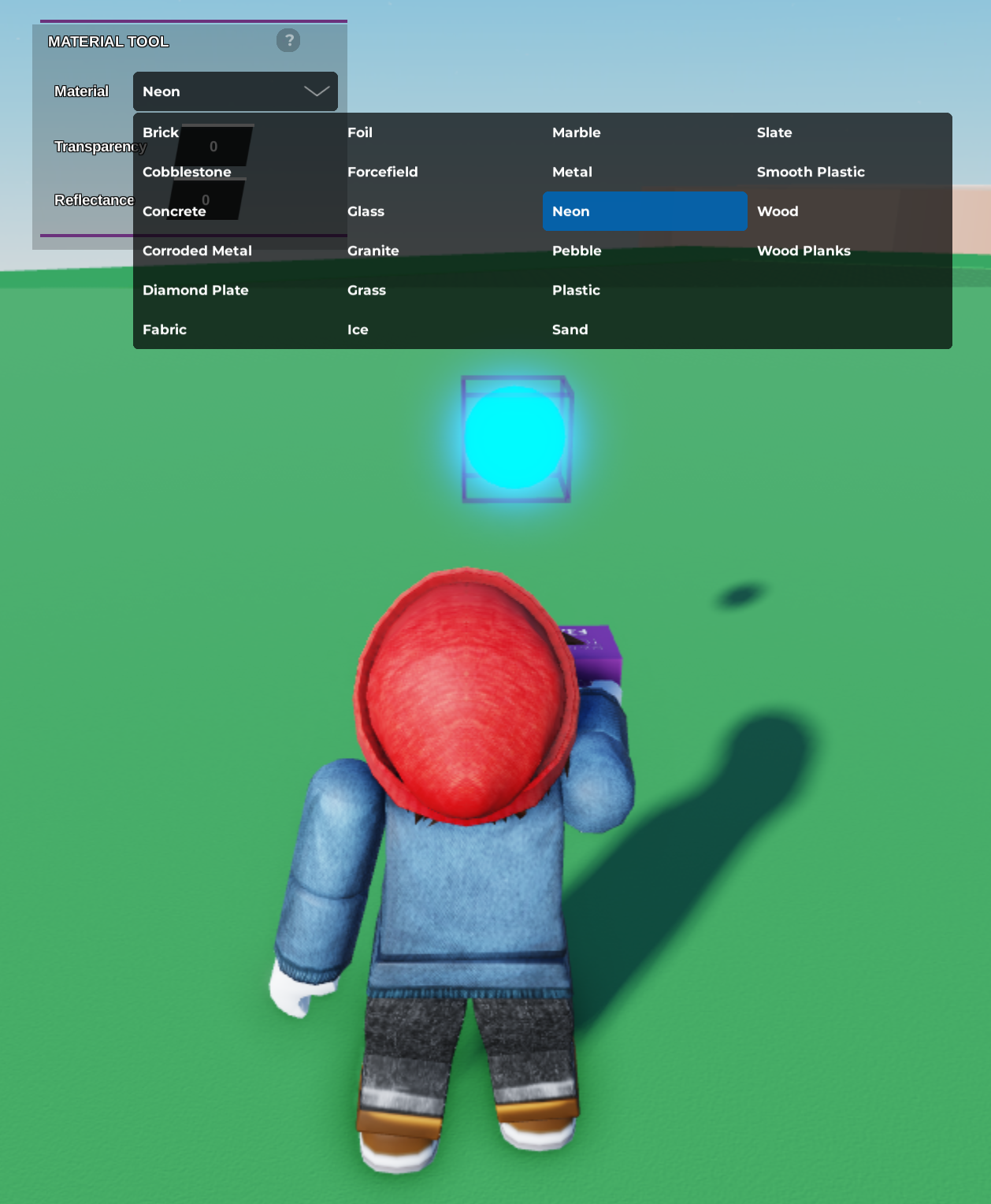
- Now we can go ahead and use our Material Tool to make our object a Neon material. This will give our part a glowing effect.
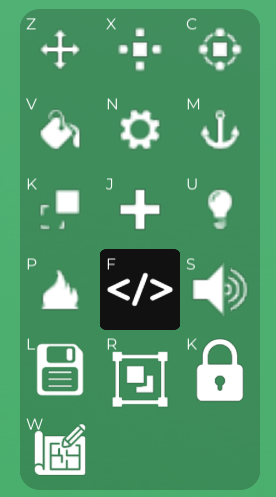
- Then we can use this button to open up our Properties, and from there we can open up the Code Builder!
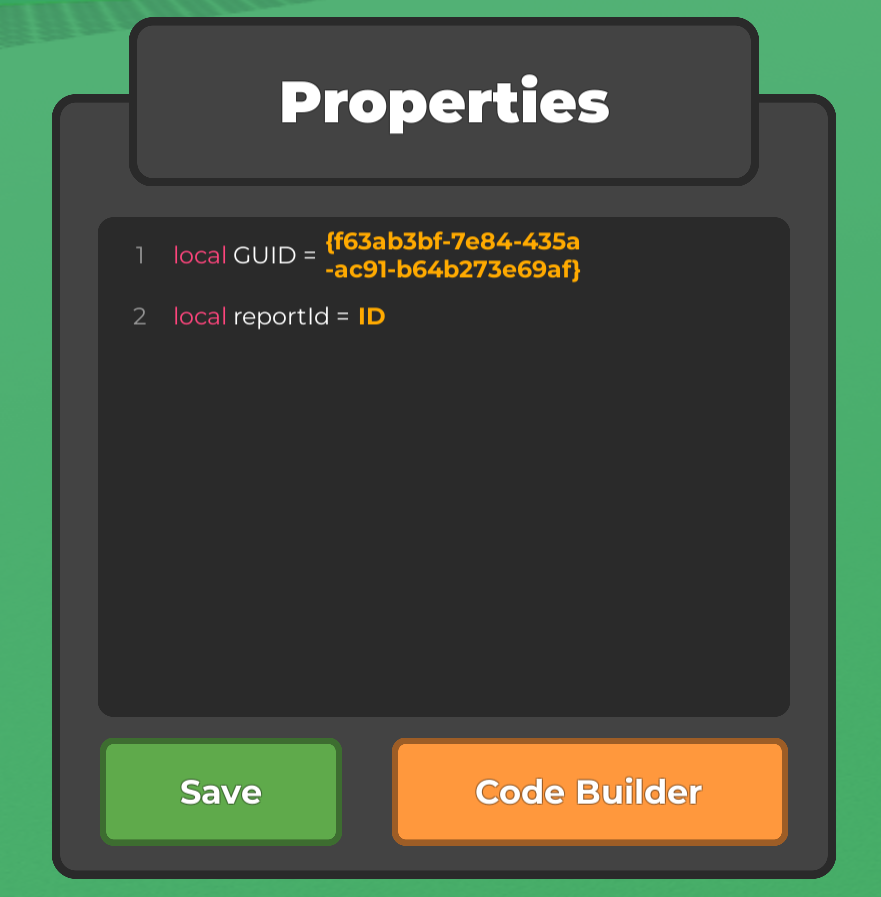
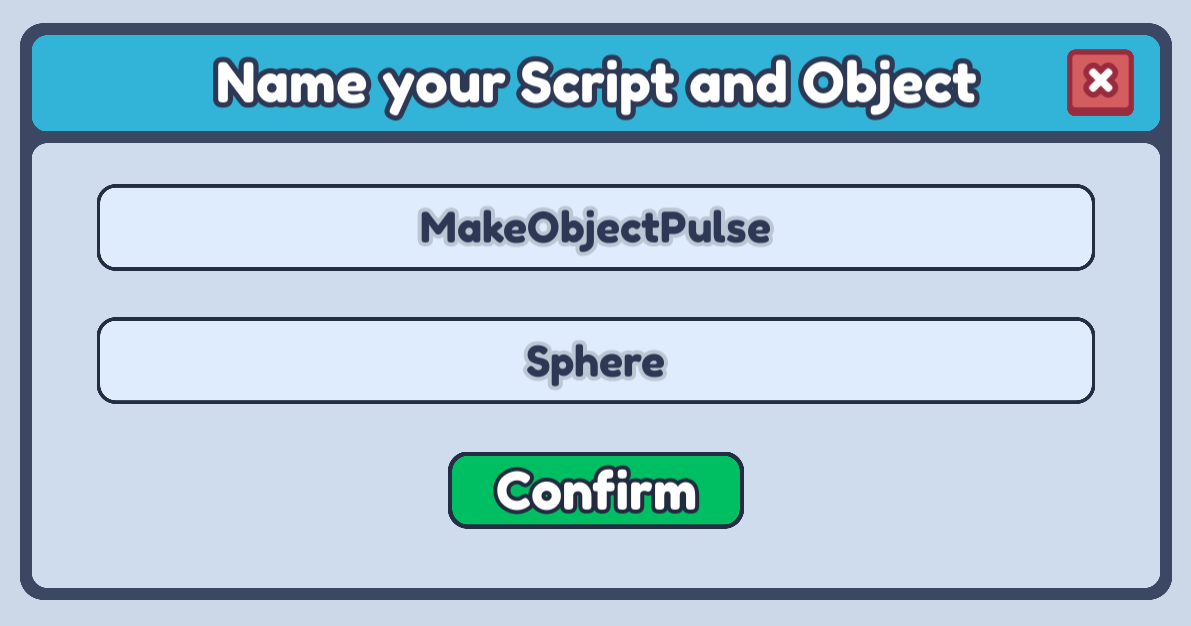
- It is always a good idea to name your script something that describes what it is going to do!
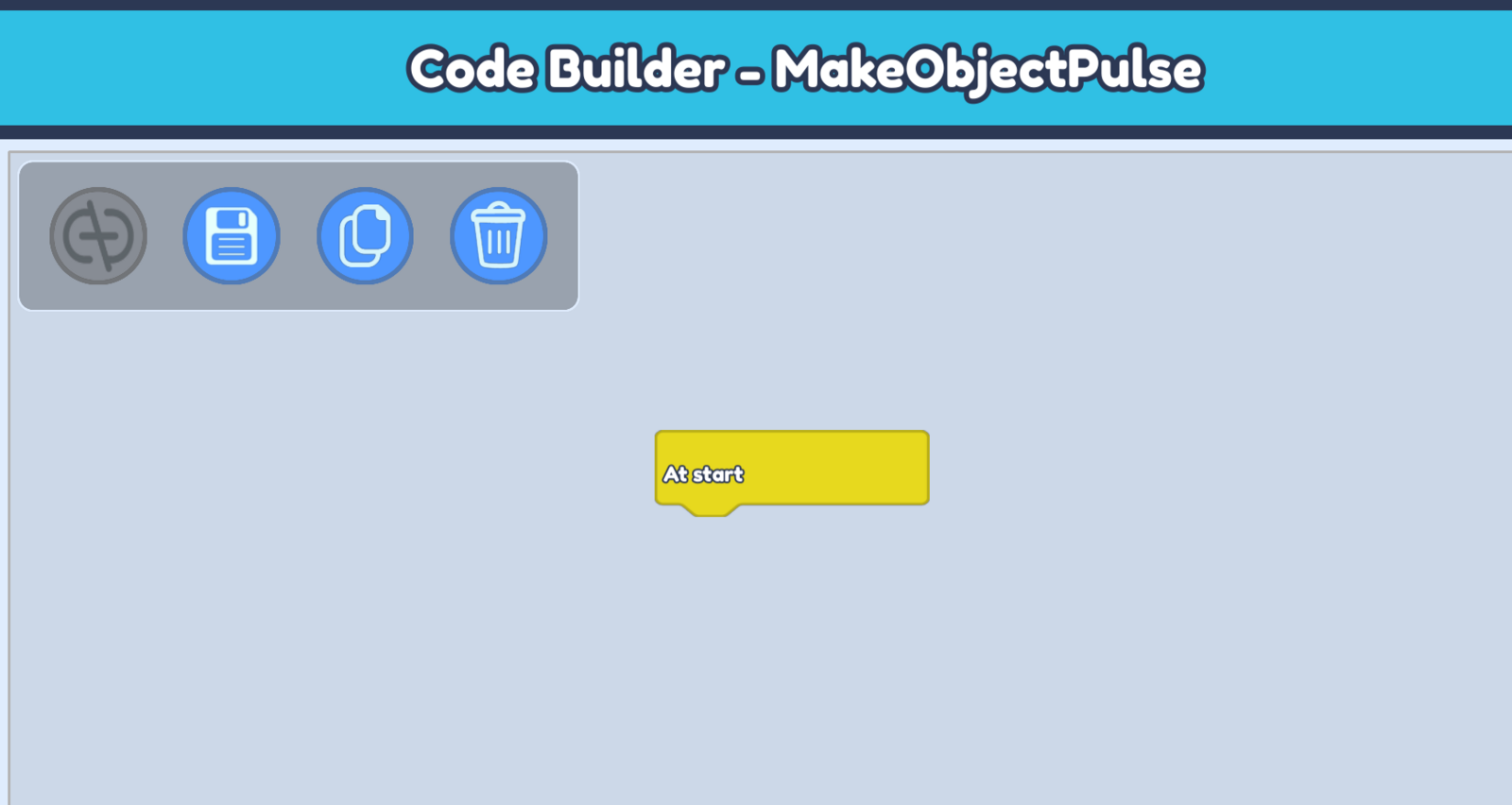
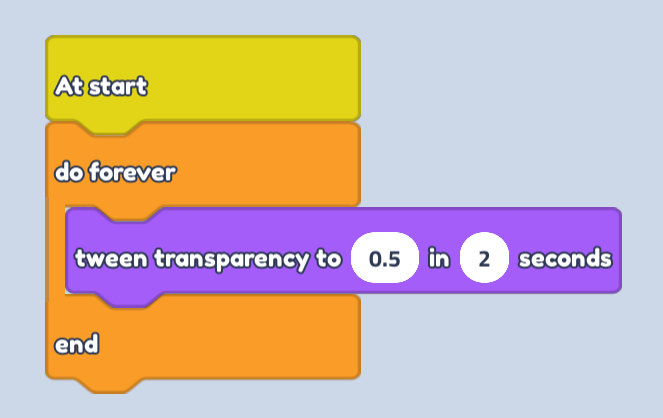
- In our script, we firstly want to open up our Events blocks and drag an At start block into our scripting area. This will activate as soon as the game starts!

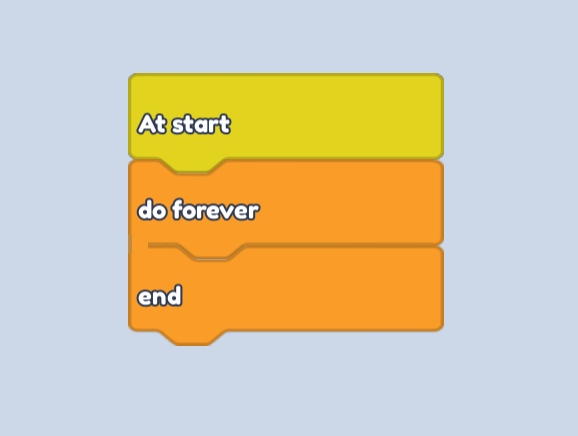
- Next, we can open up our Control blocks and drag in a do forever block. So whatever code we put within this will run forever from the moment the game starts.

- To make our object's glow reduce, we need to tween its transparency to roughly 0.5. So let's open up our Looks blocks, then drag in a tween transparency to block. I am going to tween mine to 0.5 over 2 seconds.

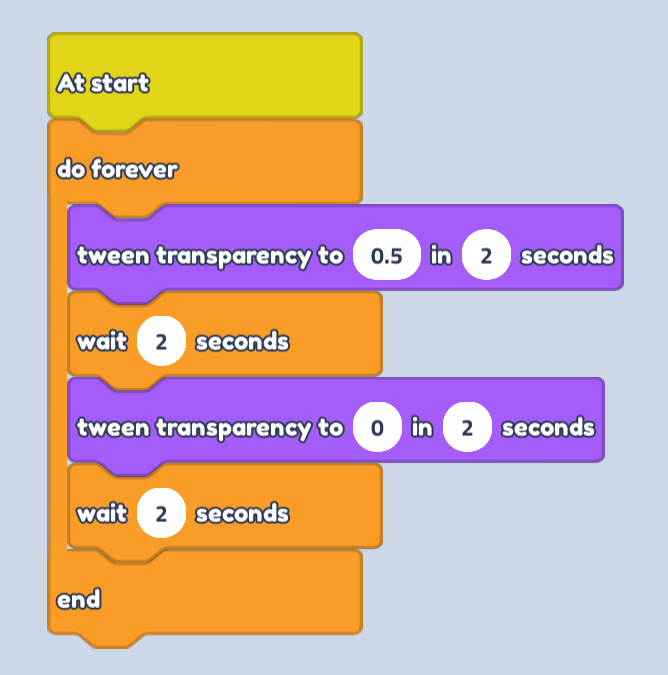
- To finish, let's add another tween transparency to block, setting our transparency back to 0. Then add two wait blocks of 2 seconds in between them.
Your wait block should be the same or more amount of seconds as your tween transparency to block.
- Now you can go ahead and hit play, then watch your object glow and pulse!