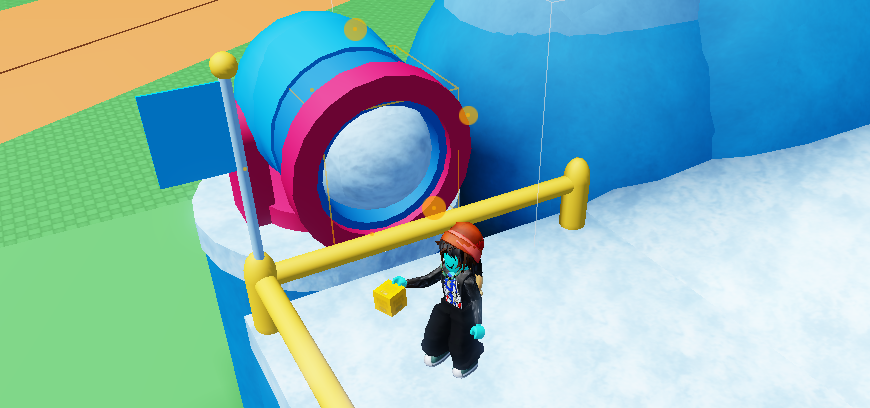
Start with your cannon. This one is made with
tubeandsphere, aswell as a "Cannonball". In this example its a giant snowball.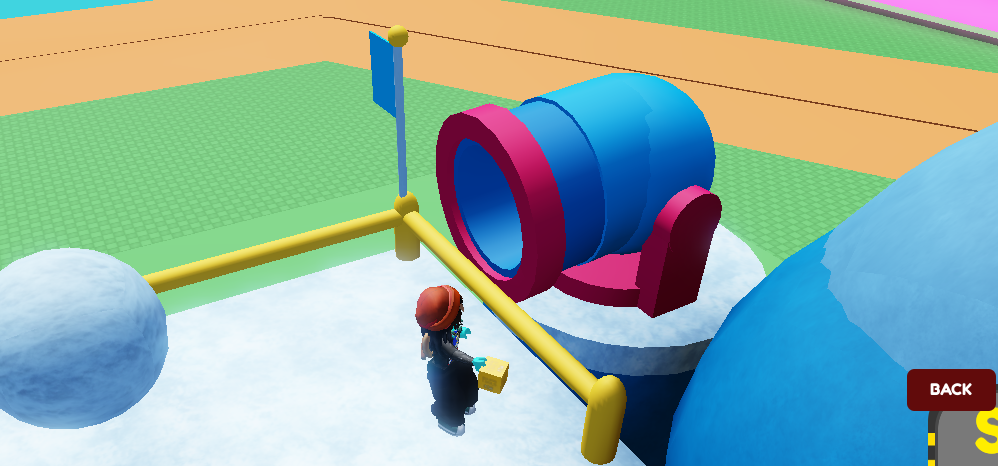
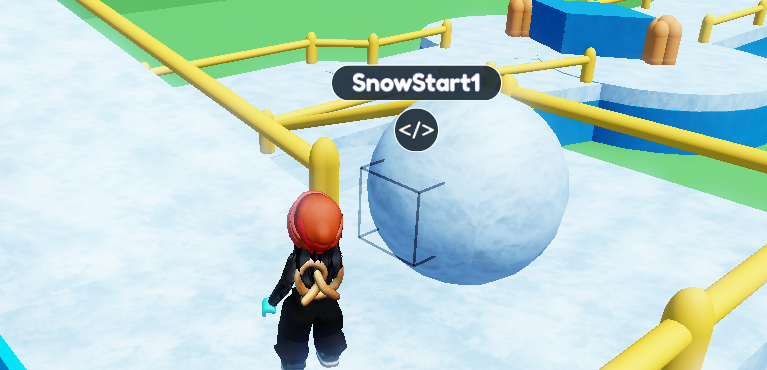
Place a small part behind your cannonball and name it. In this case it is named "SnowStart1". Use the Material Tool and type 1 in the transparency to make it invisible.
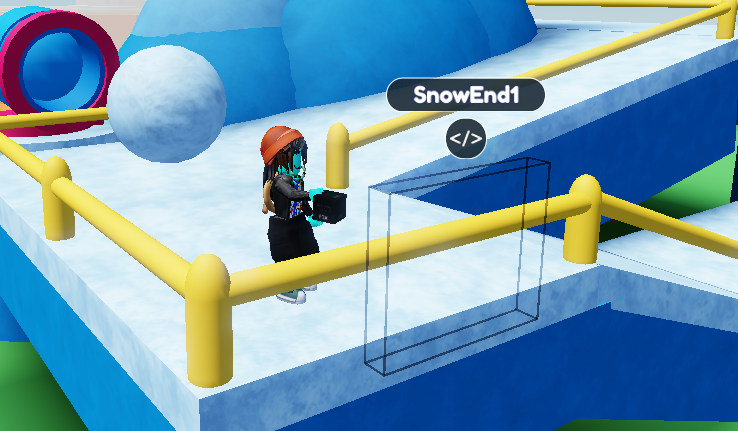
Place a part where you want your cannonball to stop at. Use the Material Tool to make it invisible like in step 2, and turn the collision off using the Collision Tool. Make sure to name it aswell, in this case it is named "SnowEnd1".
Select your cannonball and open up the Code Builder. Like every good code, start it with an
At Startfrom Event and aDo Foreverfrom Control.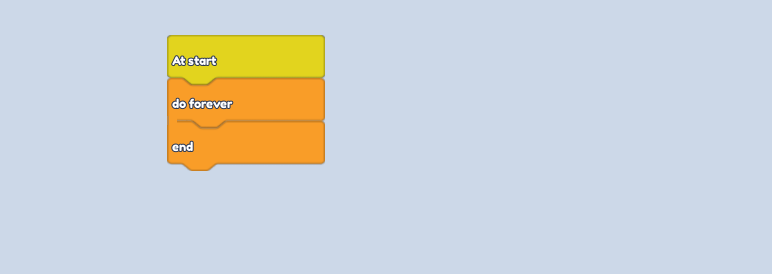
From the Motion Section, place a
make object look at-block andtween object position to-. Put your Ending name in the input, in this case, "SnowEnd1". Adjust the amount of seconds to how fast you want the cannon to move.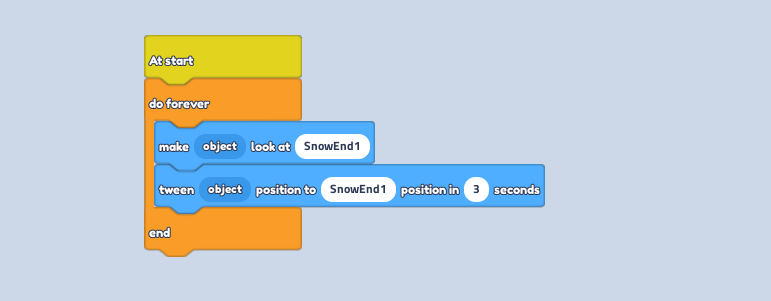
Follow it with a
wait -- secondsfrom Control. Repeat the 2 blocks from Step 5, but change the input to your Starting name, in this case, "SnowStart1".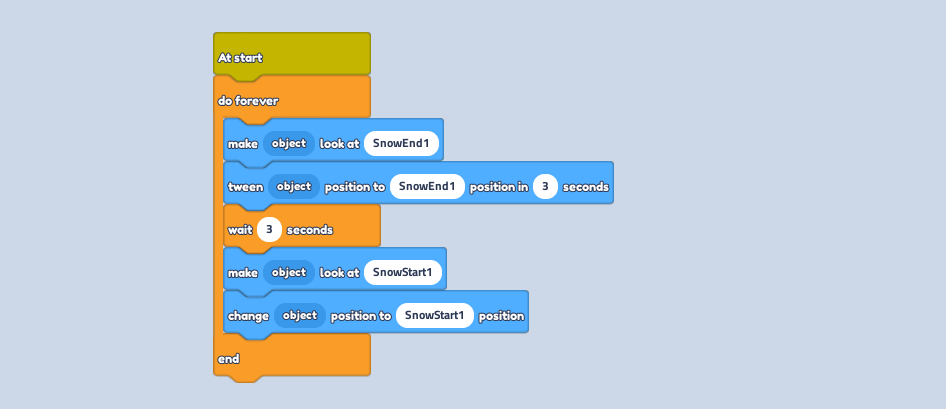
Underneath, start a new line with
When touched by a playerblock from Event, and then achange player health to 0block from Player to make it a kill brick.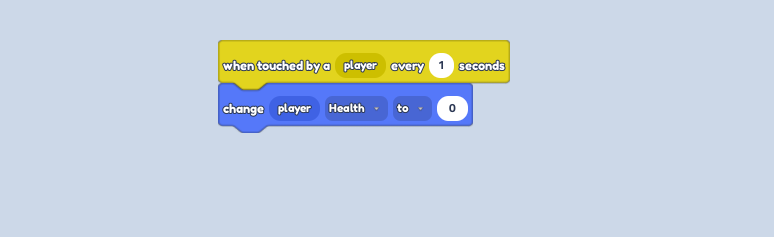
Select your start block and cannonball and slide it into the cannon. Press play to watch it roll!