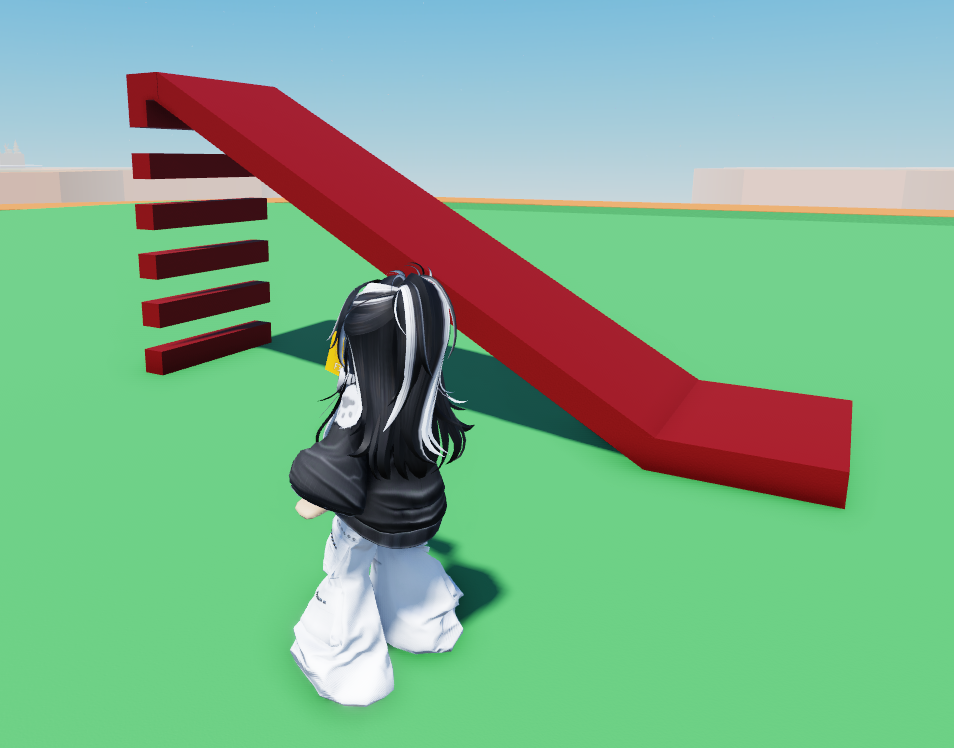
- Go to Build and create new parts to make a ladder for players to climb up the slide.
- Go to Props then go to the
Buffsection. - Select "Conveyor" and click on Place.
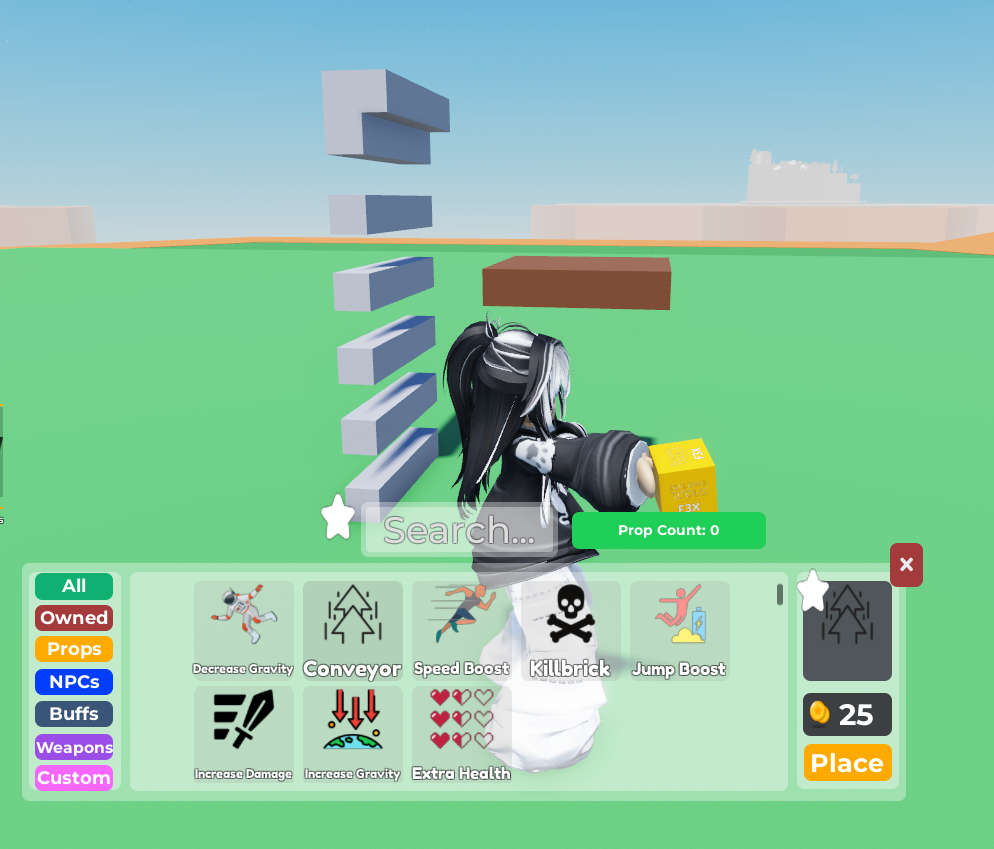 4. Stretch the Conveyor part into however long you want your slide to go on for.
5. Feel free to re-colour it as well so it blends with the ladder
4. Stretch the Conveyor part into however long you want your slide to go on for.
5. Feel free to re-colour it as well so it blends with the ladder
 ** ADDITIONAL CODE**
- Click on the Conveyor Part, and open
Code Builder
Here you will see an existing code already written. Do NOT change anything except for the speed
- Feel free to change the speed here. 0 means no movement.
If you want the Conveyor Belt to go the other way, make sure to delete the " - " from the value of X