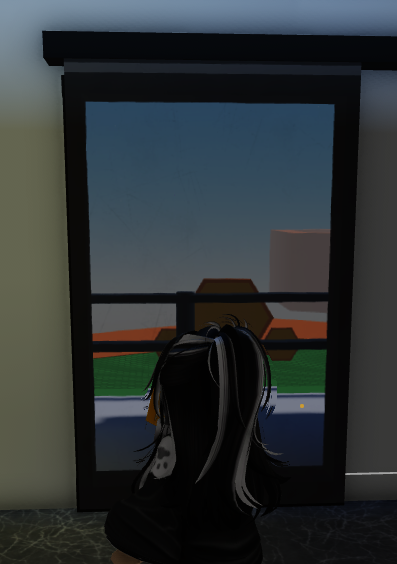
- Create a Normal Part over your door hole and create the right material for your door.
 2. Click on the door you've just made and open
 Code Builder
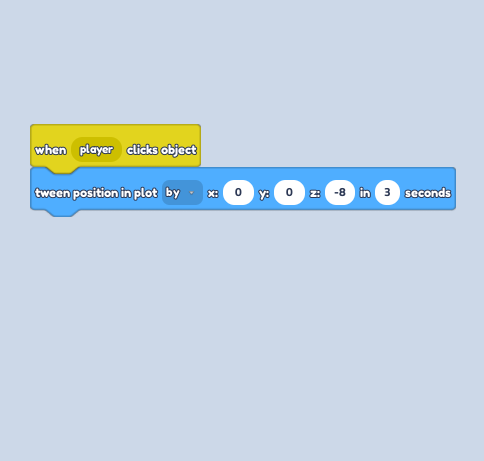
3. Go to the Events Section and grab the "When player clicks object" block.
4. Go to the Motion Section and grab the "Tween position in plot ..." block.
5. Click on the drop-down and change the ** 'to' to 'by'** for a smooth transition.
6. Depending on where you make the house, your left-right would be different. Change the Y or Z axis according to this.
7. Change the value of seconds to 3 so the door doesn't go flying when players click to open the door.
(Look at Code Thread Sample)
 8. Save the codes and don't forget to play test this to get the wanted result.