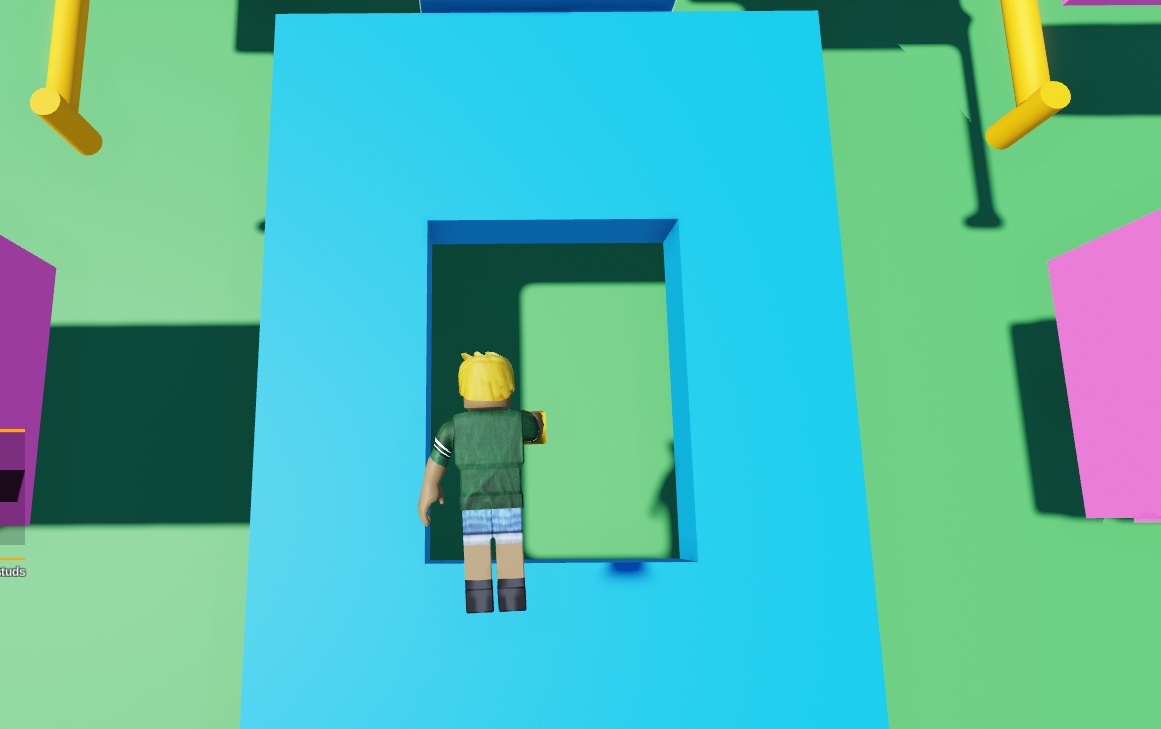
- Using 4 parts, make a single platform with a hole in the center.
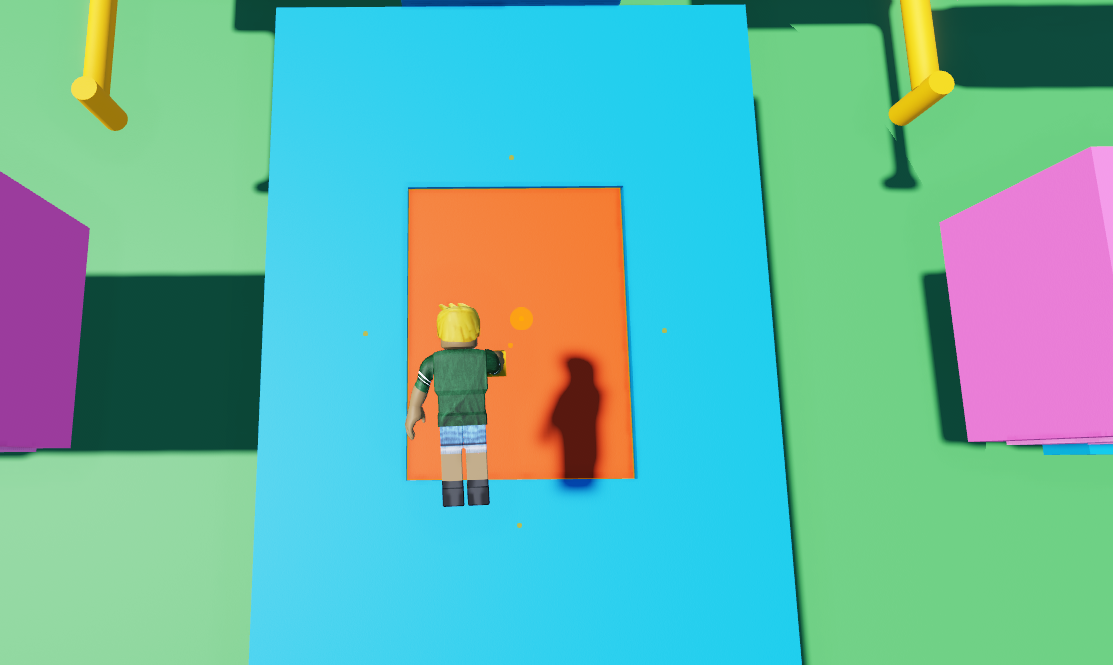
Grab another part, an place it in the center of the hole. This will be the 'treadmill'.
Grab a wedge or other shape to animate it downwards, and duplicate it. Place it on top of your treadmill block.
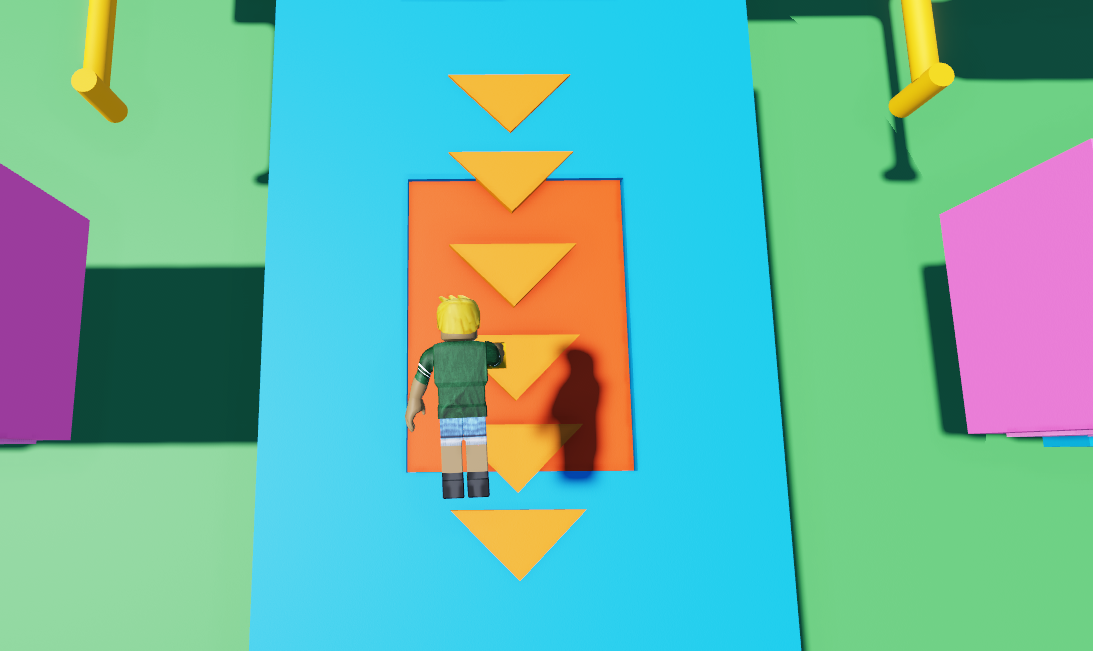
- Select your shapes and merge them into one object. Then select that object and set its collidable off.
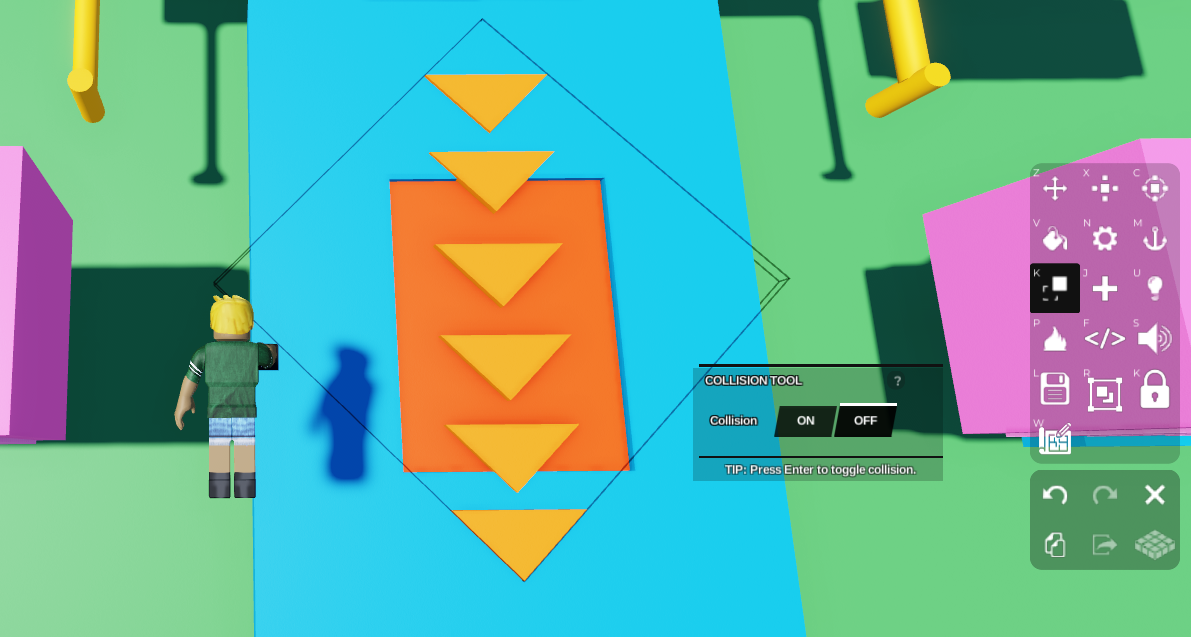
- Move your shapes lower, on top of the treadmill block but below the platform, so it's not visible on top of the platform when it animates.
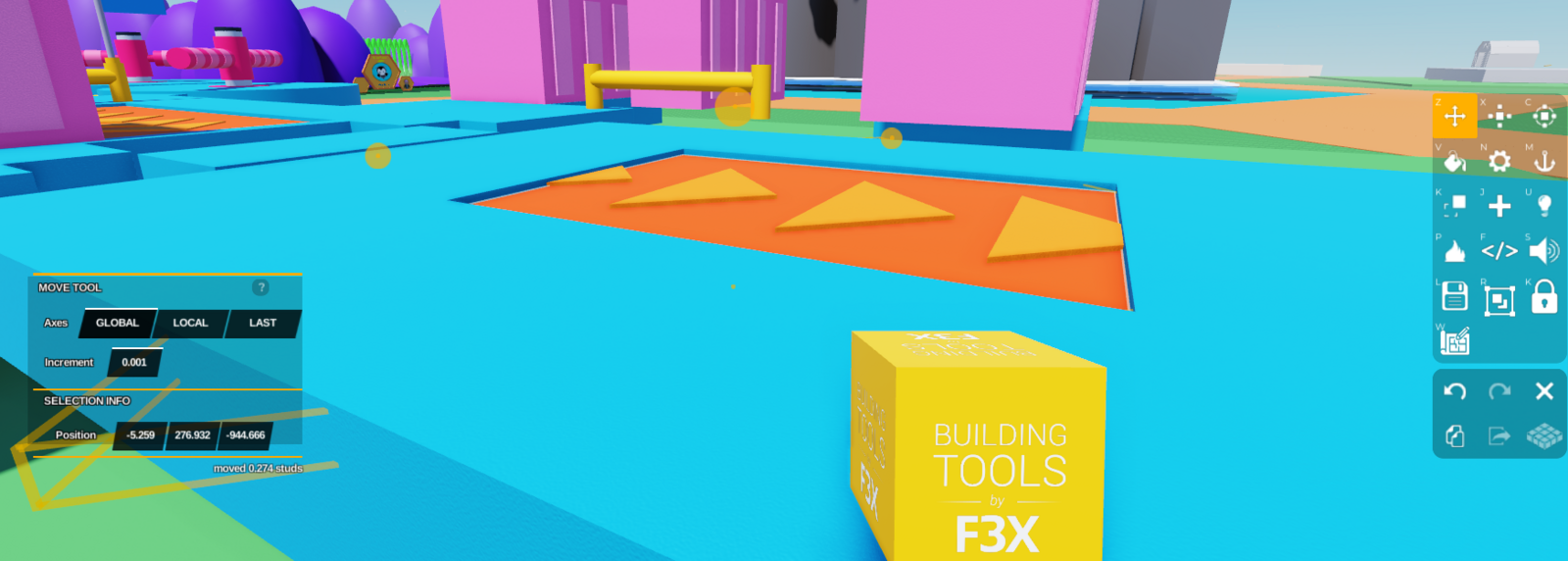
Open that object's Code Builder by clicking the </> button on the right toolbar. Now we're going to animate it.
In Code Builder, go to 'Events' and grab
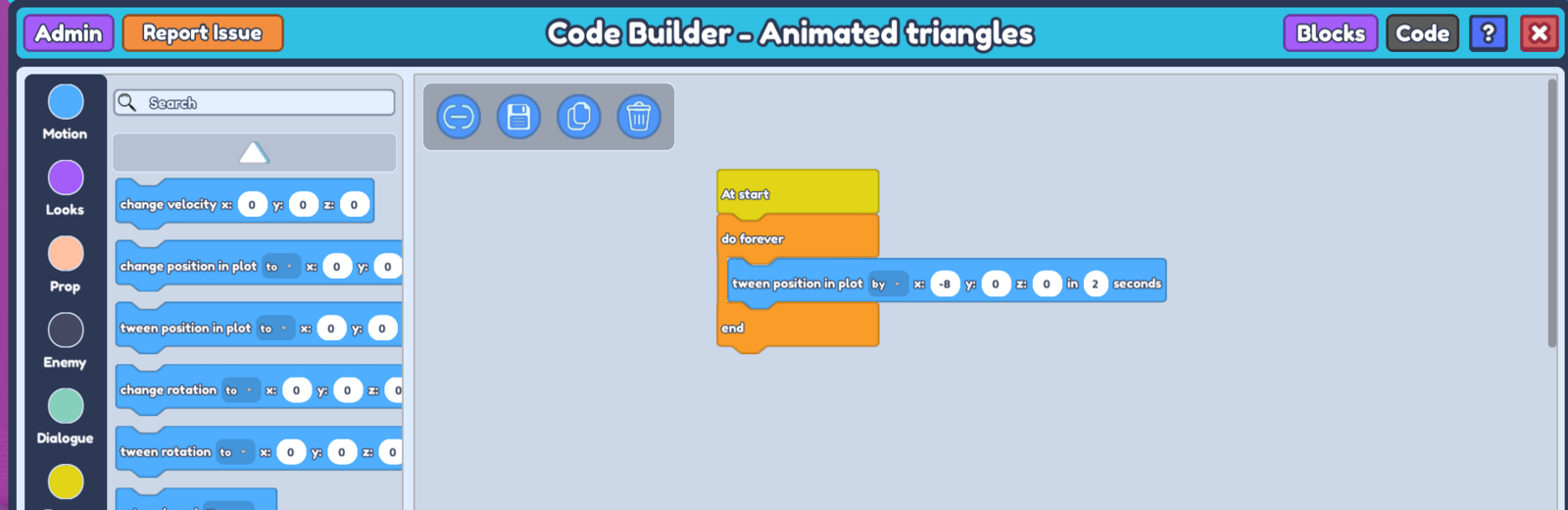
at start. Then go to 'Control', grabdo foreverand place it below at start.
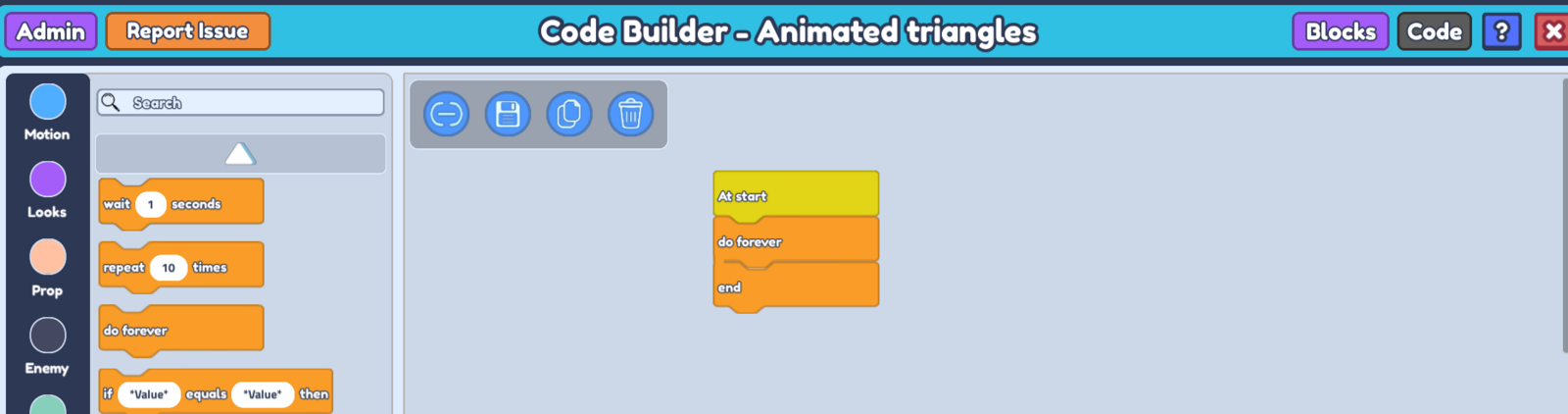 8. Go to 'Motion' on the left and grab
 tween position in plot to x : - y : - z : - in -- seconds. Change ' to' to ' by', and place it in between do forever and end.
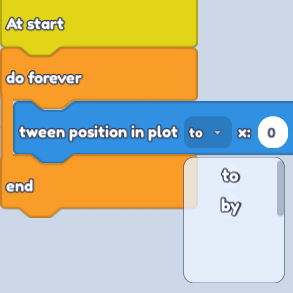
- To animate this object downwards, insert a negative value in the x axis.
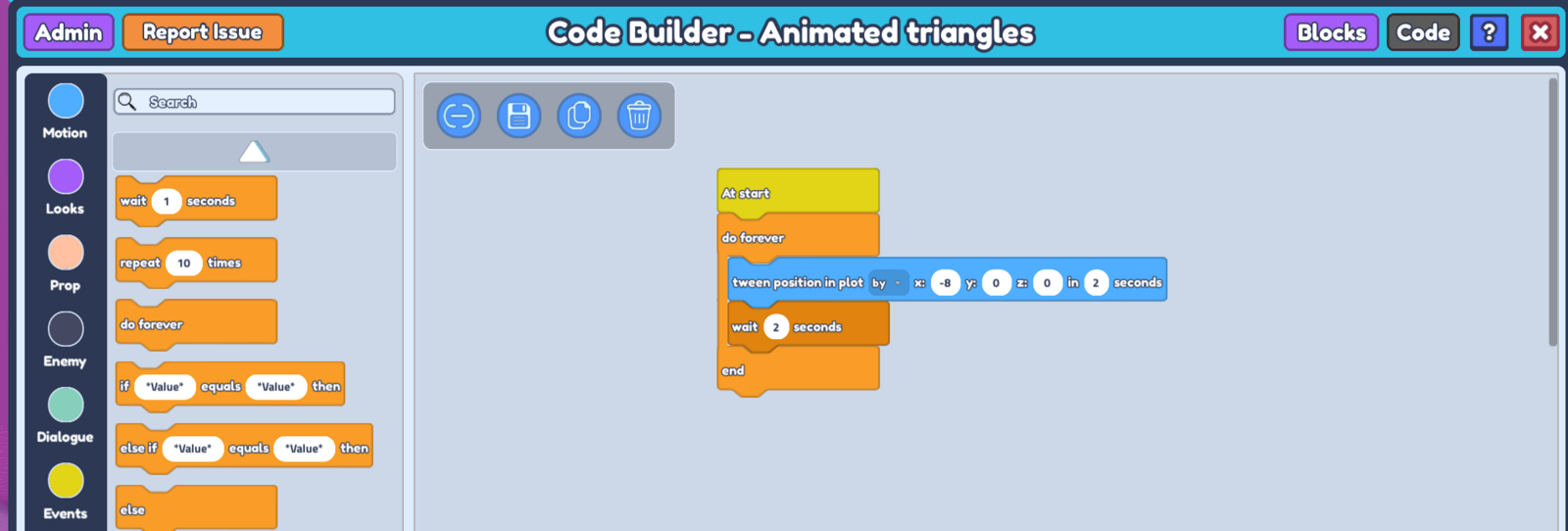
- Go back to 'Control' and grab
wait -- seconds. Set it to the duration you've written in yourtween positionblock.
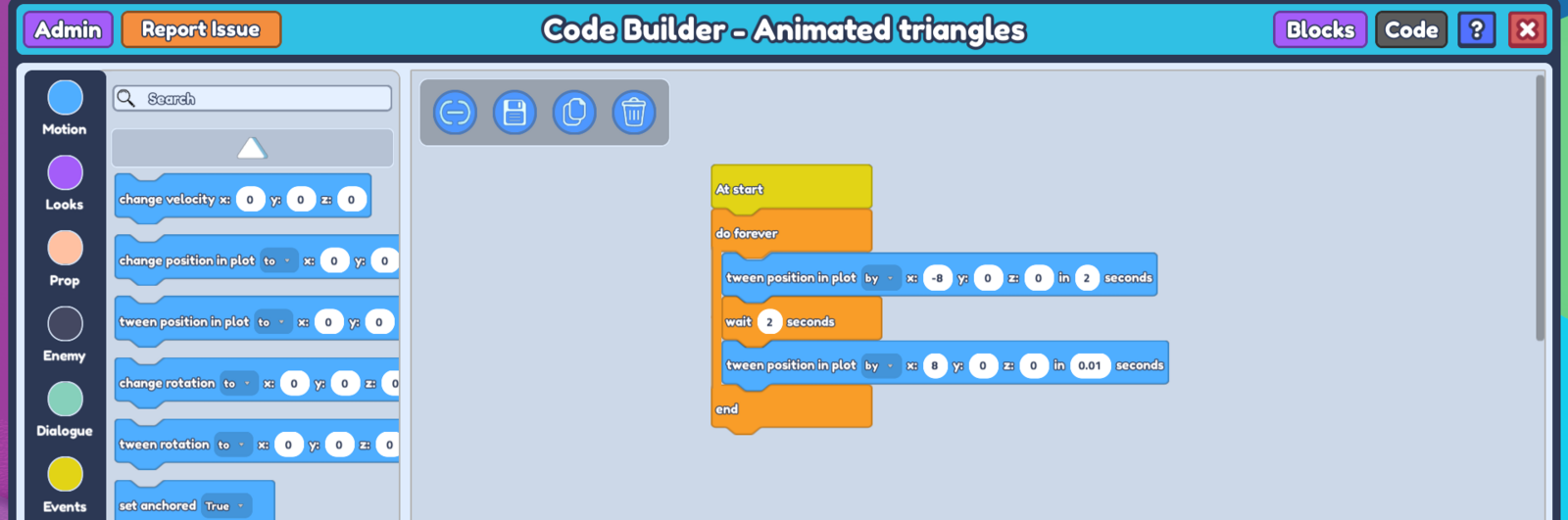
 11. Duplicate your
 tween position block, put down 8 in its x axis. For the duration, set it to below 0.1 seconds.
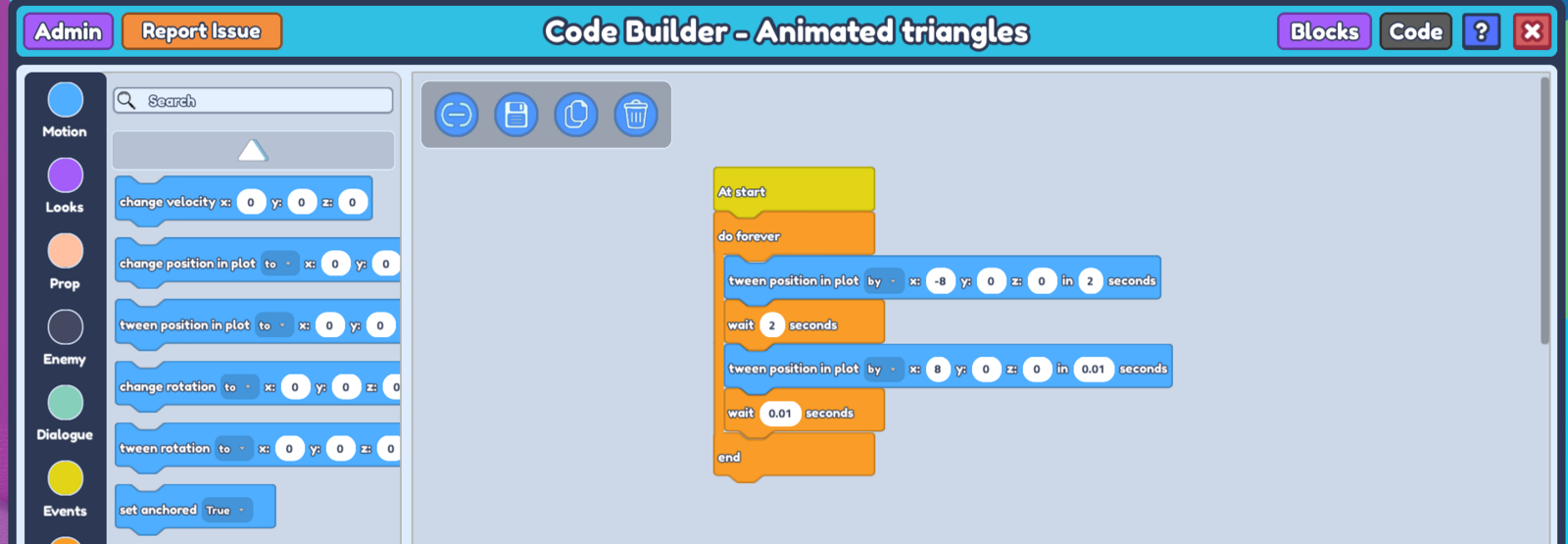
 12. Grab another
 wait -- seconds and set it to the duration of your newest tween position block.
- Save your code, and close the Code Builder for that object. Now in your plot, select your treadmill block, and open Code Builder.
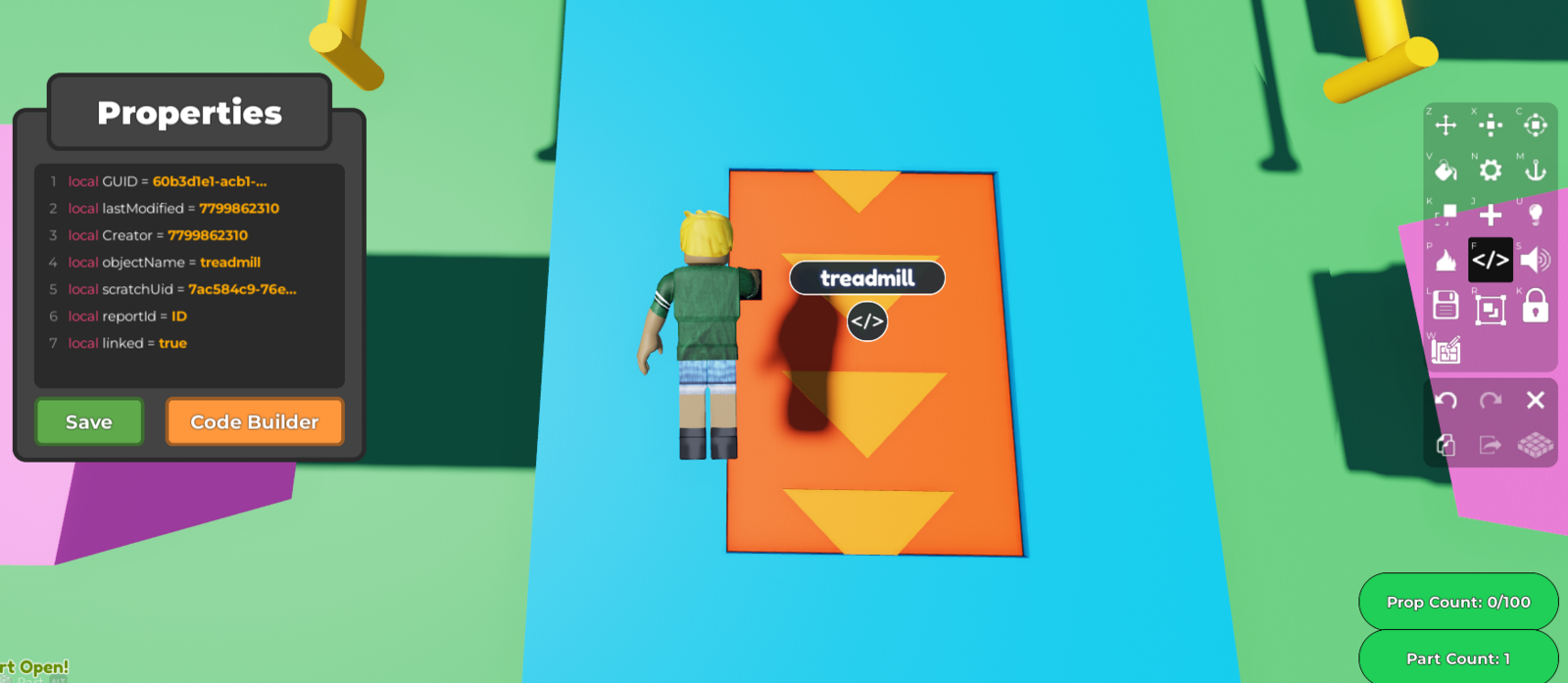
- In Code Builder for your treadmill, go to 'Events' on the left and grab
when touched by player every -- seconds.
every -- seconds to below 1 second, so the code takes effect without delay.- Now go to 'Motion' on the left and grab
change velocity x : 0 y : 0 z : 0. Input the same value as your triangles' movement in the x input.
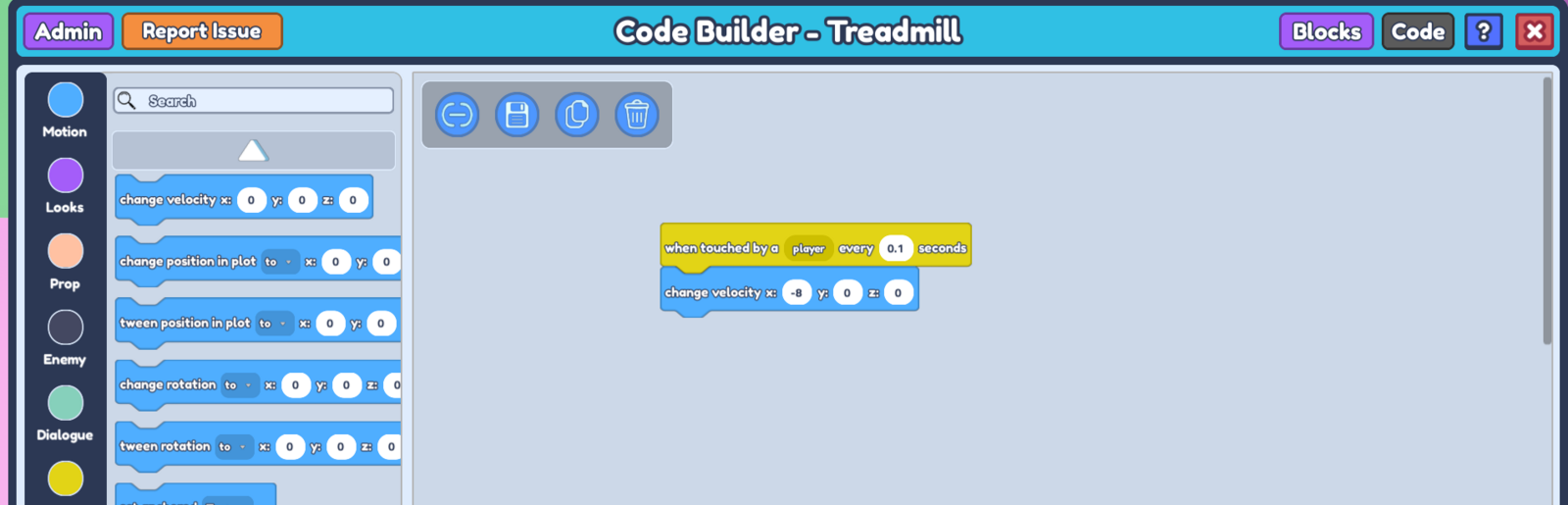
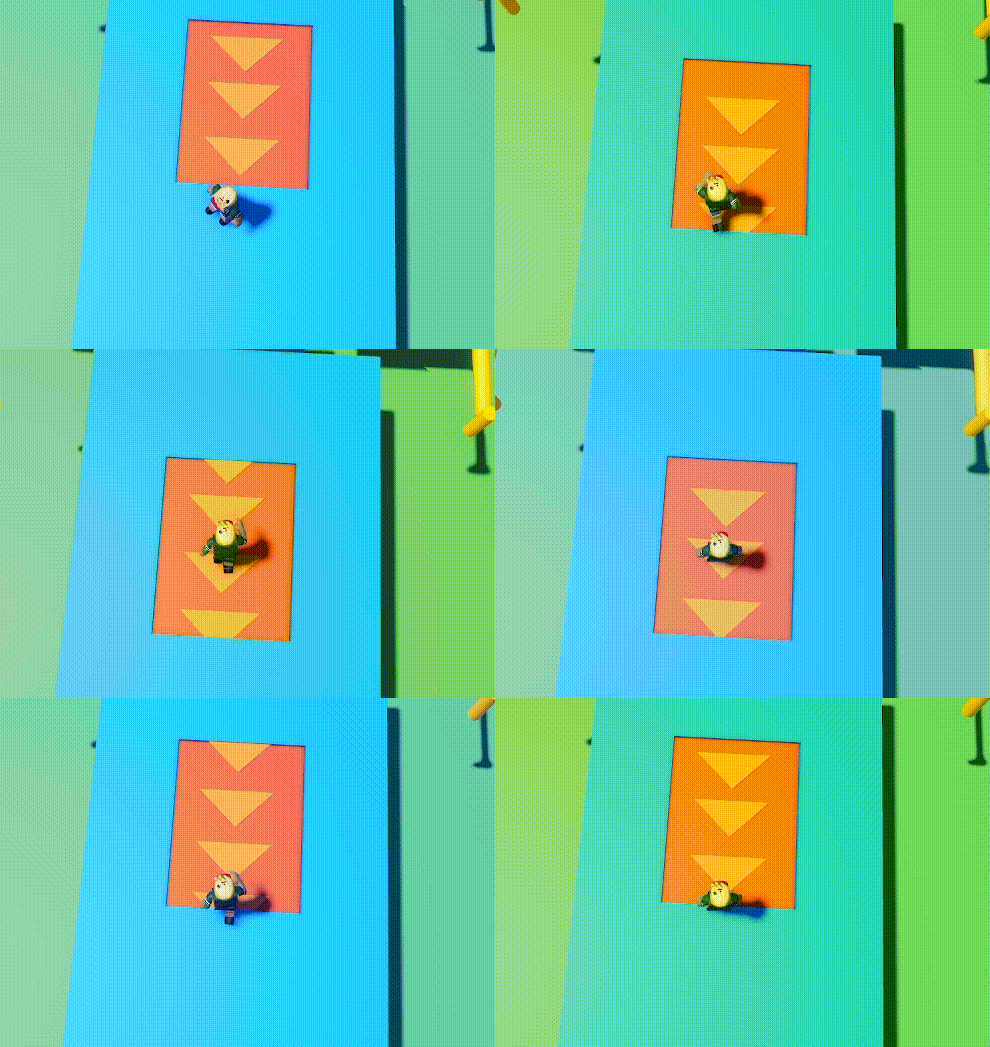
- Save your code, and when you press 'Play', you will see your treadmill animating and your player will move downwards when on it.