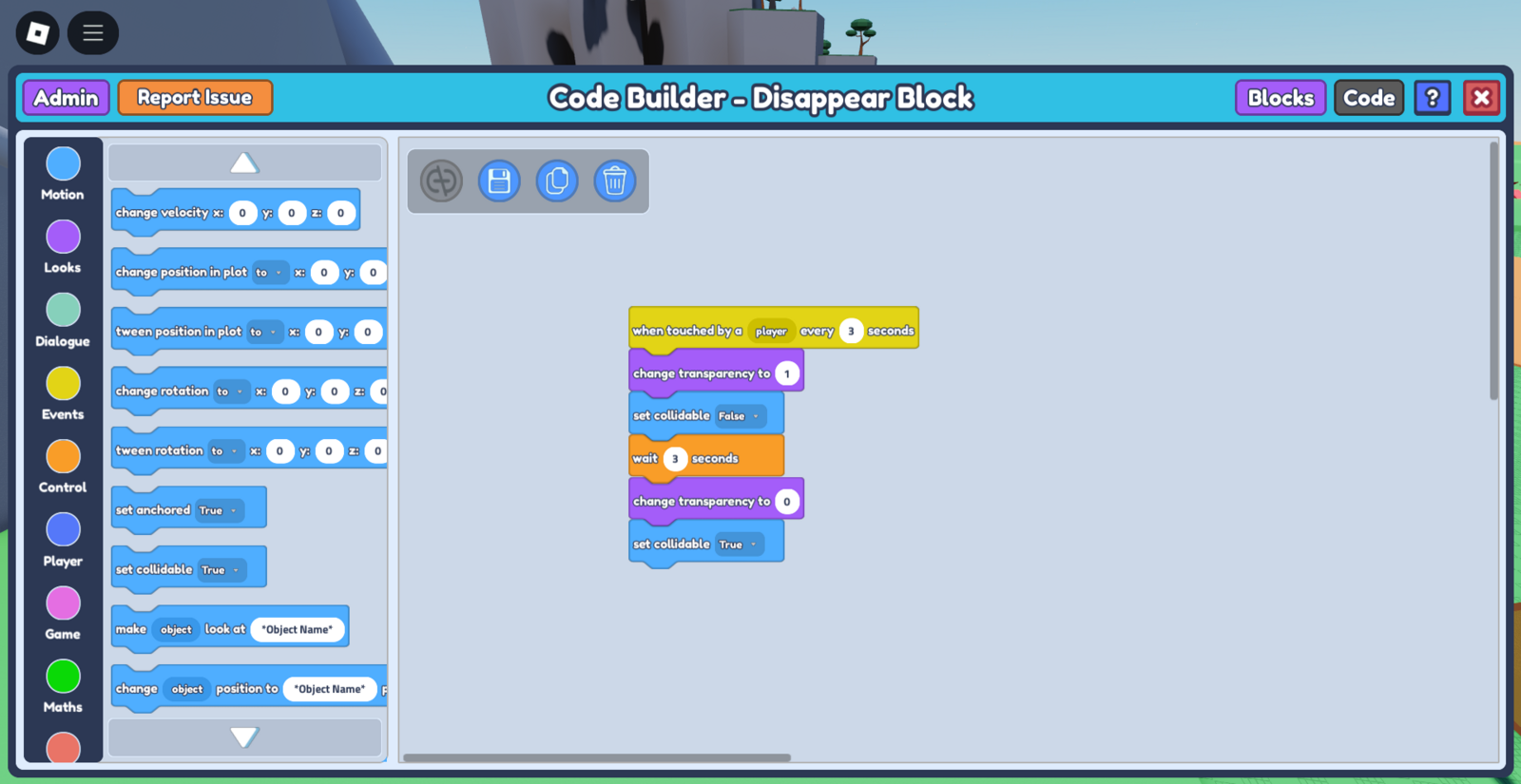
Let's say you have a platforming game, and want to have some platforms disappear when the player jumps on them. This simple code allows you to do just that!
- Select the object you wish to make disappear, and make sure the object has its collision on.
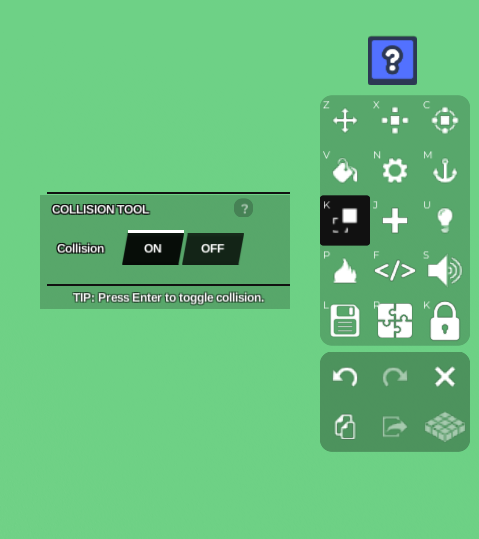 2. Select the Code Builder button on the toolbar. This should open a 'Properties' tab with the options, 'Save' and 'Code Builder'. Press 'Code Builder'. This should lead you to the Code Builder tab.
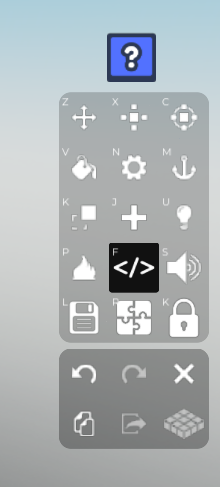 3. Name your script and object. After you've done that, go to 'Events' on the left side and grab the
 when touched by a player every - seconds block. The every seconds indicates how often you want this code to run whenever a player touches it
*(eg. if you made the object reappear after, the code can run again immediately or wait for a while before it runs again and disappears). * In this case, I want the code to be able to run again immediately after it takes effect, so I'll set it to 0.5 seconds.
Go to 'Looks' and grab the
change transparency to -block, and place it below your previous block. Set change transparency to 1 for the object to disappear completely.After that, go to 'Motion' on the left and grab the
set collidableblock. Set the collidable to false, meaning that the player will no longer be able to collide with the object anymore. At this point, your code should look like this:
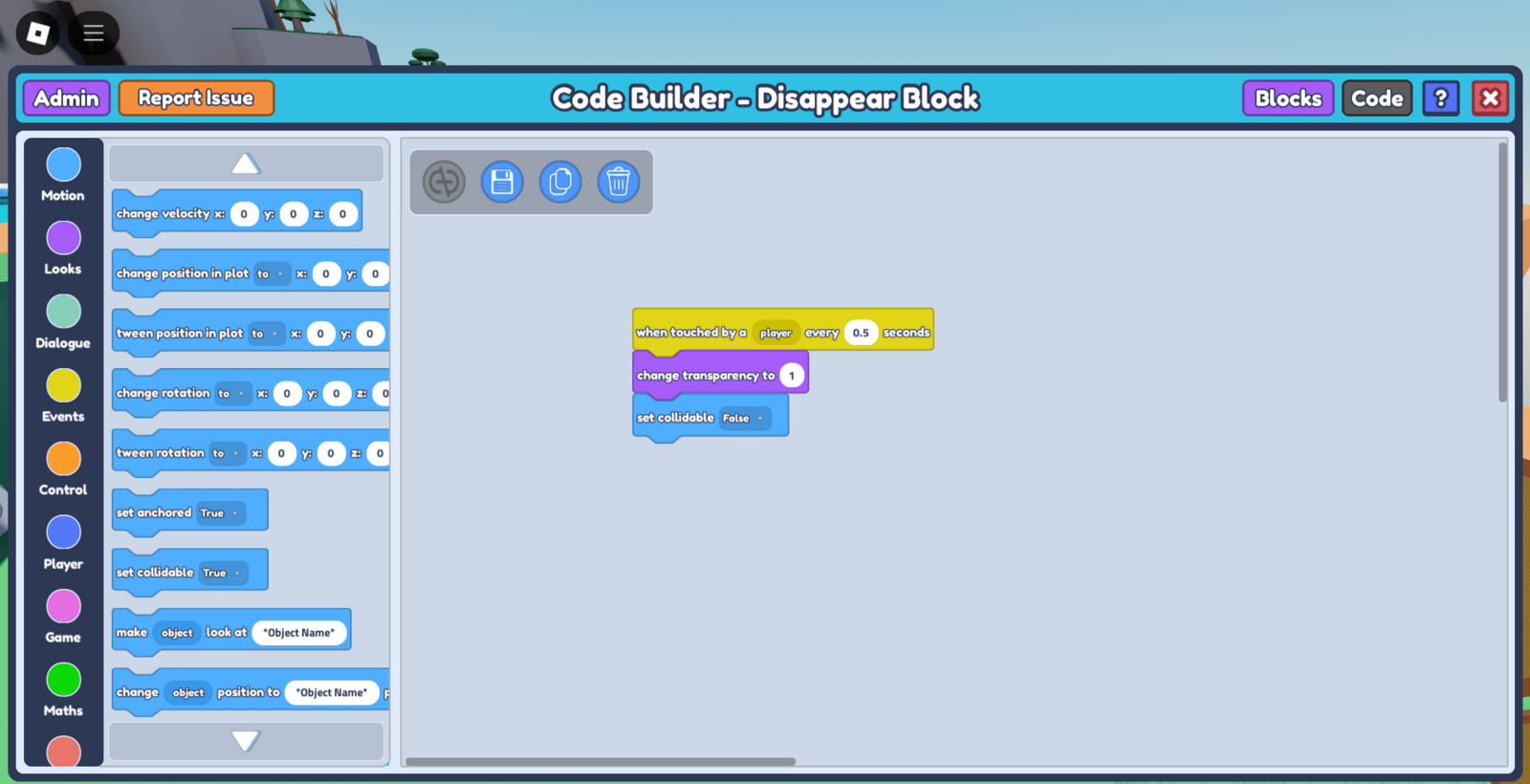
- Save your code, and once you enter play mode, your object should disappear once the player touches it!
**