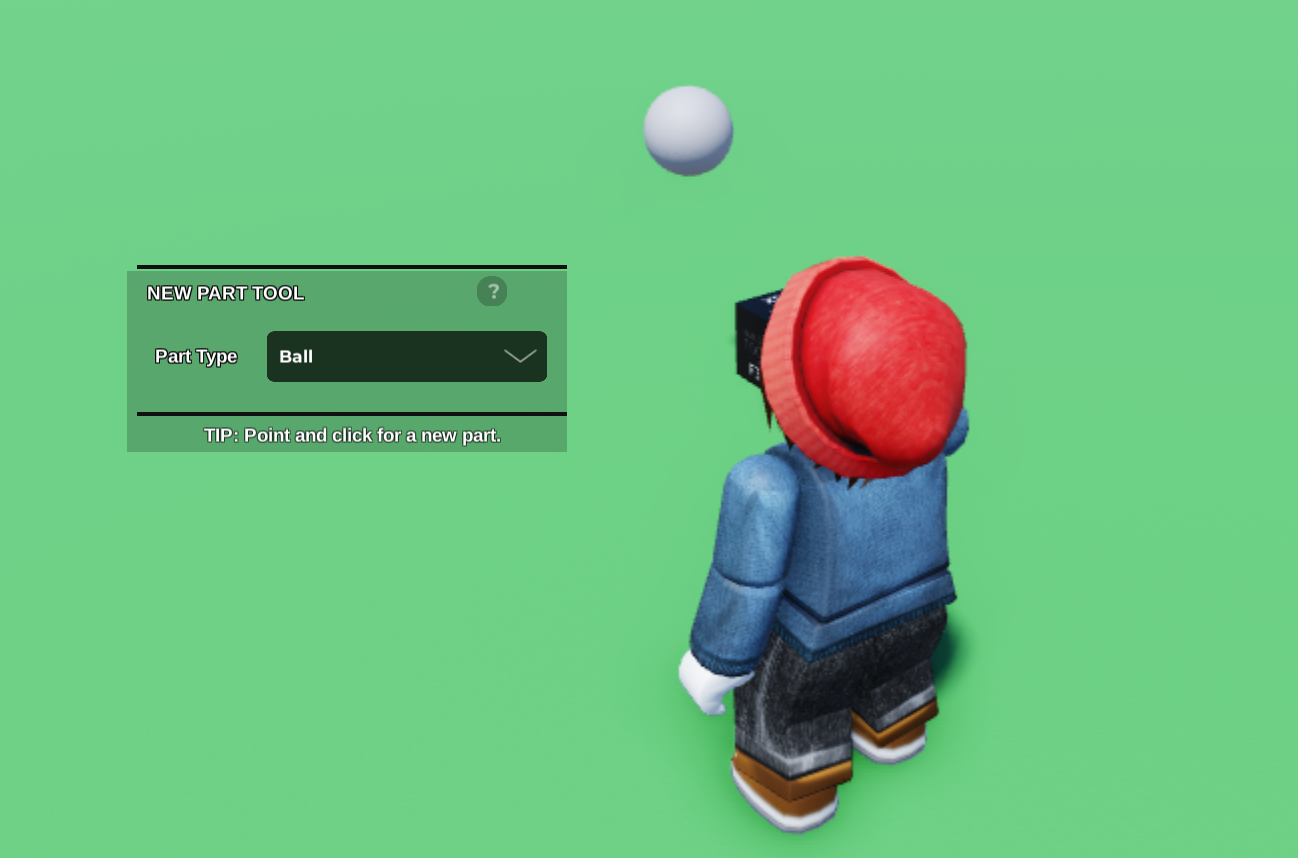
- Use the New Part Tool to place a part on your plot.
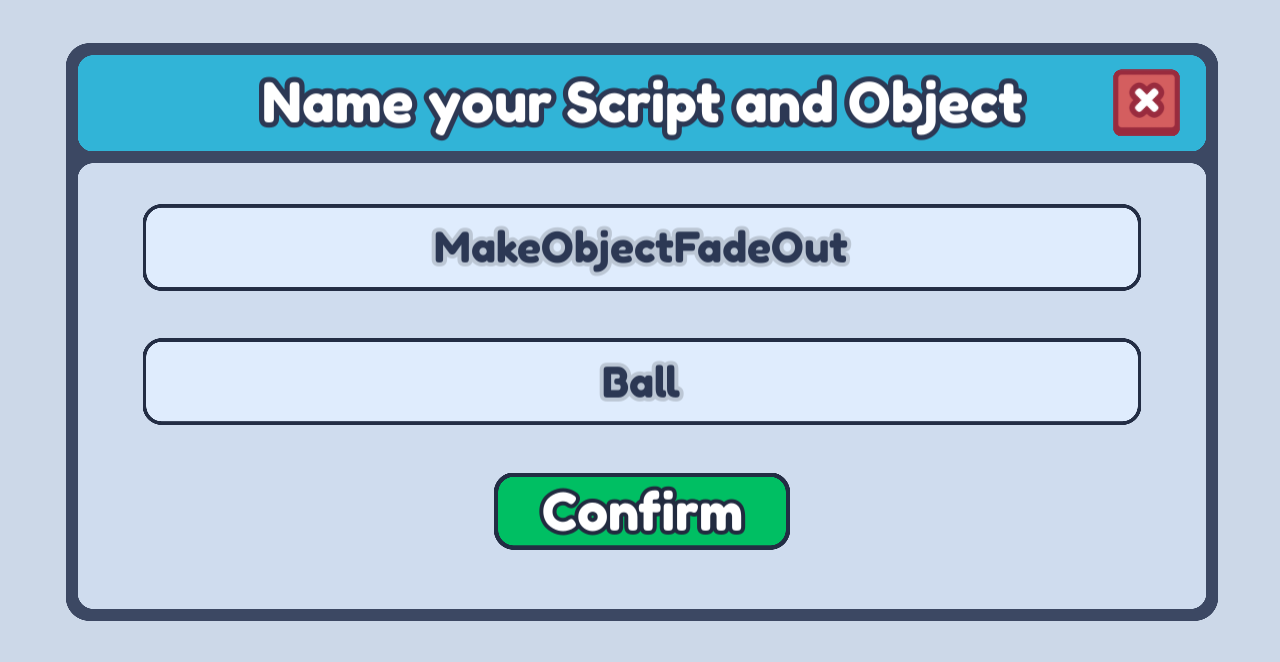
- Open the Code Builder on the part and make a new script. You can use the name here or any name that describes what your script is going to do!
- Next, let's choose the Events option on our left side bar

- Now we can choose our when player clicks object block and drag it into our scripting area. This block will activate any time the player clicks on our object!
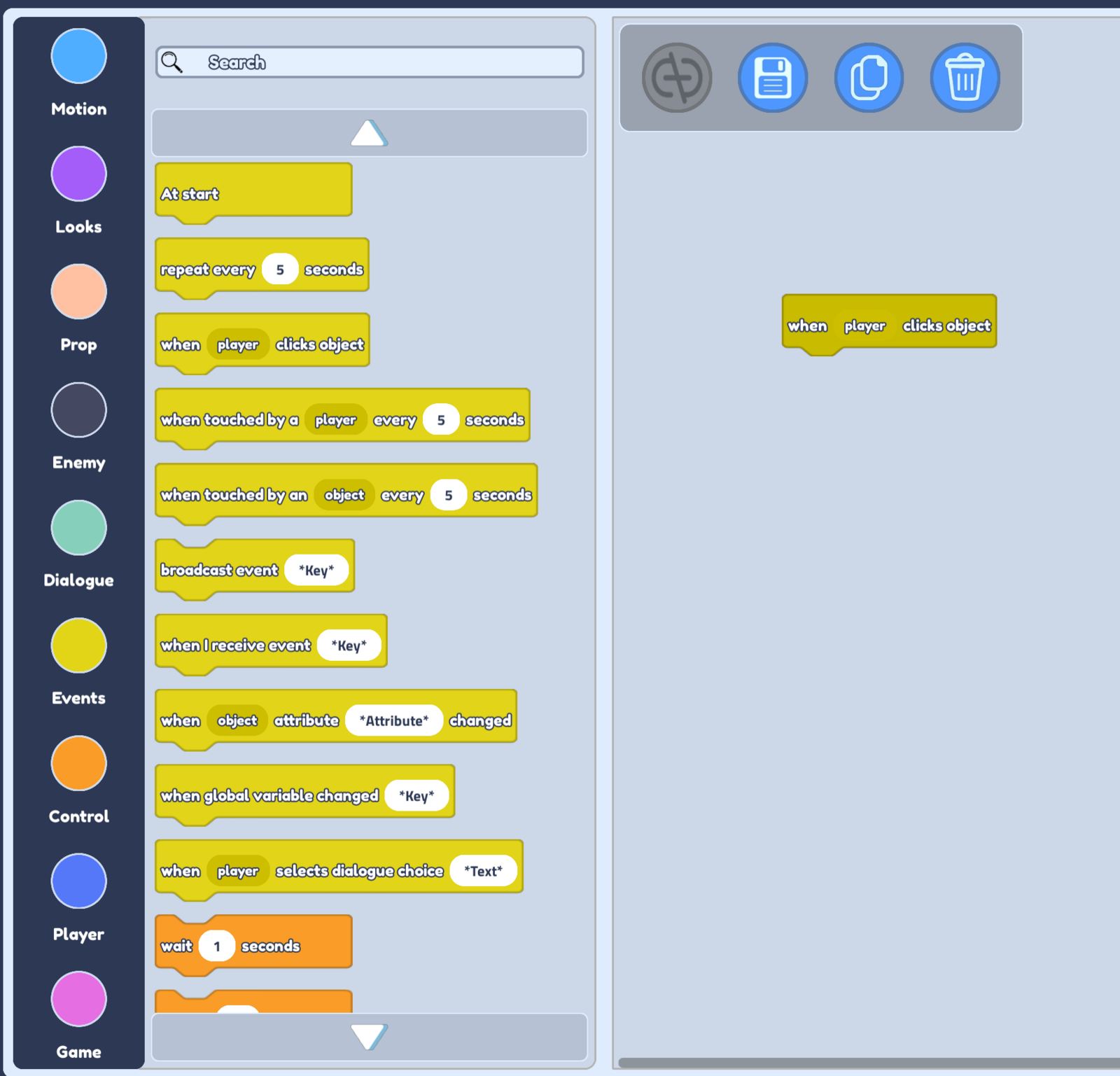
- We will need to change the look of our object to make it fade out, so let's choose our Looks options next.
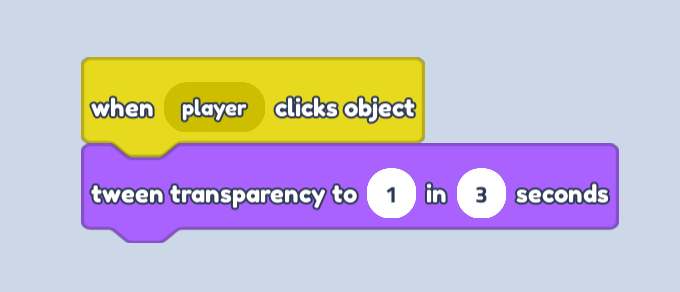
- Now we can drag our tween transparency to block under our when player clicks object. This means that every time our player clicks the object, we will run this block too!
Make sure you set the value to 1 in our tween transparency to block. When transparency is 1, this means our object is invisible.
You can make the amount of seconds whatever you like. If you want a faster fade out, have a lower amount of seconds!