- Start by choosing the object that you want to make fly, and place it on your plot.
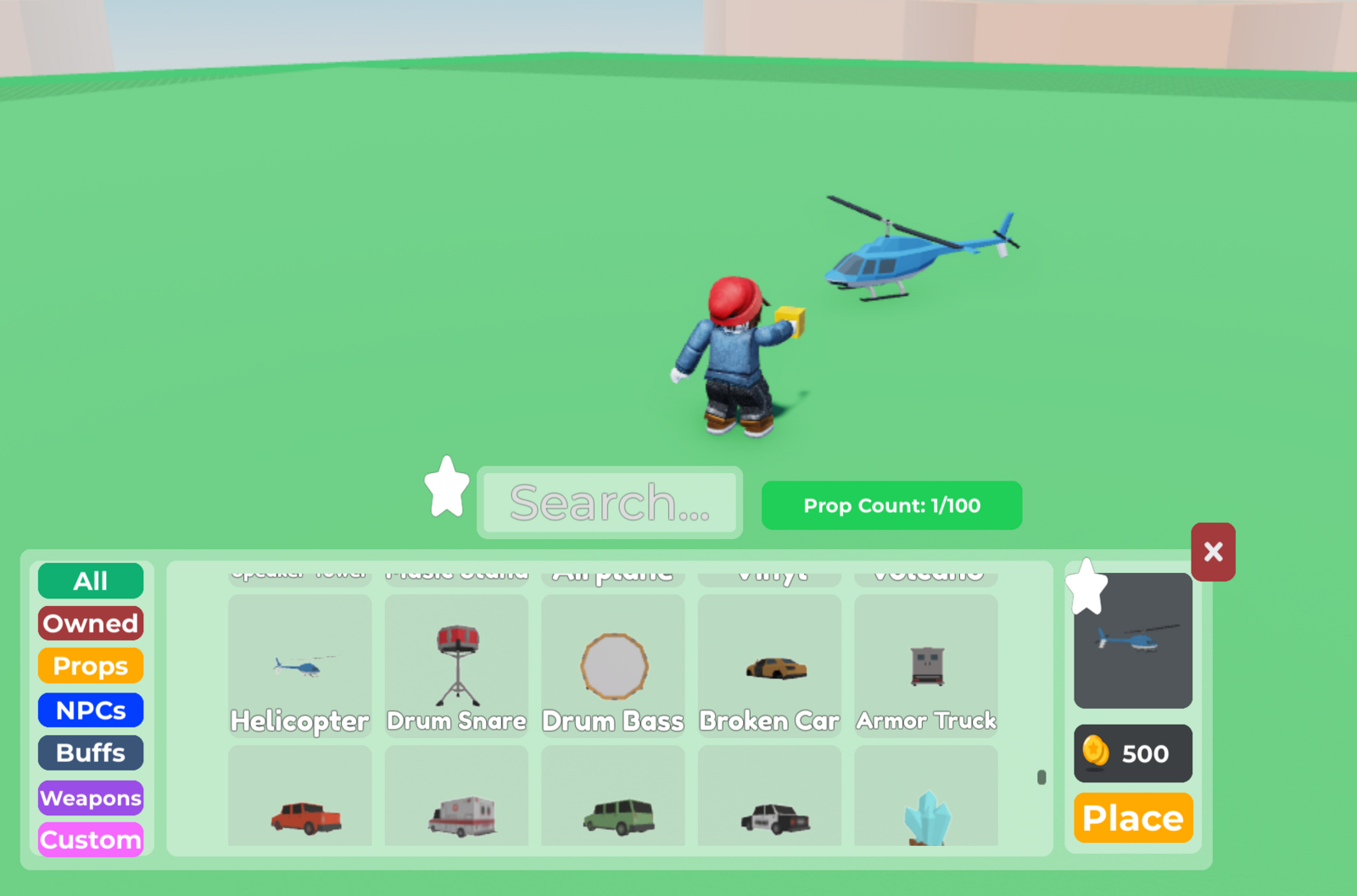
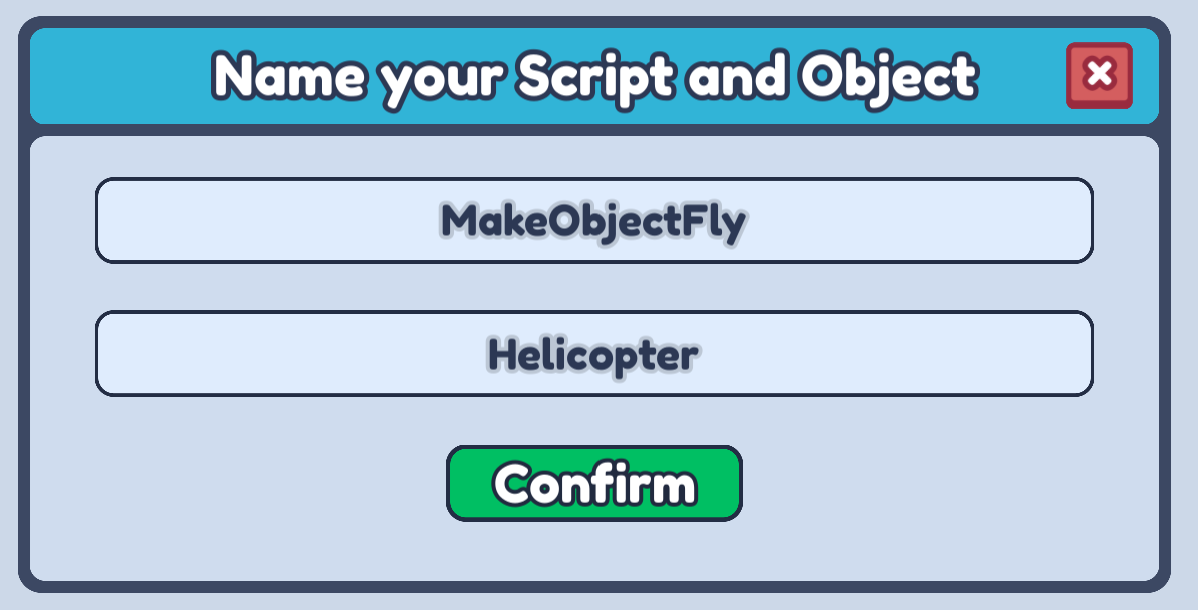
- Open up the Code Builder for that object and make a new script. You can name this script anything that describes what it will do!
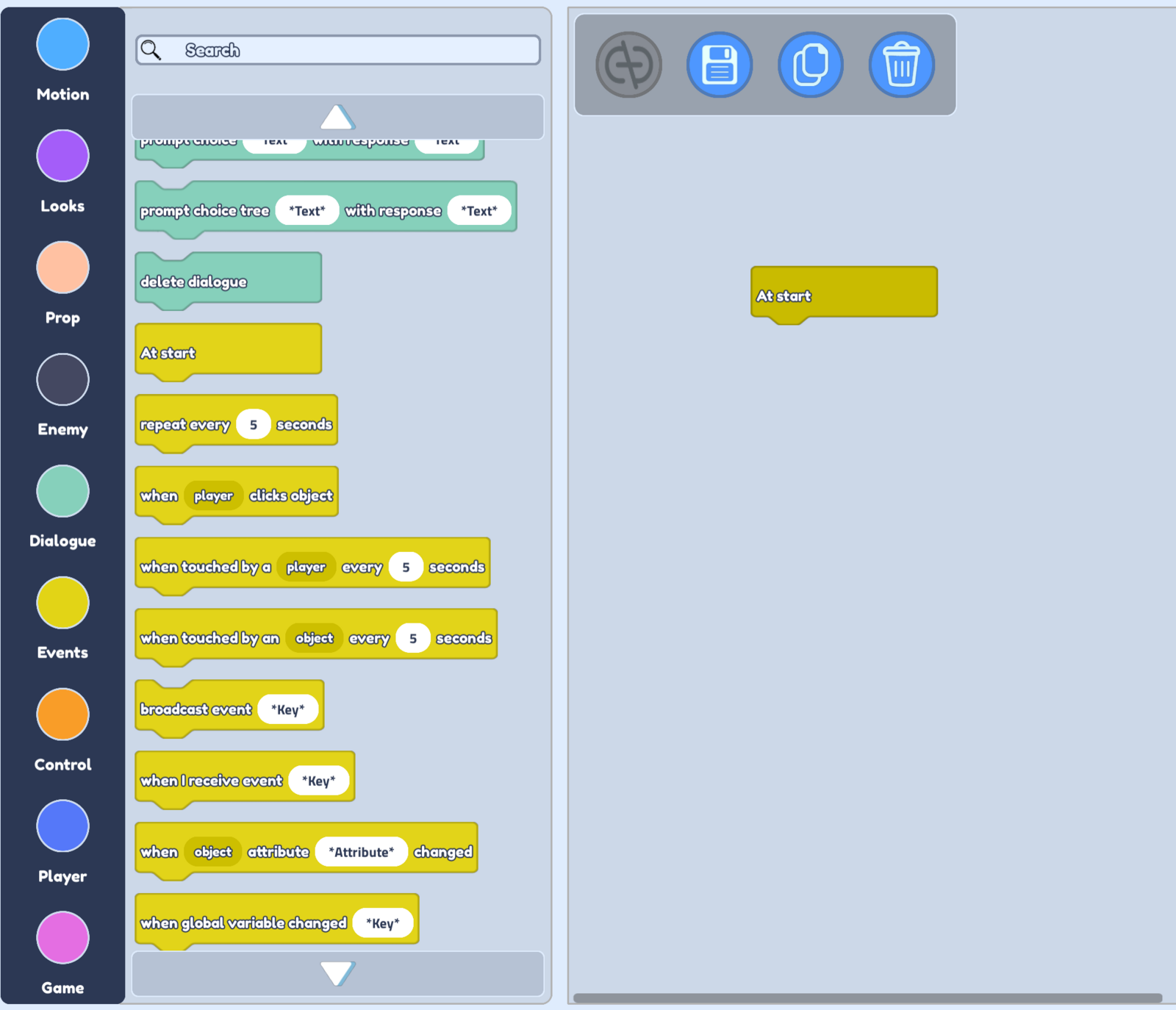
- We want our object to fly when the game starts, so let's choose our Events option from the left, and drag the At start block into the scripting area.

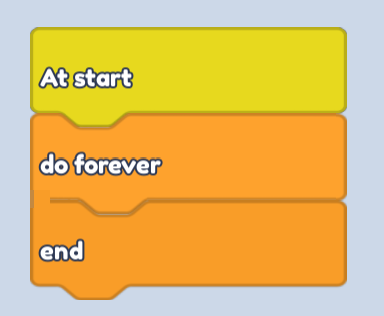
- To make our object fly for the entire game, we can open our Control options and drag in a do forever block

- We are going to use reference parts that we place around our plot to tell our object where to fly. So let's open up our Motion blocks to make that work.
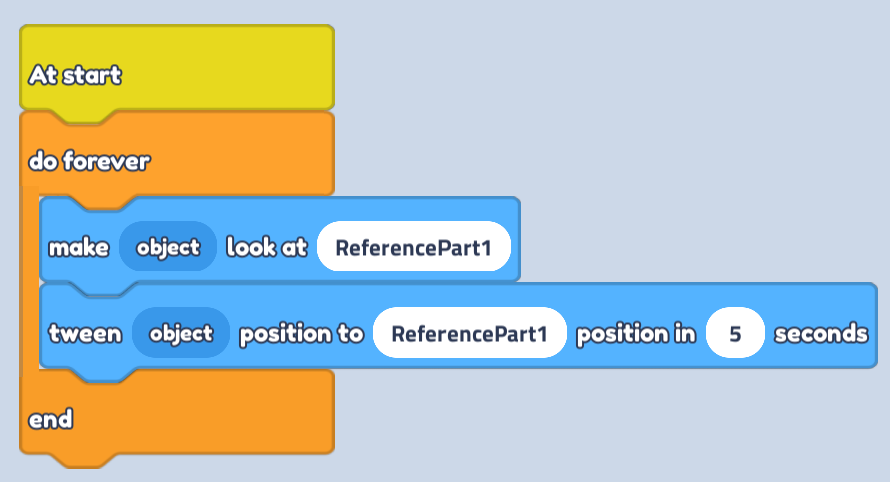
- From here, let's drag in a make object look at block and a tween object position to block. We can replace the Object Name with ReferencePart1 which will be an object that we will put in our plot in an upcoming step.
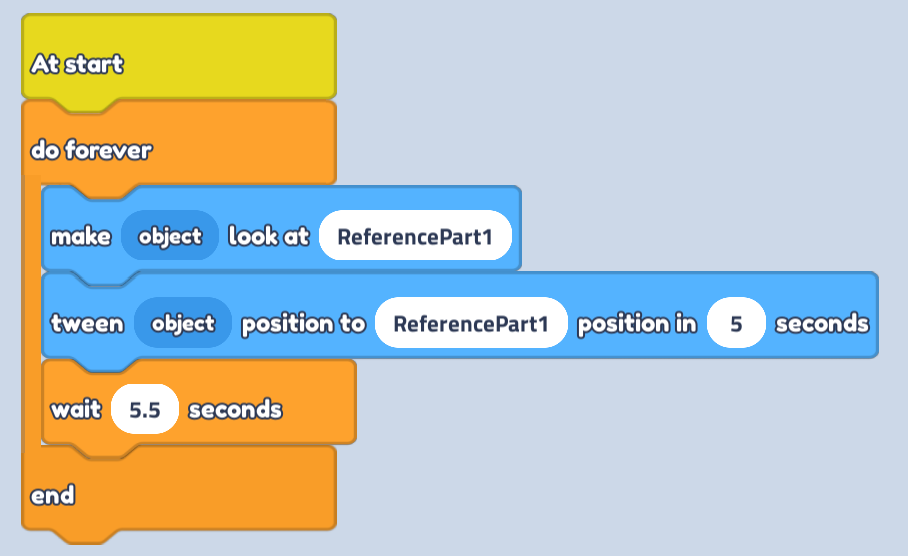
- Next, let's go back to our Control blocks and add in a wait block for 5.5 seconds. This will make sure our object has reached ReferencePart1 before it moves to the next point.
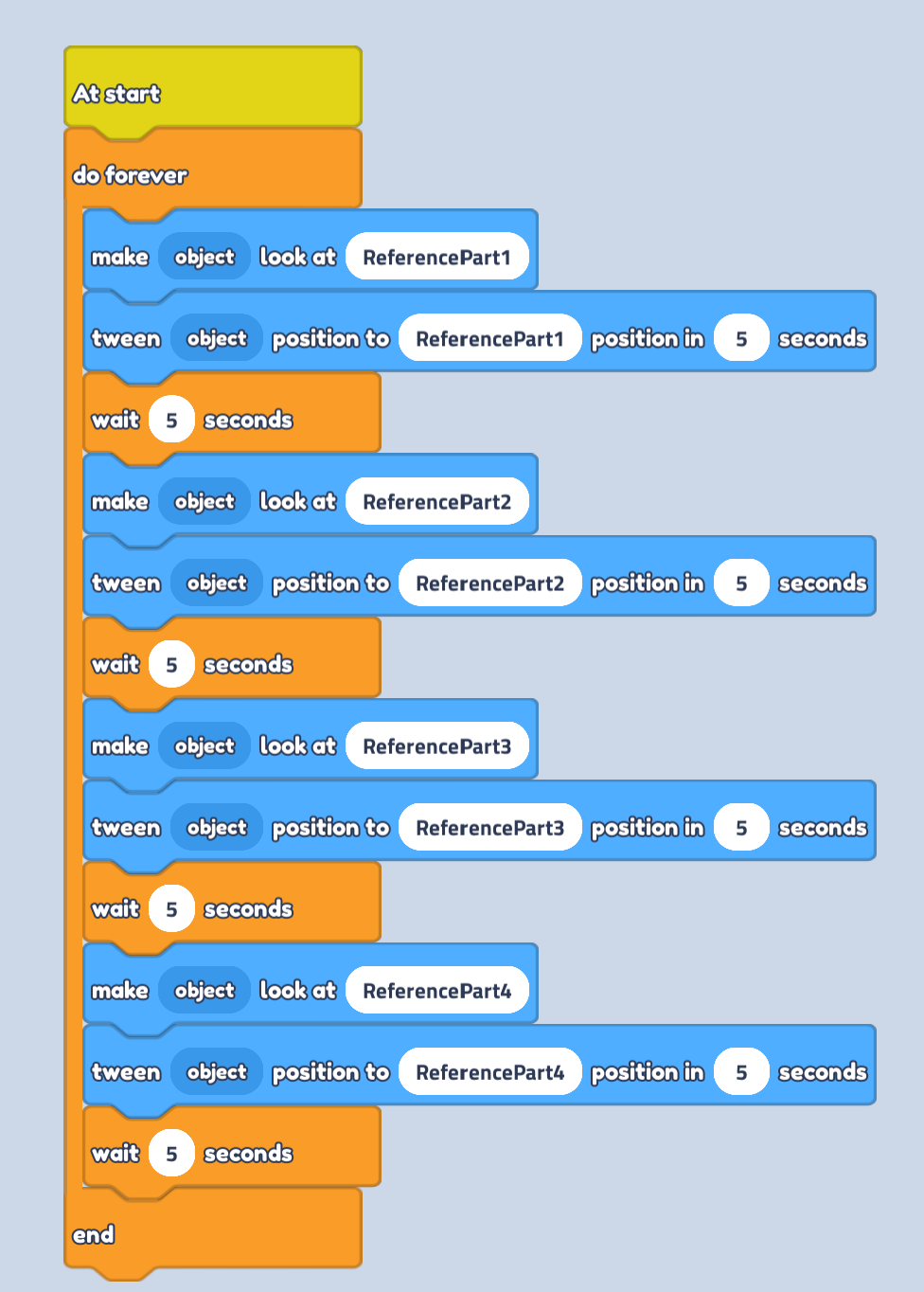
- Now, let's repeat that same pattern of look at, tween, wait three more times. Make sure to make the next tween blocks use ReferencePart2, ReferencePart3 and ReferencePart4.
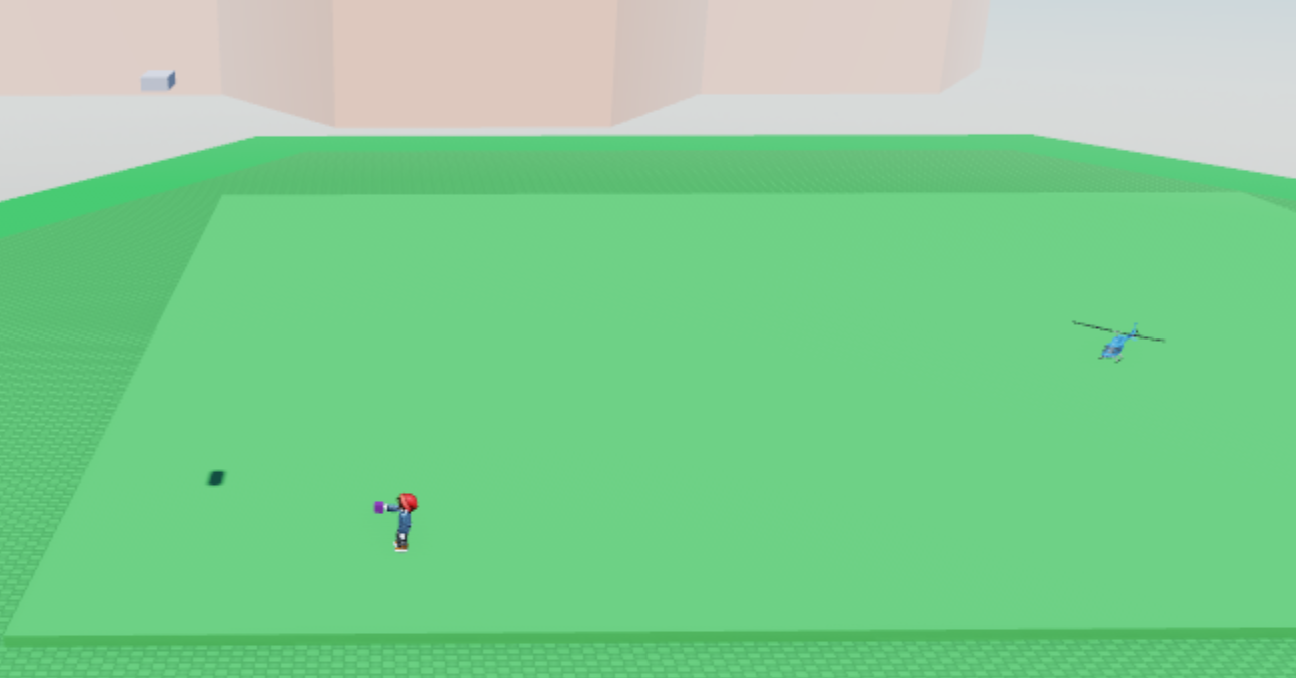
- Make a new part and place it anywhere in your plot. This will be the first location your object flies to.
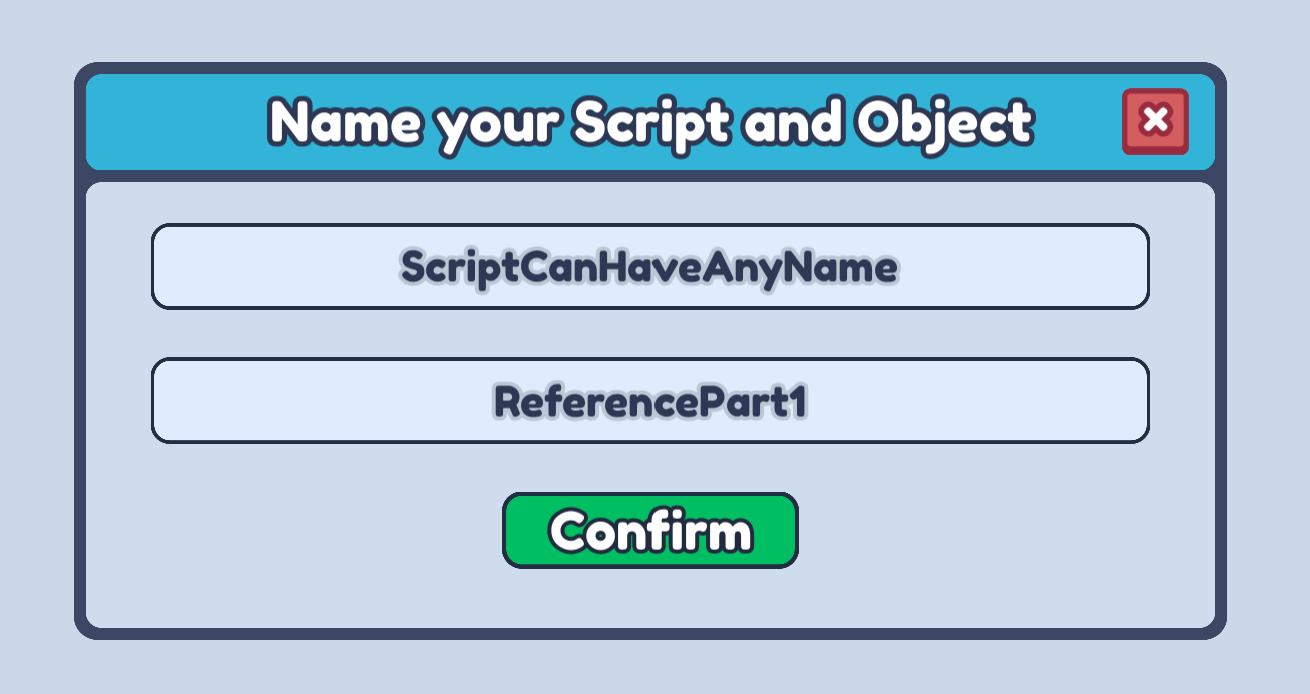
- On that part, create a script, and make sure to name your object ReferencePart1. This allows your flying object to know what ReferencePart1, this script will stay empty.
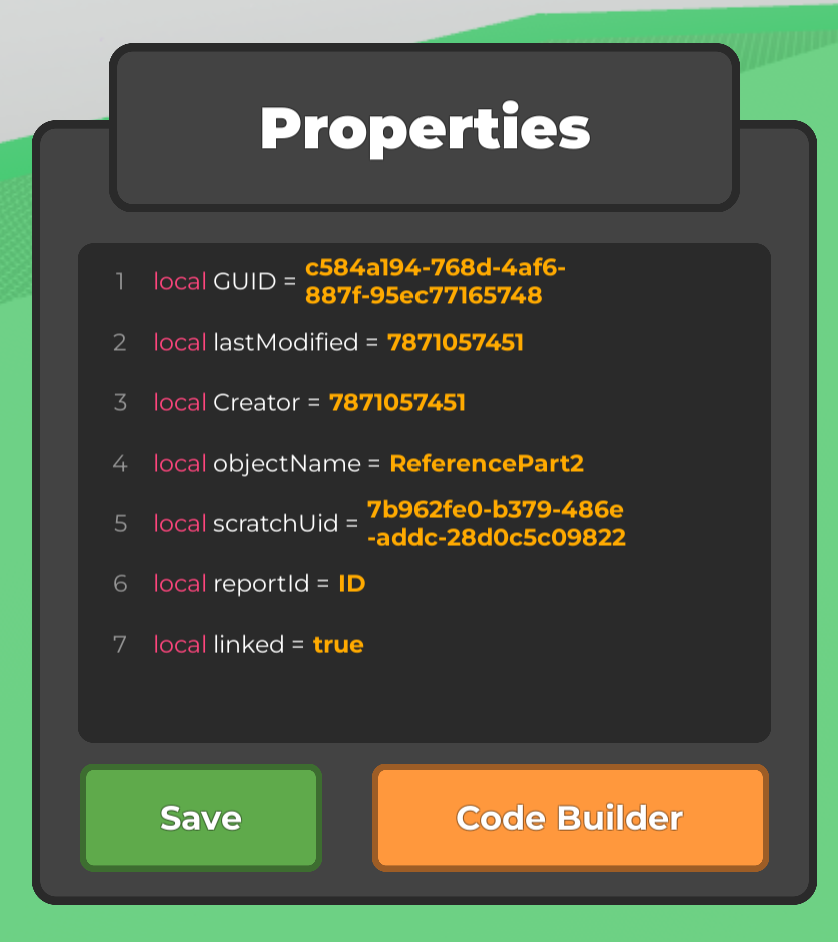
- Duplicate your part three times, and use the Properties tab to change the objectName of the new parts to ReferencePart2, ReferencePart3, and ReferencePart4.
- Place your parts anywhere around your plot. This will determine where your object will fly!
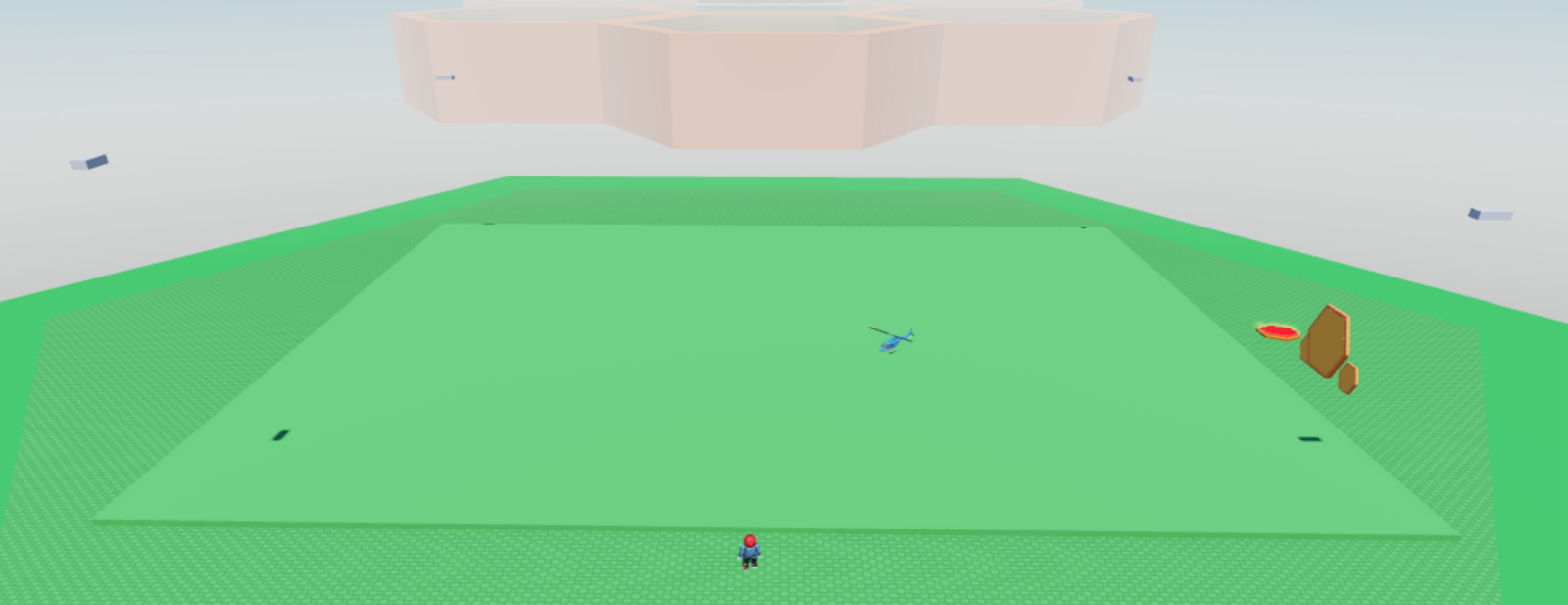
- Highlight each part, press on the Material Tool, and change the Transparency to 1 to make them invisible.
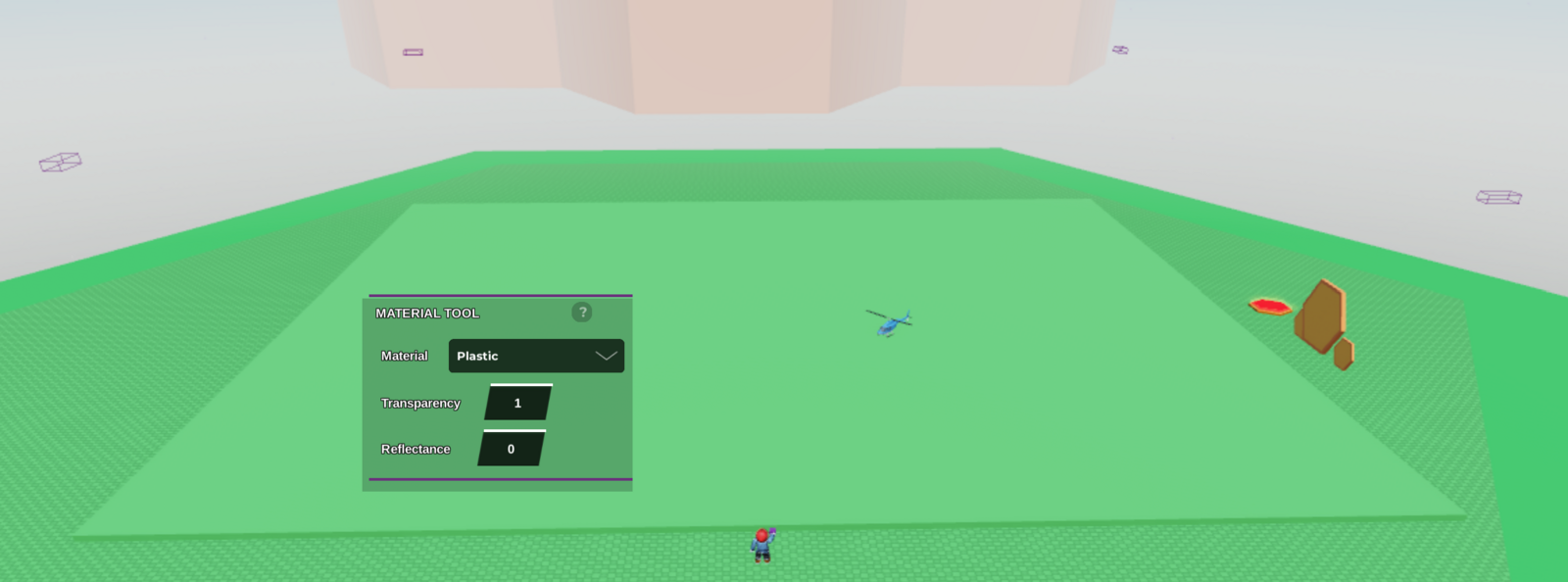
- Press play and watch your object fly around your game!
Tip: If your object is facing the wrong way when flying, rotate your ReferenceParts. The object will face the same direction that the reference parts face!