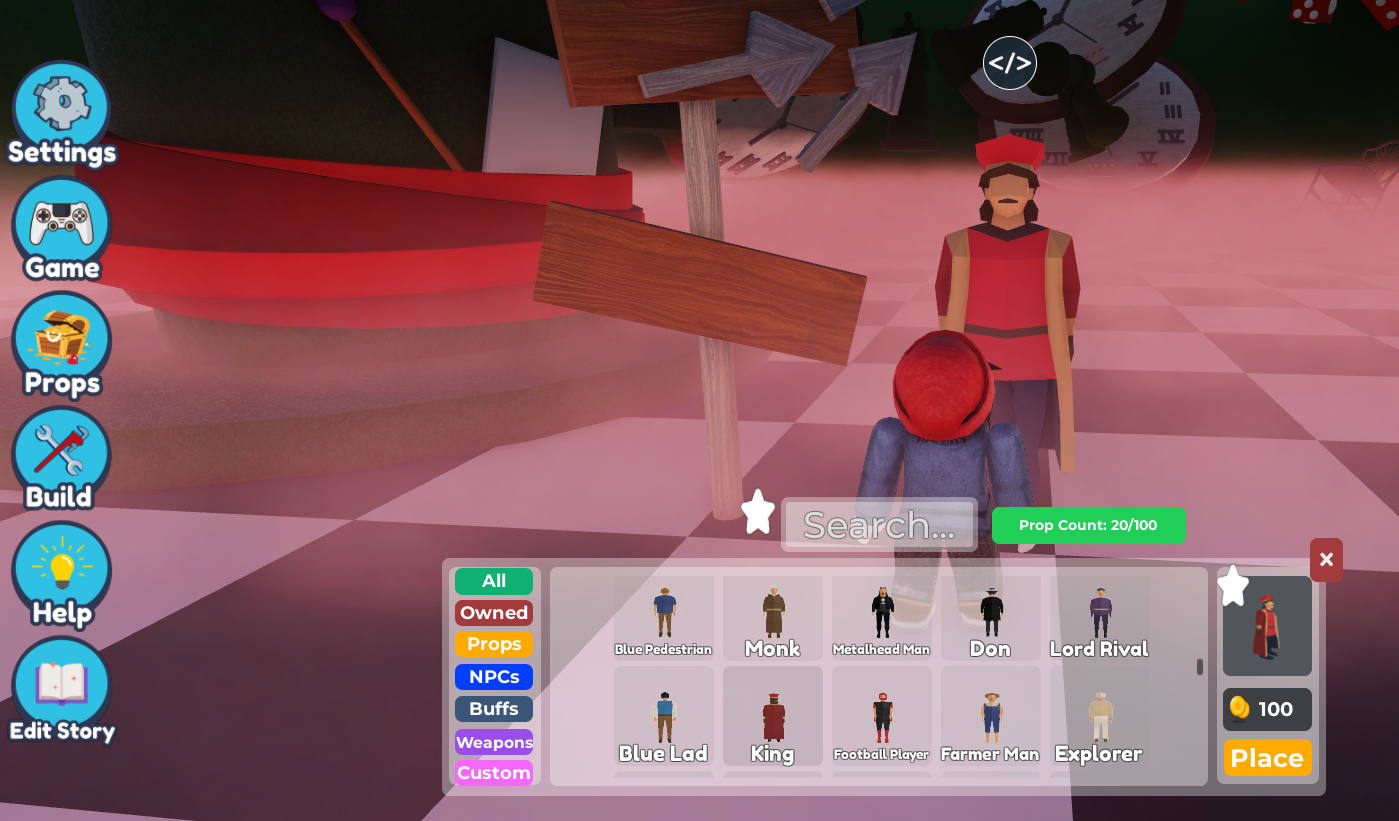
- Go to
Propsand select on the NPC you want to buy and place on the scene.
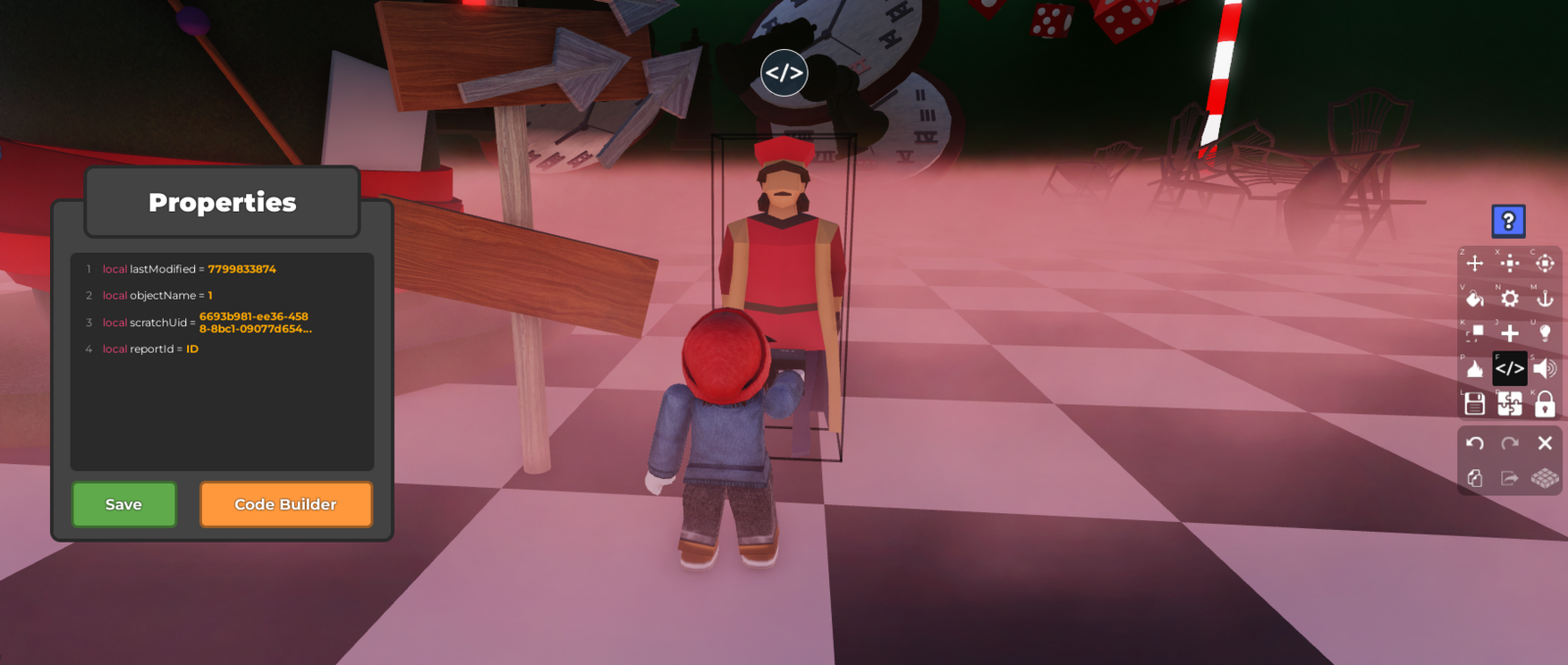
 2. Select on the NPC and go to
 Code Builder
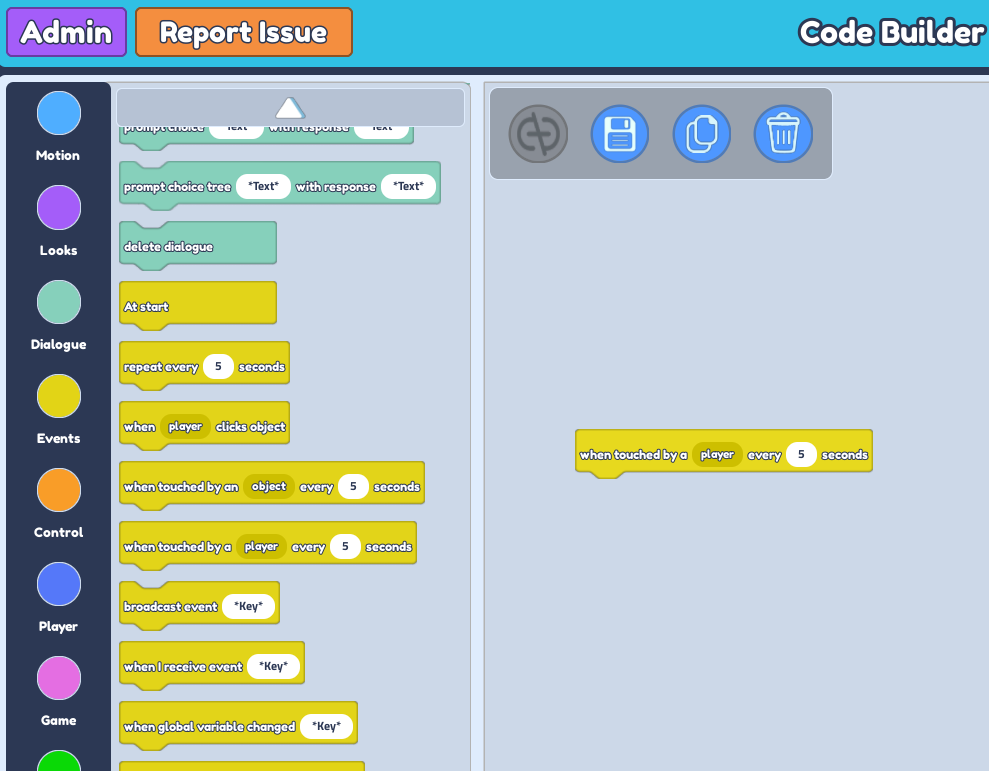
 3. Go to the
 Events section and drag the 'when touch by a player every...'
4. Feel free to change the Value to any amount you want.
 5. Go to the
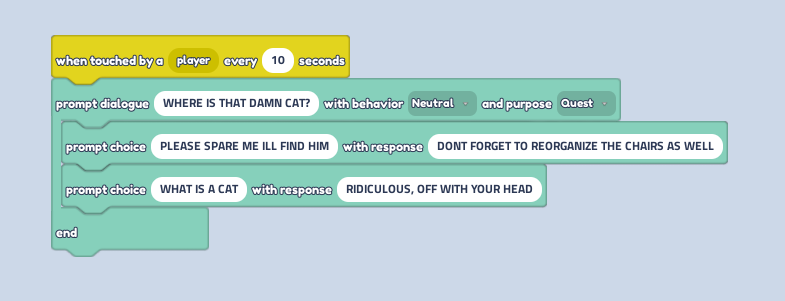
 Dialogue section and drag the "prompt dialogue...with behavior...and purpose..."
6. Drag "prompt choice...with response... " twice under the "prompt dialogue..."
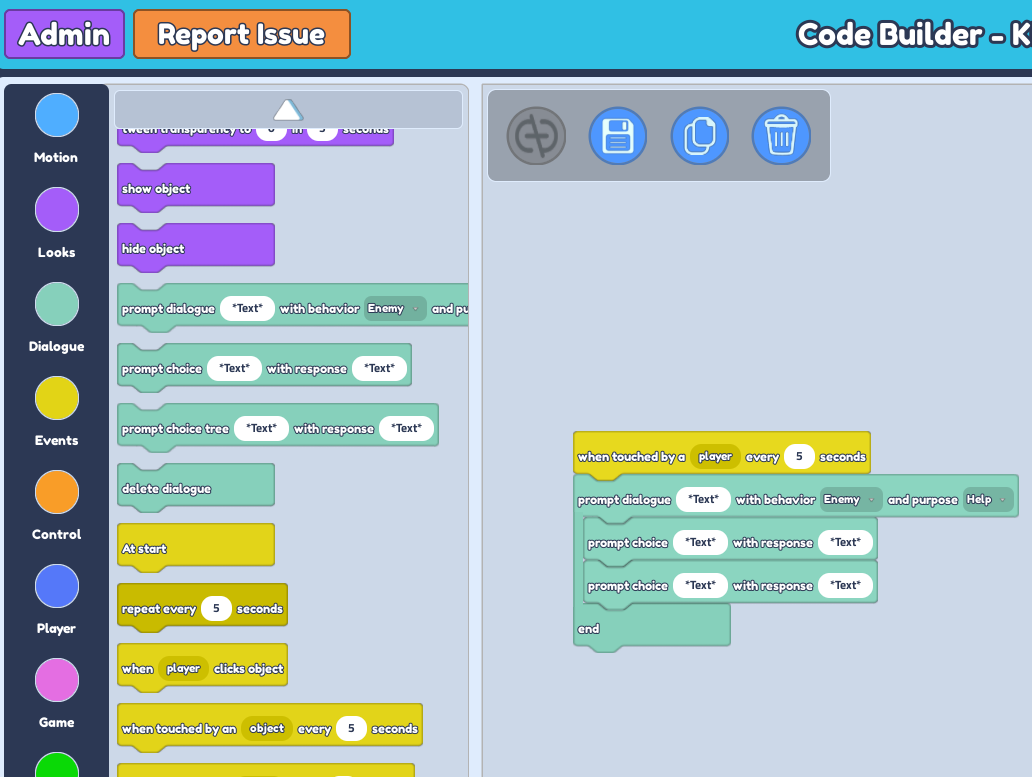 7. Change the "prompt dialogue..." text to the first interactive text you want the NPC to say.
Change the behavior from 'Enemy' to 'Neutral''.
Change the 2 "prompt choice..." text to the 2 choices that you will give to players in response to the "prompt dialogue..." text.
Change both response text to different responses given to players for the different "prompt choice..." text.