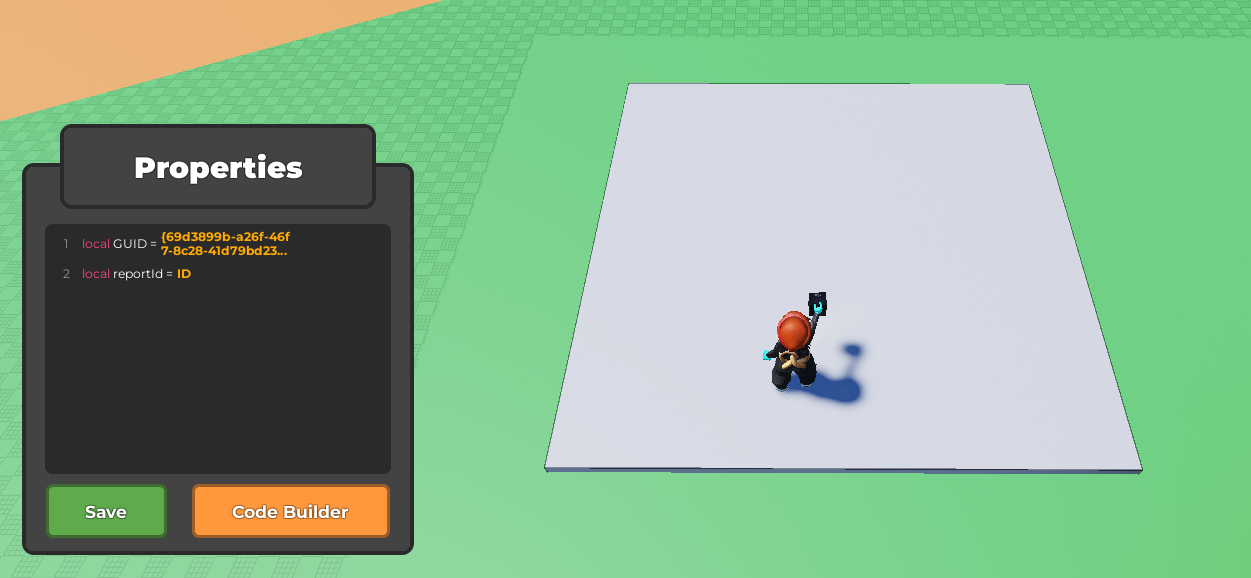
Select your part and open up the code builder.
Place an
at startblock from Events , then follow it with aset object "variable" to "text"from Variables.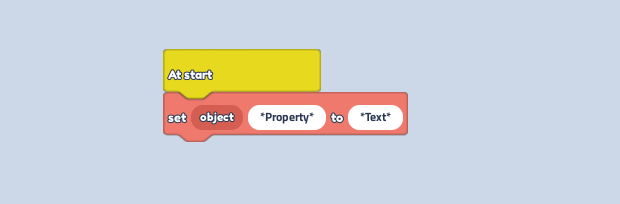
In the variable, type "CustomPhysicalProperties".
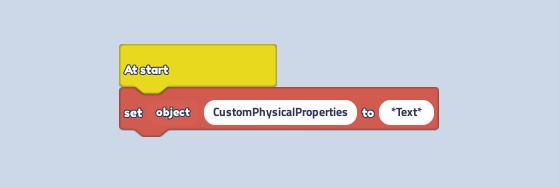
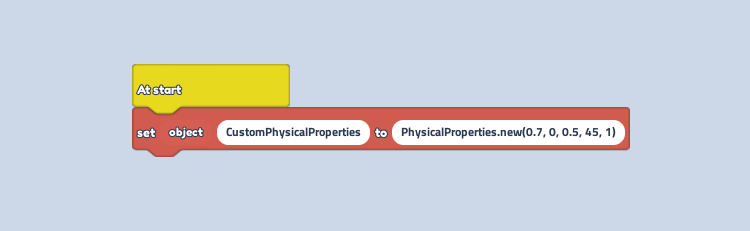
In the text, type "PhysicalProperties.new(0.7, 0, 0.5, 45, 1)".
Using the Material Tool, change the material to "Ice".
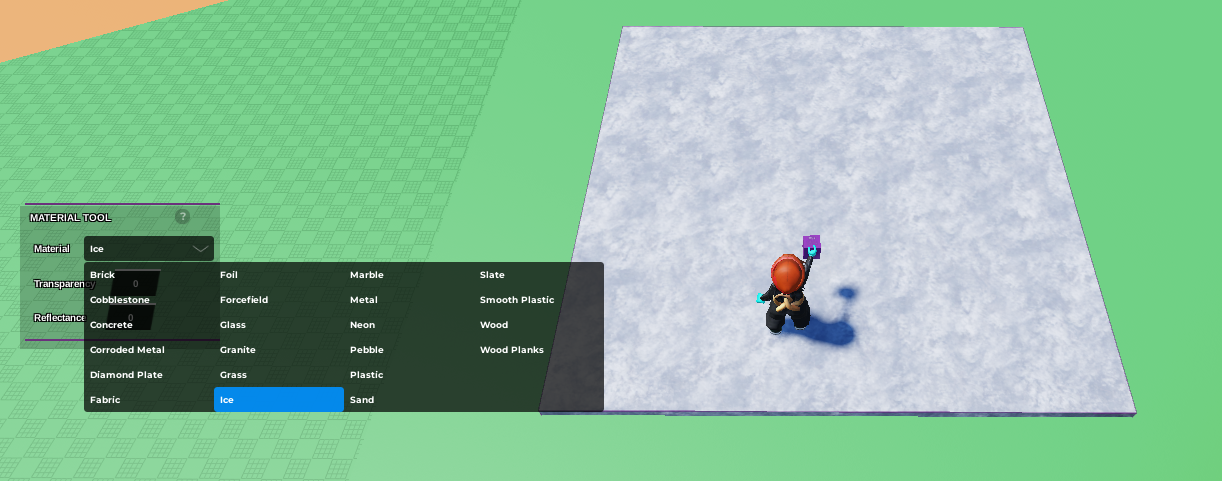
Press play and walk around on it, watch the player slip and slide around!
How to Make Slippery Ice
Last updated: February 24, 2025
Was this article helpful?
Thanks for your feedback!