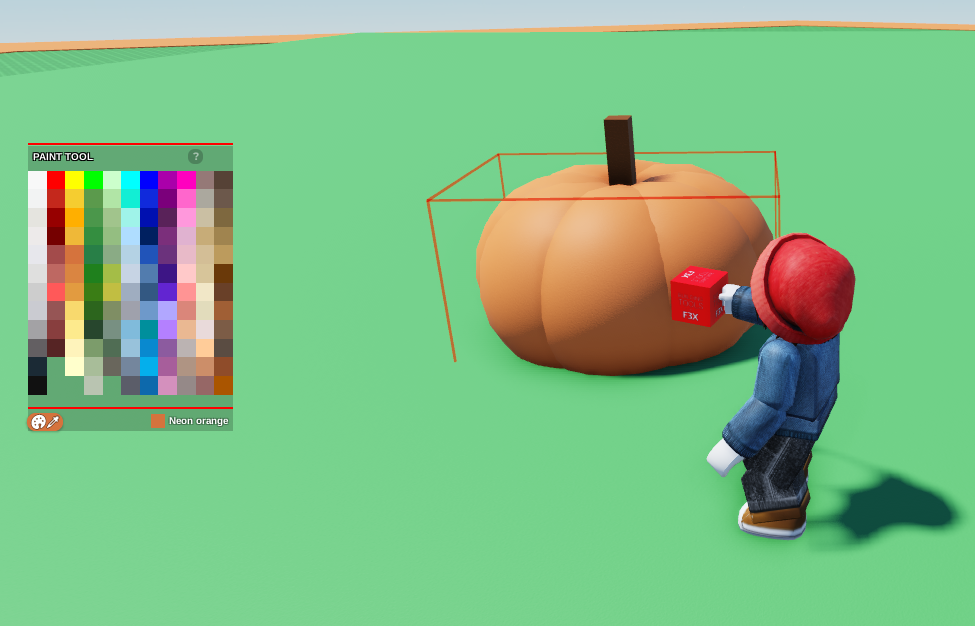
- Open Build, go to
New Part Tool, and select Sphere
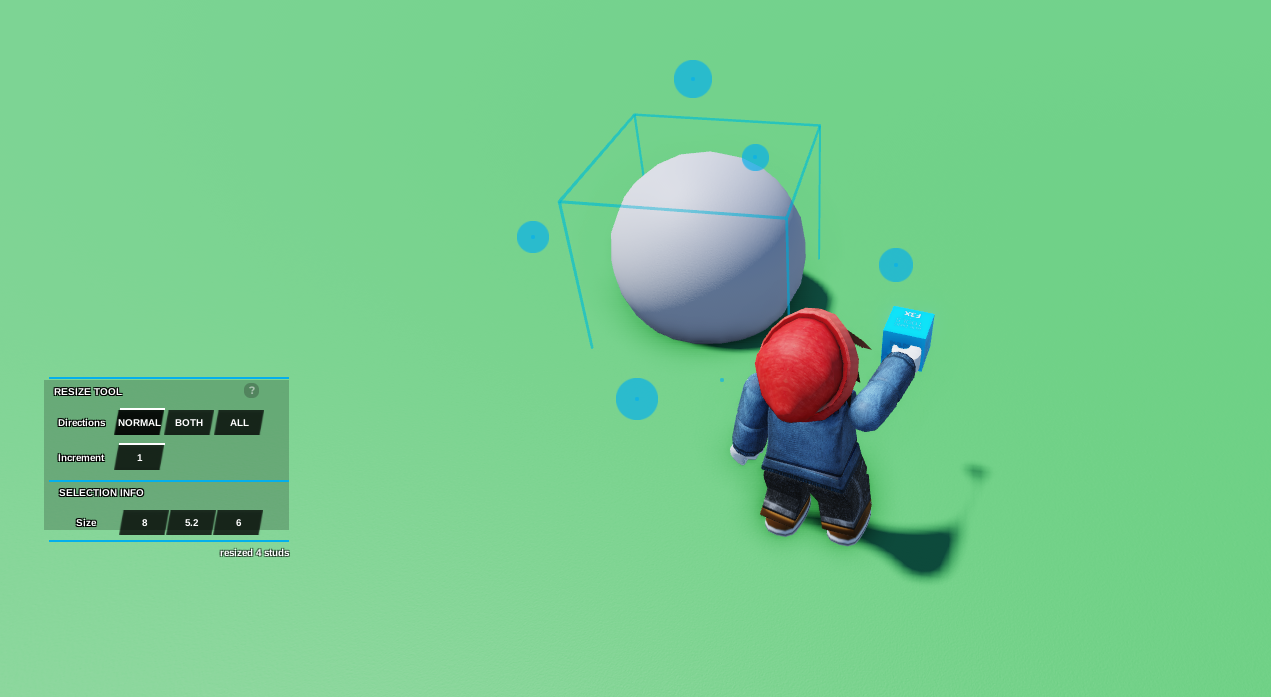
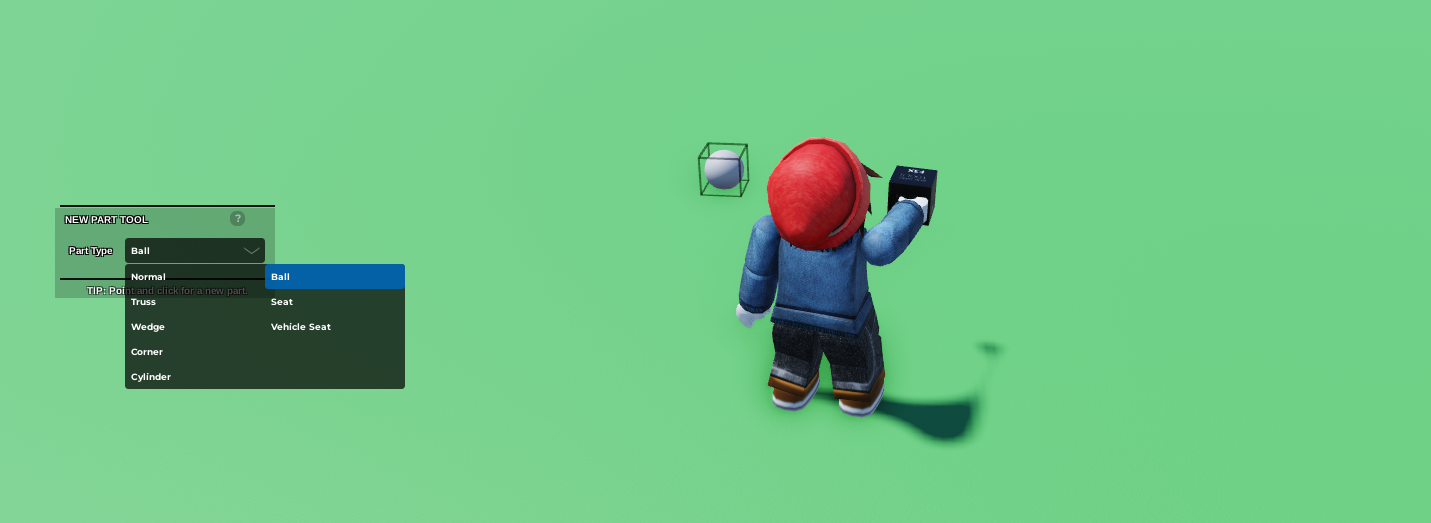 2. Select the object, then resize the sphere to make it larger
 3. Duplicate the Sphere and then drag the Sphere slightly away
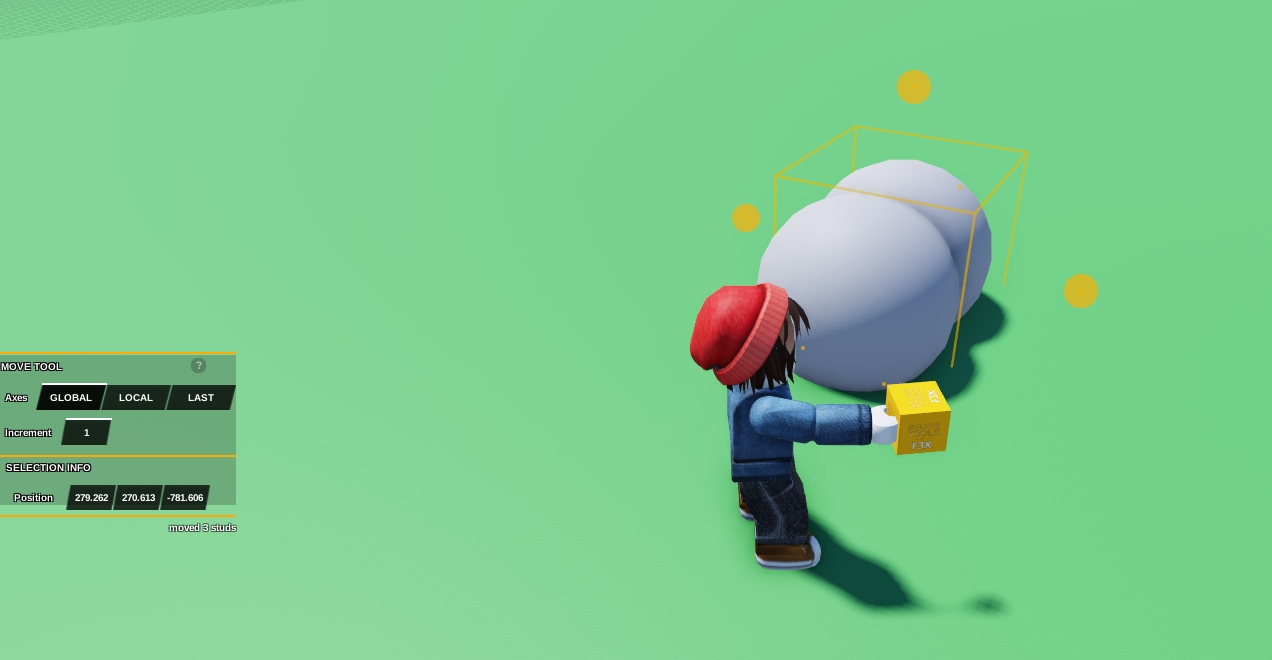 4. Select both Spheres, press the Puzzle Icon, then press
 Group
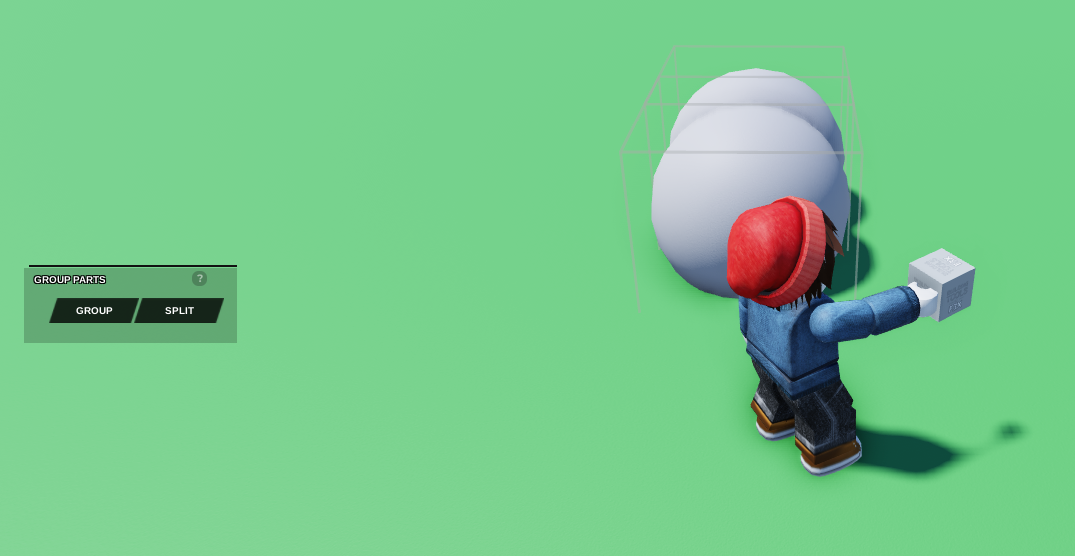 5. Duplicate the grouped shapes, and then head on over to the
 rotate build tool and change the Increment to 45. Afterwards, simply rotate it once
6. Do this step 3 times, to ensure that all angles are covered by spheres
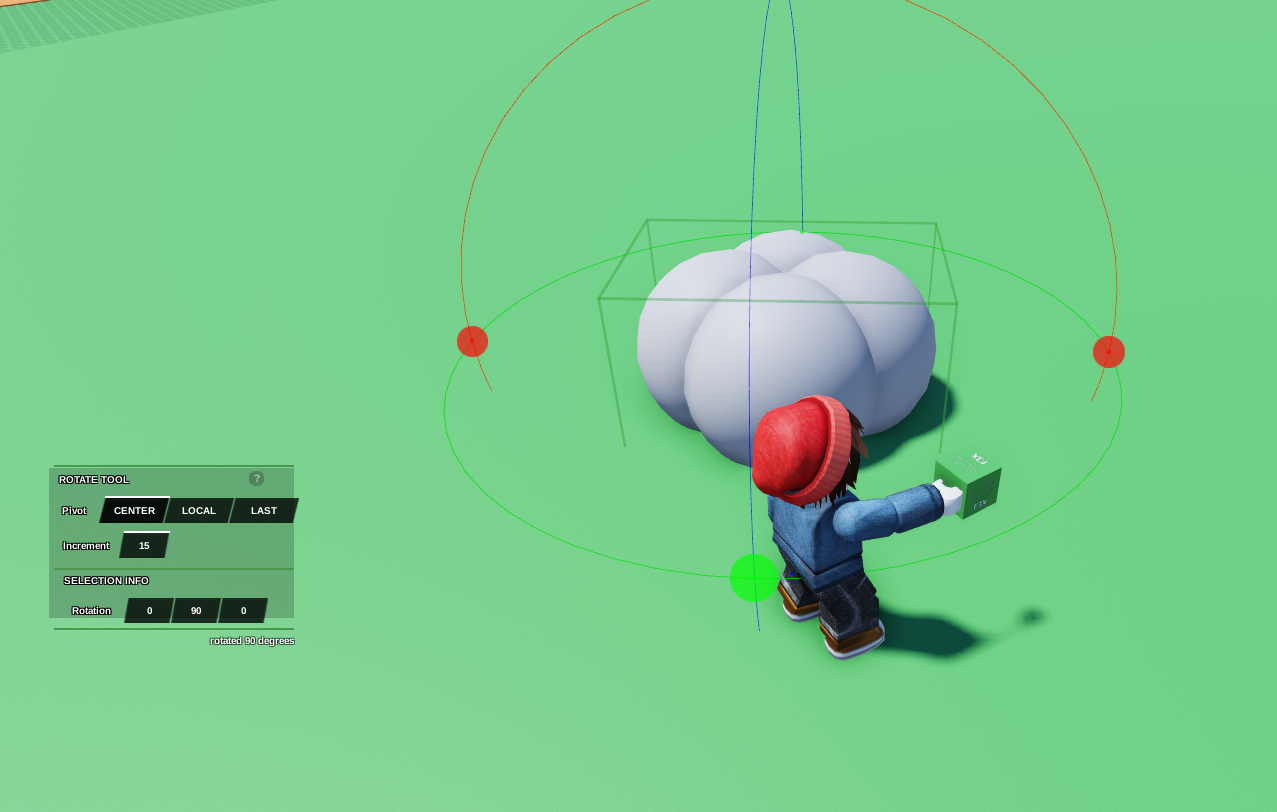 7. Open Build, go to
 New Part Tool, and select Normal
8. Resize it to a small cube, then stretch it upwards
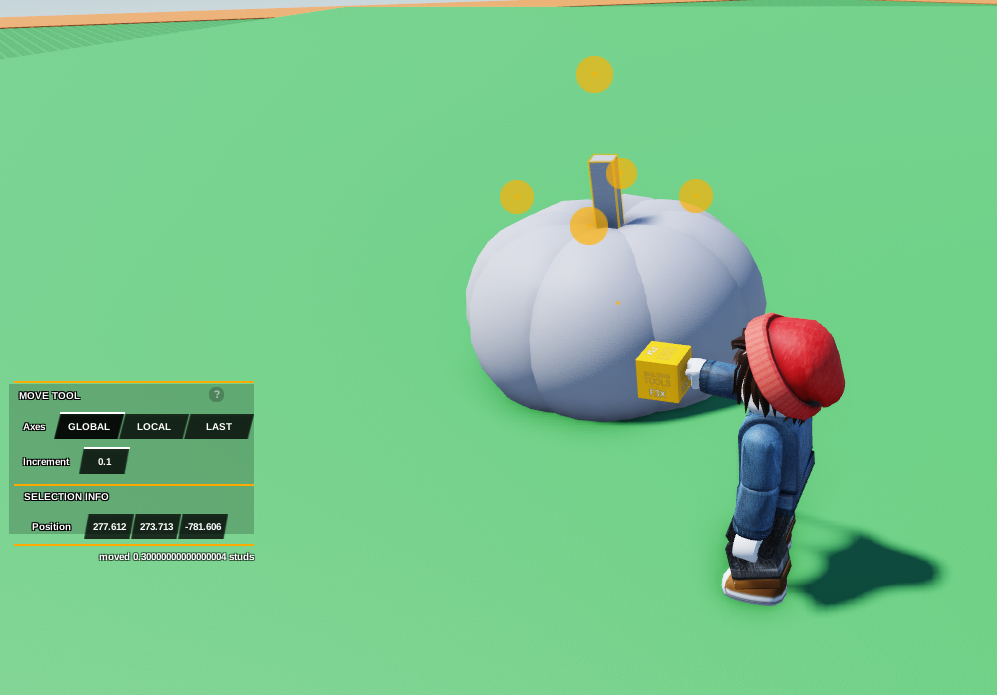 9. Click on the
 Paint Bucket Icon, and click on the new stem that we've created and then colour it Reddish Brown
10. Click on the remaining shapes and then colour them Neon Orange