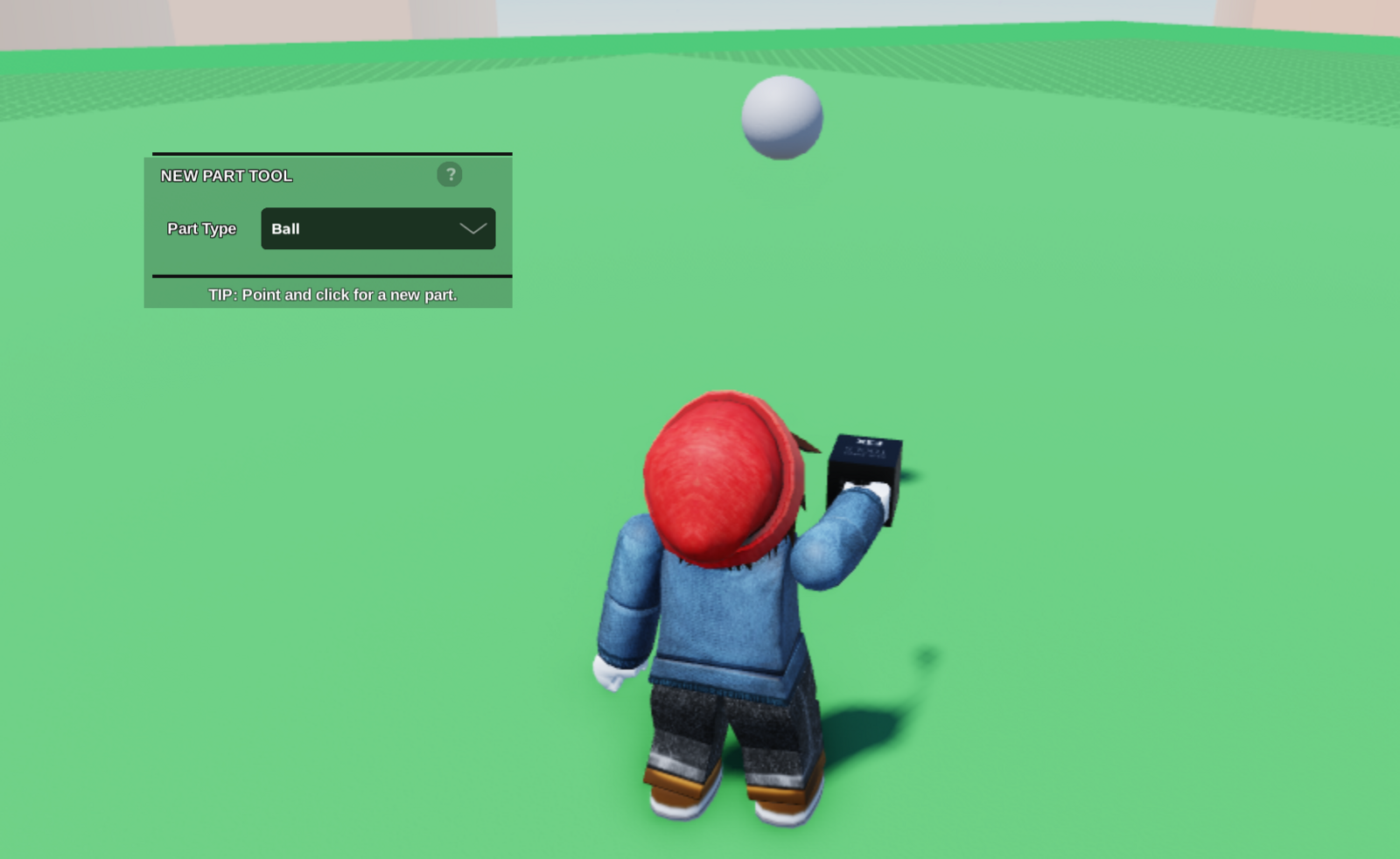
- Start by using the editor tool to place a part in your plot.
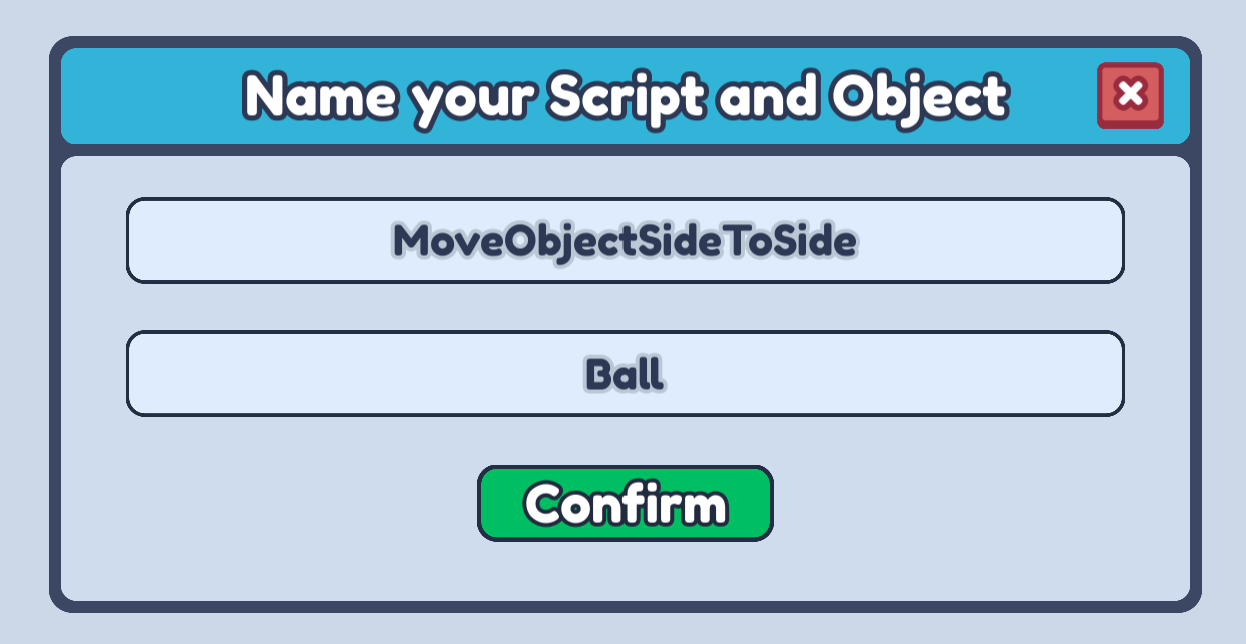
- Next, open the Code Builder for the part you want to move. Make a new script and name it anything that describes what this script will do!
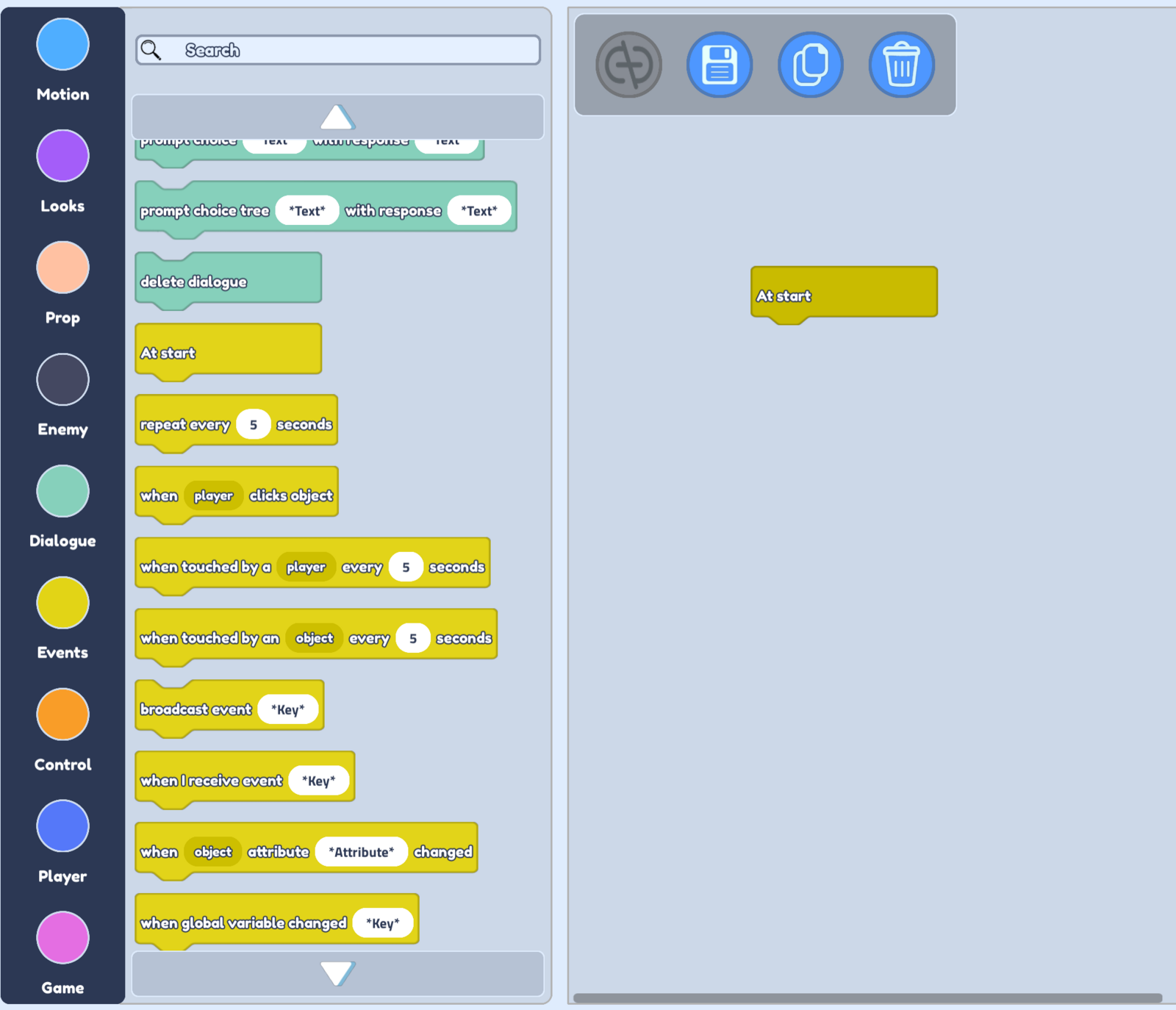
- We want our object to start moving as soon as the game starts, so let's look at our Events blocks and drag our At start block into the scripting area.

- We want our object to move for as long as our game is playing, so lets open our Control blocks and drag in a do forever block.

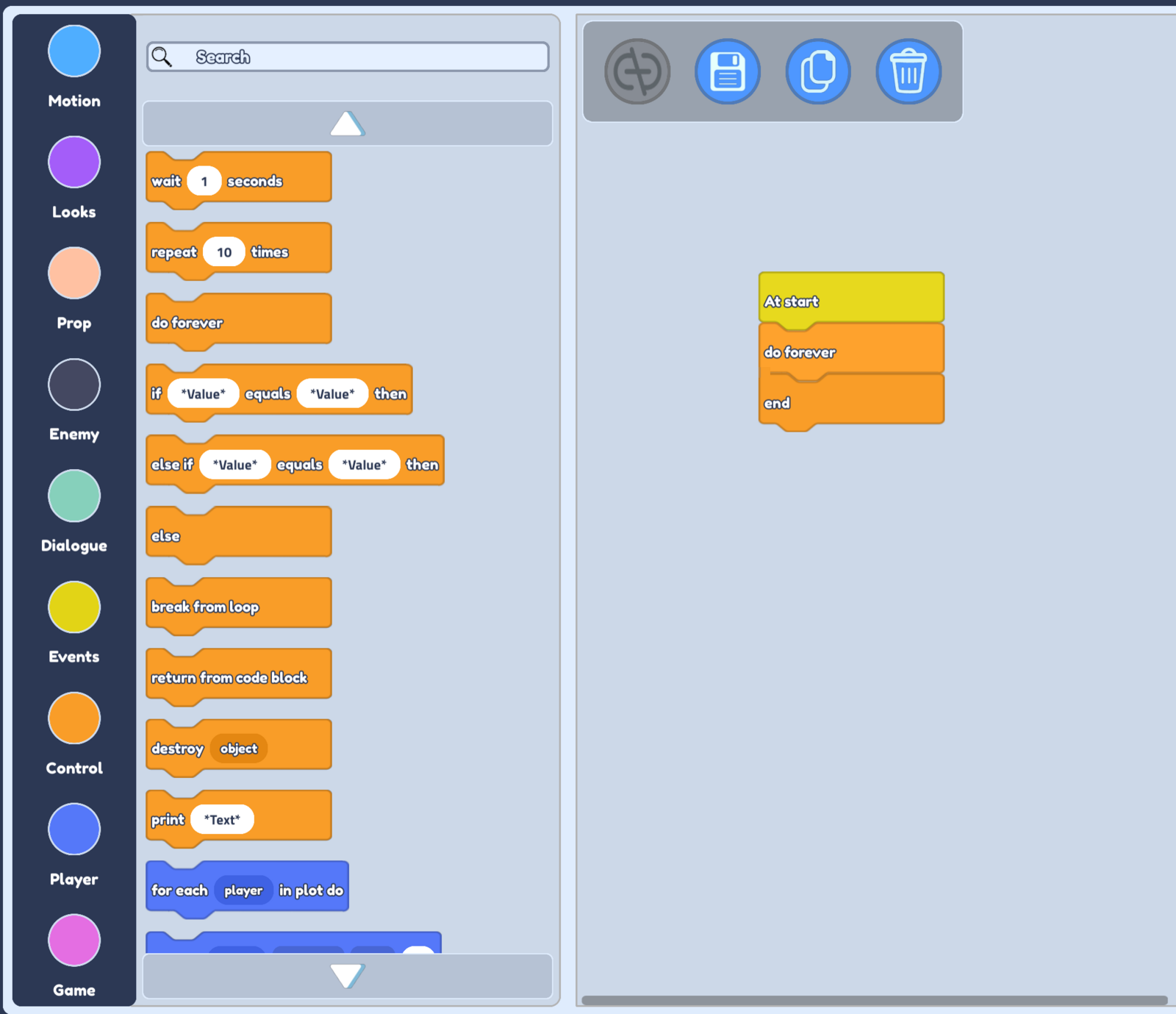
- We want to change the movement of our object, so open up the Motion blocks.
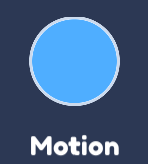
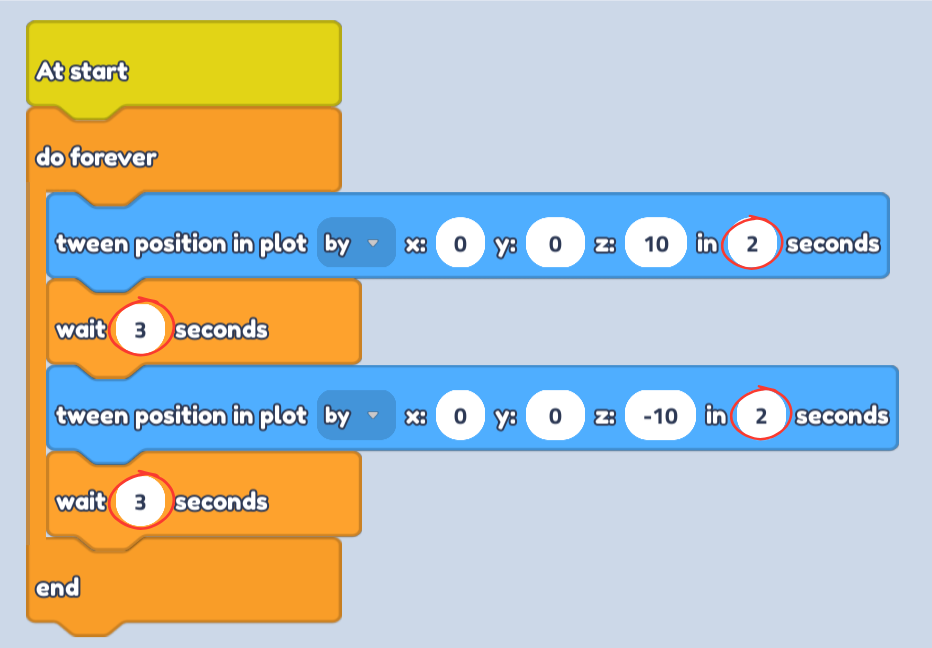
- Now we can drag in 2 tween position in plot blocks. These are going to move our object from one position to another!
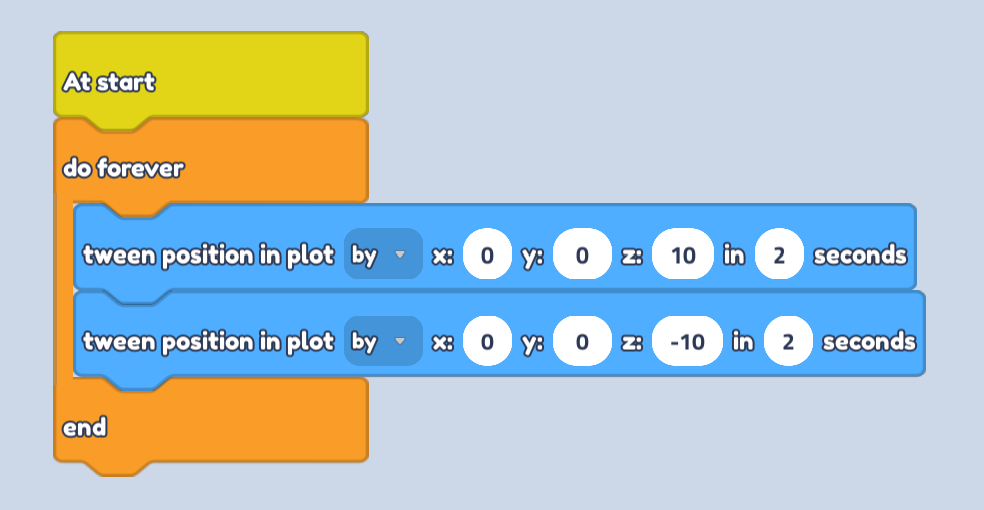
- Make sure to set your tween option to by. This makes sure we move by 10 from the current position instead of moving to position x:0, y:0, z:10.
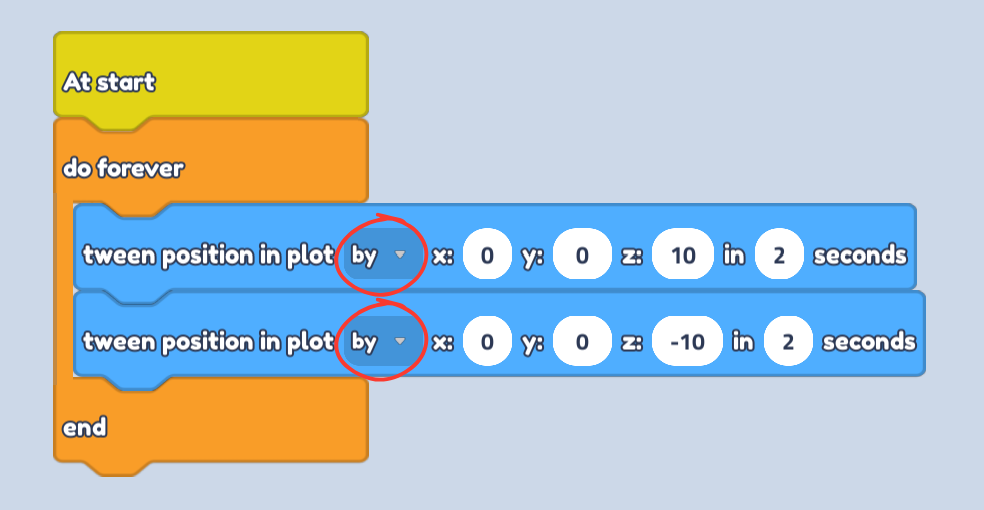
Feel free to make our z values or our seconds higher or lower. A higher z value will make the object move further, and higher seconds will make the object move slower.
- Finally, select the Control blocks again, and add in a wait block after each tween block.
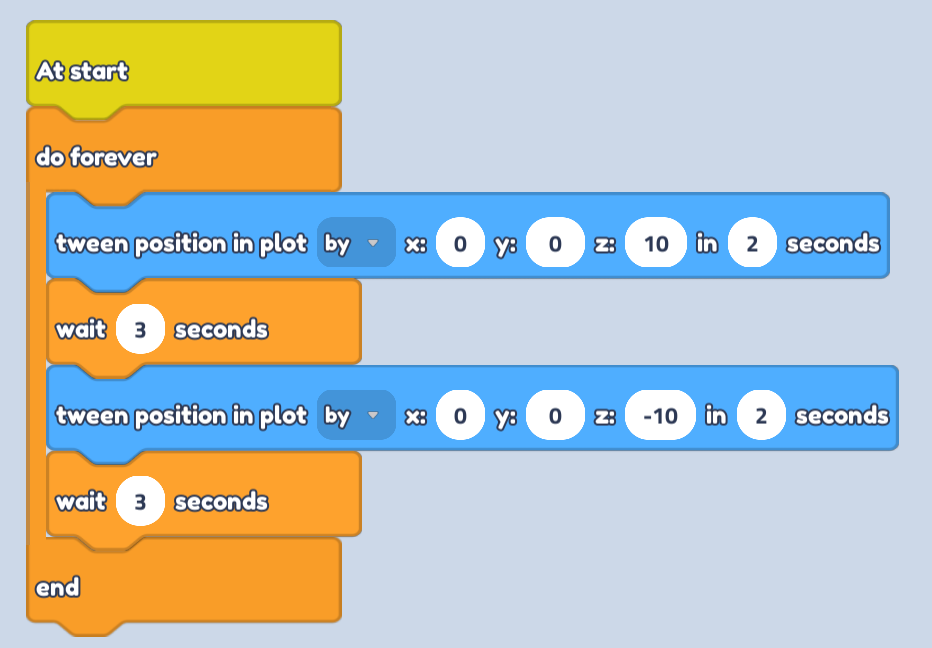
- Make sure the seconds in the wait block are slightly higher than the seconds in the tween block. This gives a small delay between movement and makes sure our object doesn't try to move in both directions at the same time!