- Place your model in your plot.
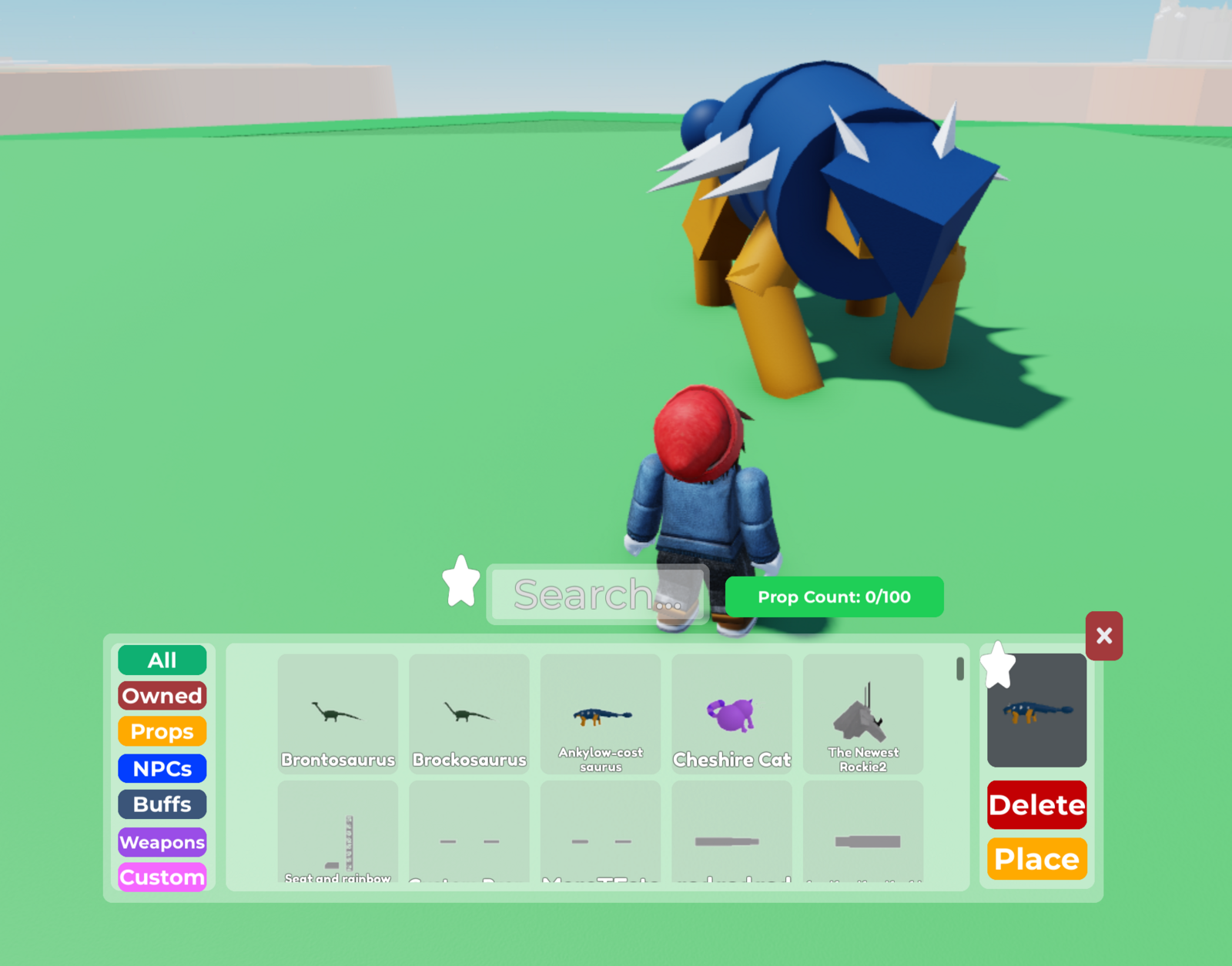
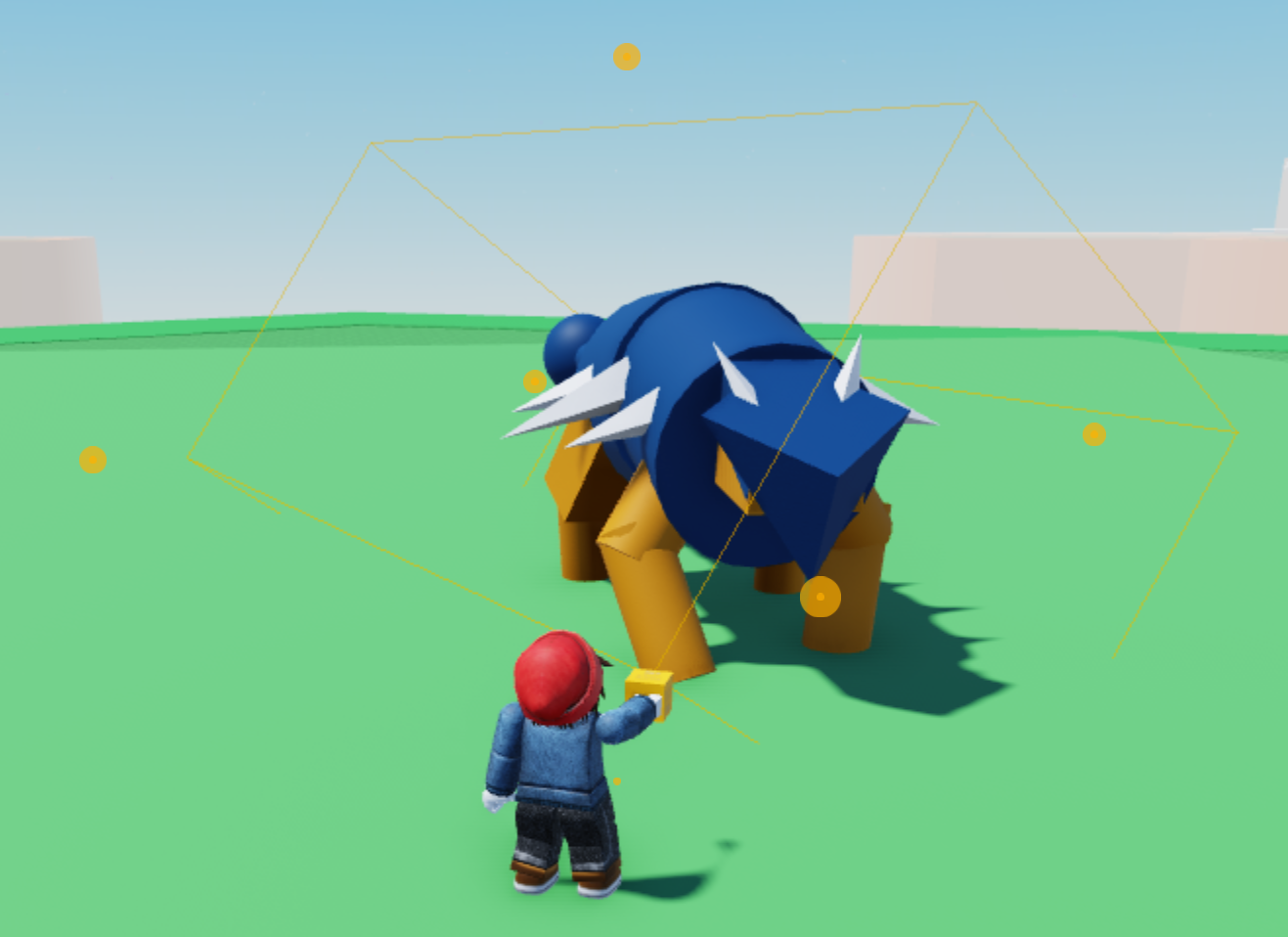
- Open the Build Tools and select your custom model.
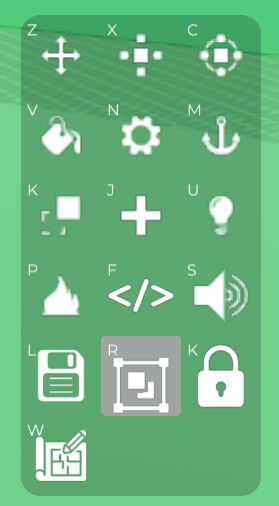
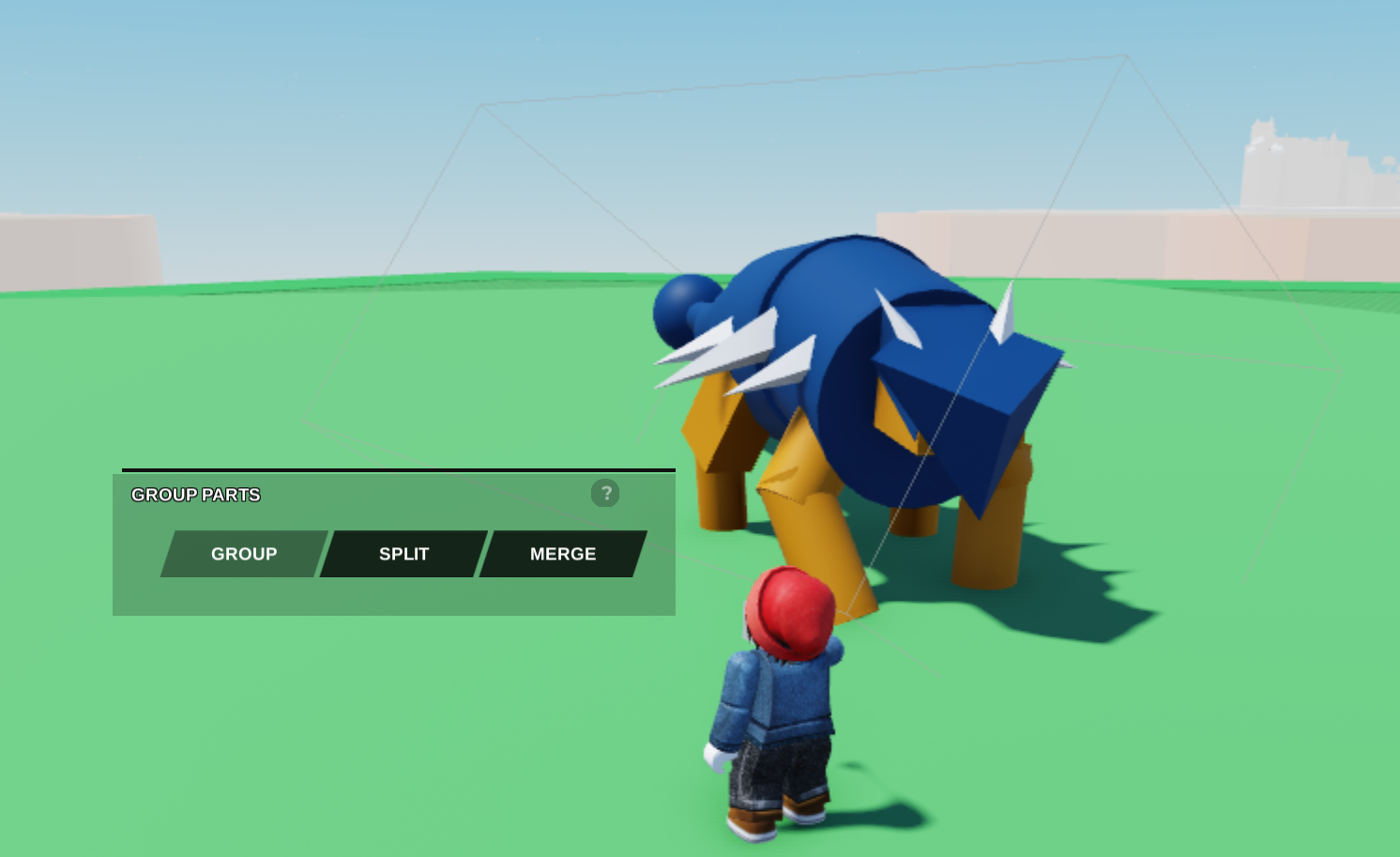
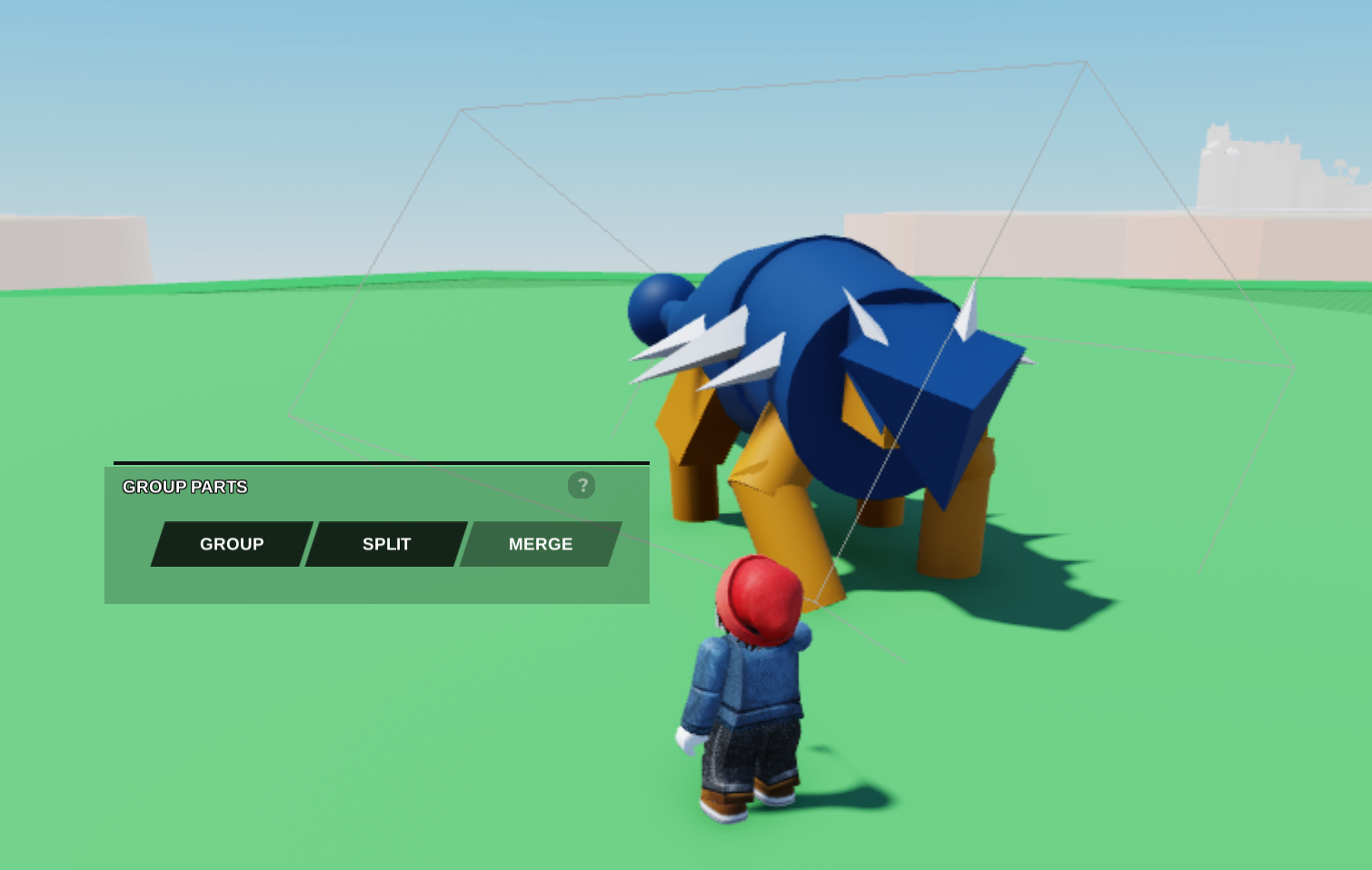
- Select the Group Parts Tool.
- To switch to a Model click **Group, and to switch back to a Union click Merge.
Last updated: February 9, 2025
Was this article helpful?
Thanks for your feedback!