- Place a Part/Prop that you want the players to click on.
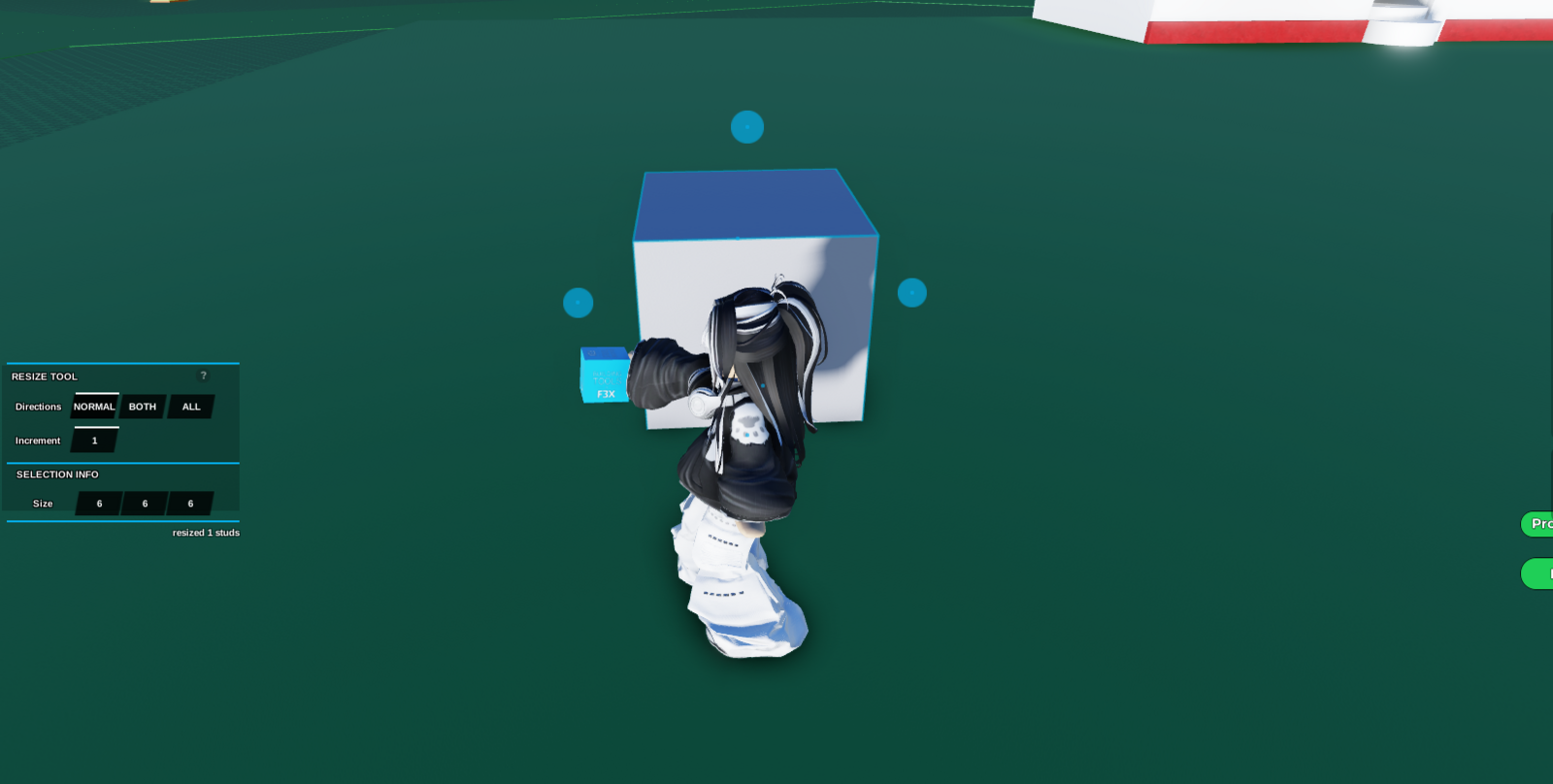 2. Click on the Part that you want to make into a Kill Block. Then go open
 Code Builder .
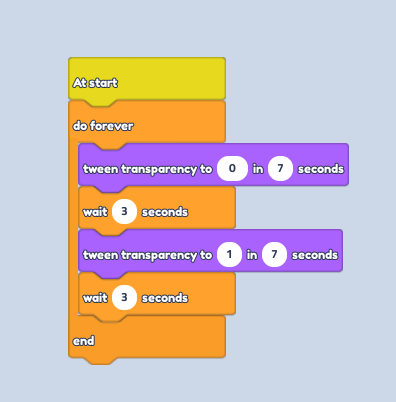
3. Go to the Events Section, then grab the "At Start" block.
4. Go to the Control Section, then grab the "Do Forever" block. | All the codes below this should be pasted under the "Do Forever" Block. NOT the "End" Block.
5. Go to the Looks Section, then grab the "Tween Transparency to ... in ..." block.
6. Change the Transparency to 1 (0% Opacity) and make sure the seconds is how fast you want the object to disappear.
7. Go to the Control Section, then grab the "Wait ... " block.
8. The amount of seconds should be how long you want the block to disappear before it appears again.
9. Duplicate the "Tween Transparency to ... in ..." block " and "Wait ... " block.
10. Change the second Transparency block to 0 (100% Opacity) and make sure the seconds is how fast you want the object to disappear..