Open the "code builder" on your selected part (Shape)
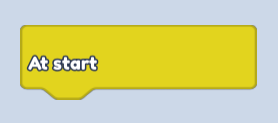
Find "At Start" in "Events" = (Yellow Button)
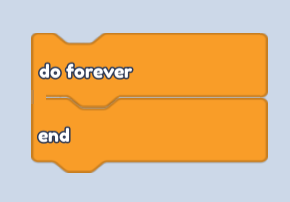
- Find "Do forever" in "Control" = (Orange Button)
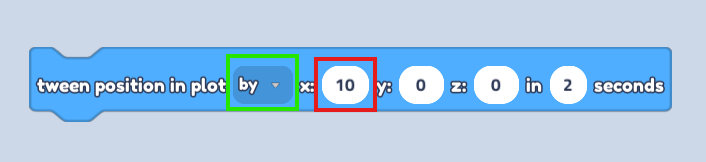
- Find "Tween position in plot" in "Motion" = (Blue button)
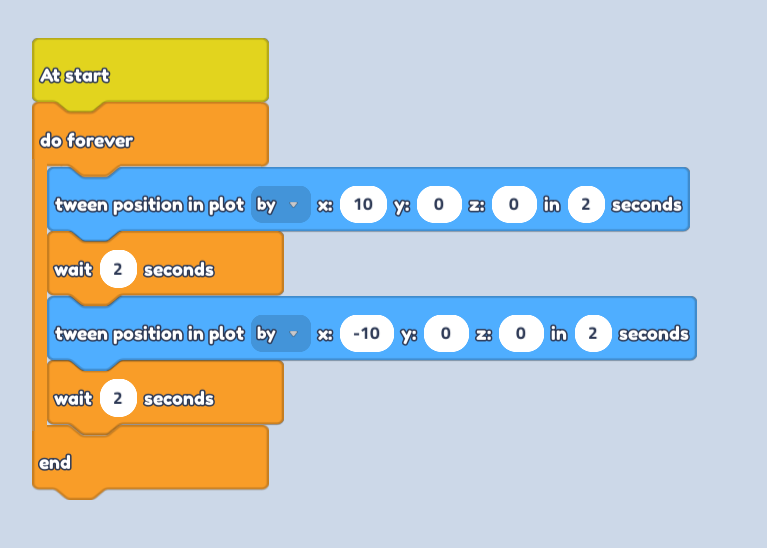
change from "To" to "By" in drop down options and select the number of points you need it to move by (See picture)
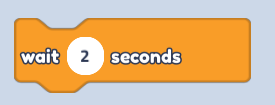
- Find "Wait" in "Control" = (Orange Button)
connect "Tween position" to "Wait". All of them should be inside a "do forever block" (See picture)
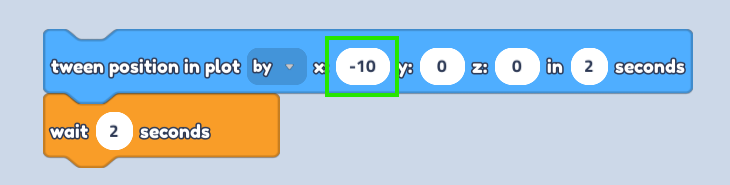
- Copy "Tween position" and "Wait" Code block
Change points to a (-) on the copied "Tween position" Block (See picture)
Combine all inside a "Do forever block"
- Save the code and enjoy!