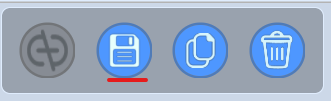
- Firstly click on your NPC then open the Code Builder or click on the
</>icon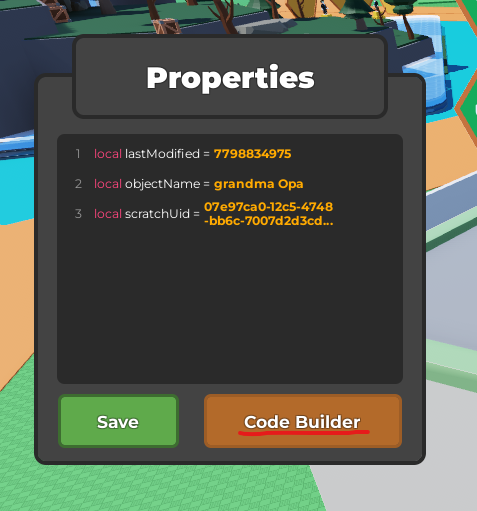
- Navigate to the "At Start" block in "Events" (Yellow circle)
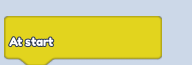
- Place it, and let's continue building blocks below that one, to code in a behaviour onto our NPC
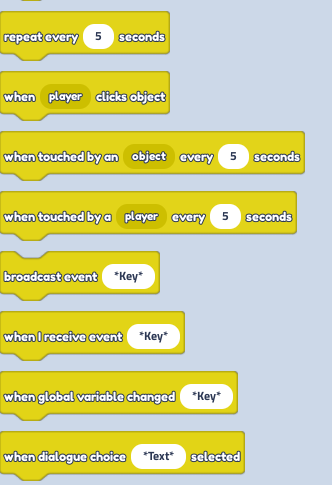
- In this tutorial, We code that the NPC's talking begins as soon as you press on the NPC (touch).
Navigate the "At Start" code block in "Events" (Blue circle):
 * You can make the NPC talk by selecting different ways of behaviour in code blocks below:
- Navigate to"Dialogue" and select "Prompt dialogue"
 * In the drop-down, you can select different NPC Behaviours e.g Friendly (Code that into your NPC) For different Talk Box behaviours to light up, Like green exclamation mark, Red Question mark orneutral, dependingon thebehaviour (mood) you'll choose (pic. below)
 5. End the sequence
 6. Save! And Taa-Daa!