This tutorial is perfect for an obstacle course!
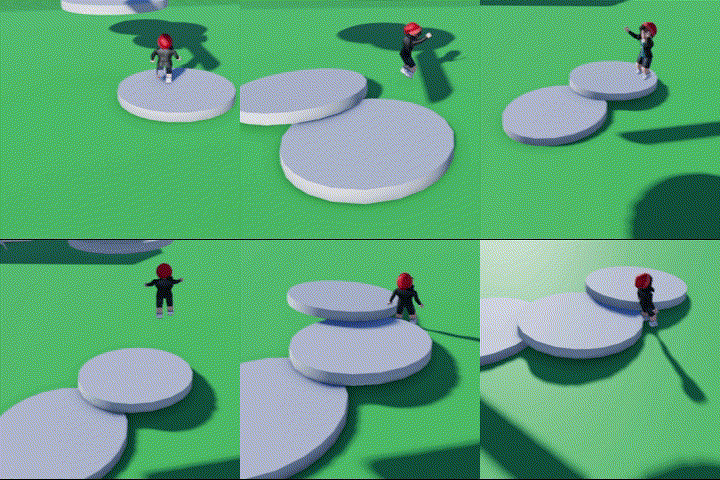
Open the Code Builder on your preferred shape.
Name your script and object.
Find "When touched by a player..." in "Events".
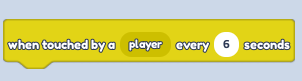
Change the seconds to when you'd like the object to start falling after it's touched. (This will affect the difficulty of your Obby).
- Find "Set anchored" in "Motion" and change it to False.
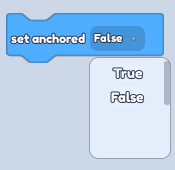
- Connect the two blocks, save your script, and enjoy the result!