- Download the latest version of the PlugIn
- Open Roblox Studio
- Click add experience

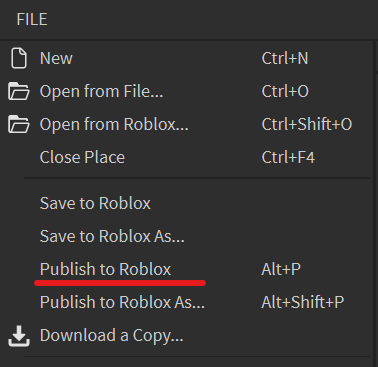
- Select "File" in the top right corner -> Publish to Roblox.
Call it "PlugIn"
- Go to the Plugins section in the top bar -> select Plugin folder (Then drag and drop the downloaded file)
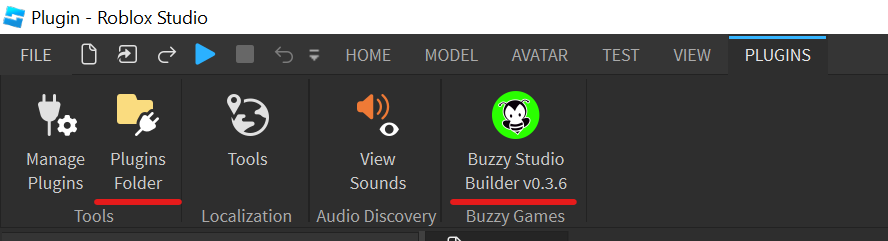
- Load the downloaded latest version and restart Roblox Studio
- Once you open the studio again, the plug in should appear -> click on it -> enter your code in "Status menu"
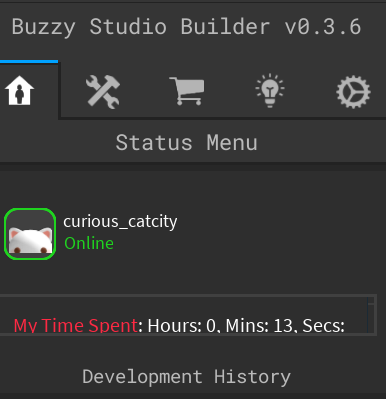
Open Buzzy Plug-In in Roblox Studio
Last updated: April 6, 2025
Was this article helpful?
Thanks for your feedback!