- Create a platform with the button on top
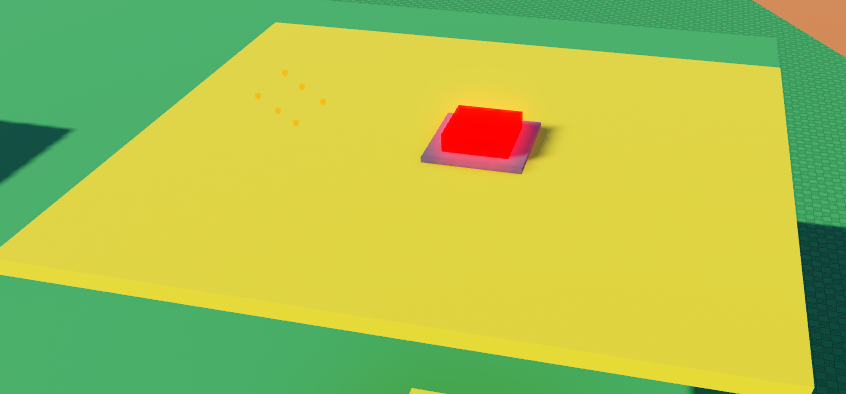
Platform here is important, because it will be understanding, when player steps off the button
- Create an invisible plank
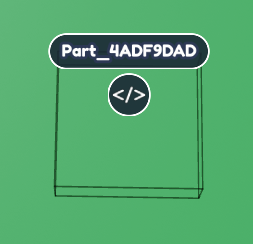
- Start with a platform, select it and open the Code Builder. Call the selected platform "Button"
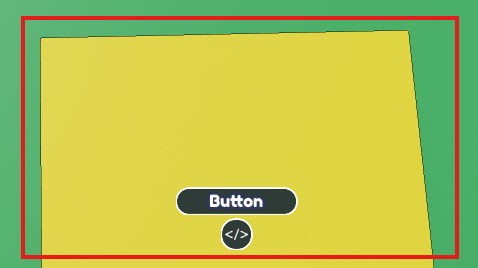
- Find "When touched by a player" in Events (Yellow Button)
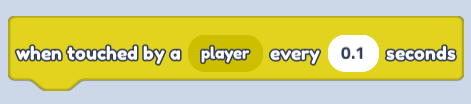
Change seconds to 0.1
- Find "Broadcast event" in Events (Yellow Button)
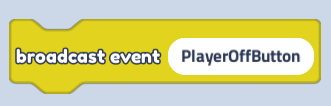
Change text to "PlayerOffButton"
Combine code blocks!
Move onto the code for an actual button and call it "ButtonForPress"
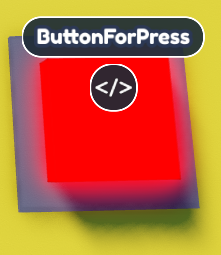
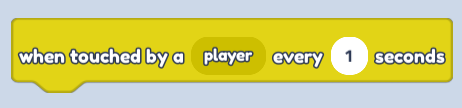
- Find "When touched by a player" in Events (Yellow Button) and change seconds to 1
- Find "Broadcast event" in "Events" (Yellow Button)
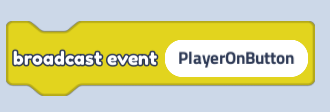
Change text to "PlayerOnButton"
Combine code blocks!
Lastly move on to an "Invisible plank"
Find "At start" in Events (Yellow Button) and then find "For each player in plot so" in Player (Navy button) and connect them!
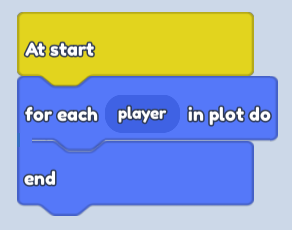
- Next we will focus on transparency.
Build another code block, right next to the one you just made.
- Find "When I receive event" in Events (Yellow button)
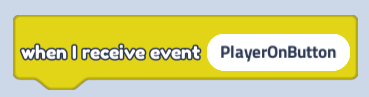
Change text to "PlayerOnButton"
- Find "Tween transparency..." in Looks (Purple Button)
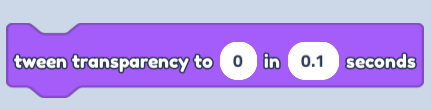
Change transparency value to 0 and seconds to 0.1
- Find "Set collidable" in Motion (Blue button)
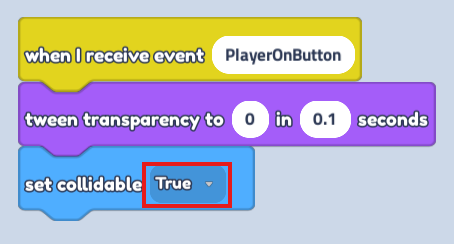
Change it to "False" in dropdown menu and connect the blocks!
- Duplicate the whole code block that we just built.
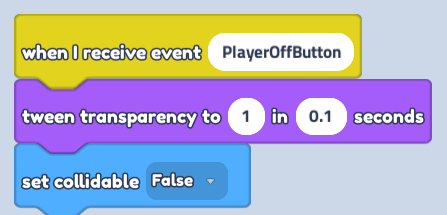
Change text to "PlayerOffButton" in "When I receive event"
Change "Tween transparency to 1 in 0.1 seconds"
Change "Set collidable" to False
- Save your code and enjoy